Margin Tab
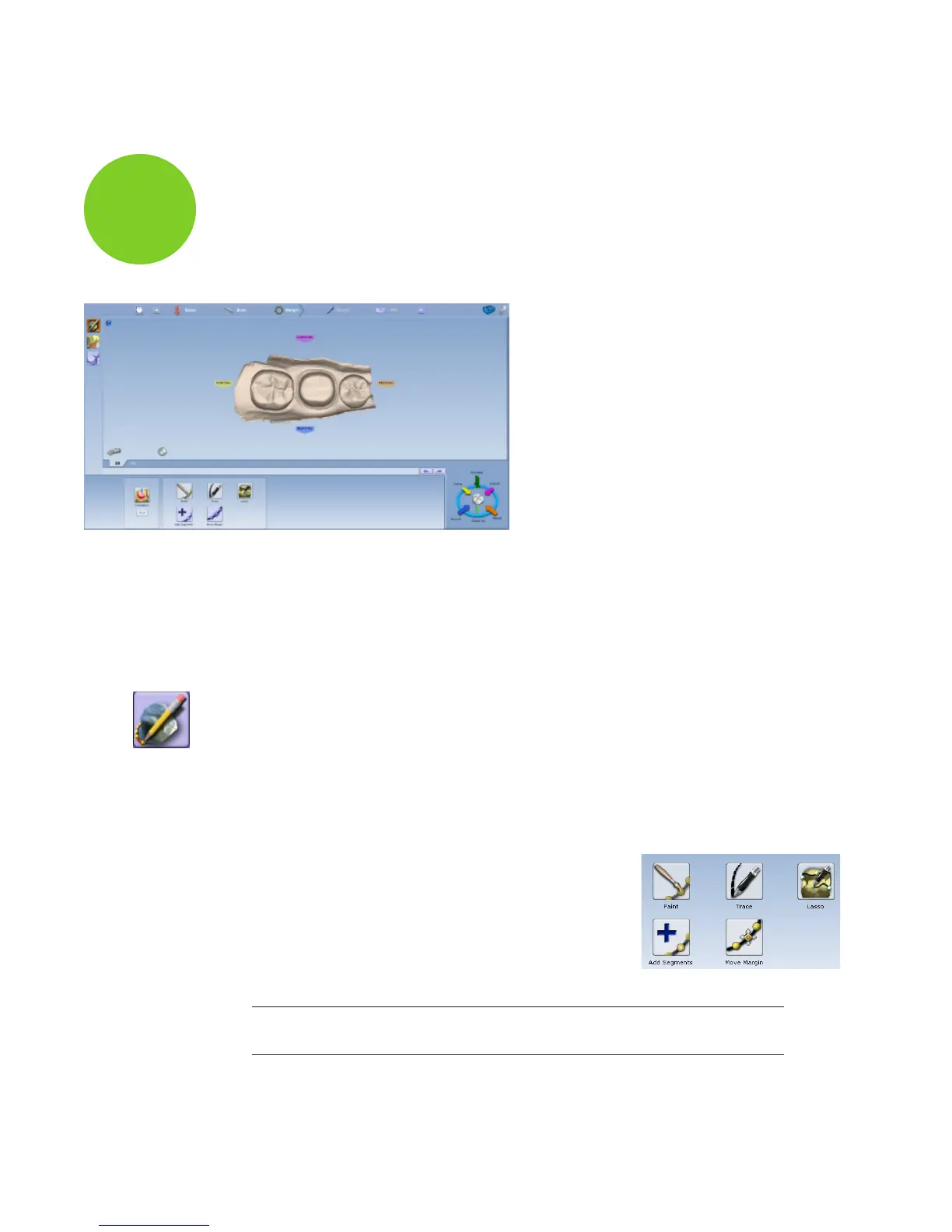
The Margin tab contains tools for quickly and easily creating and modifying the margin.
There are three tools on the Margin tab.
• Margin Tool
• Selection Area Tool
• Pre-op Editing Tool
Orientation
The Orientation tool is automatically activated when you rst access the Margin tab. For Scan
Only cases, this step can be skipped. If you are going to design the case, see the Planmeca
PlanCAD manual for more information.
Margin Tool
Clicking the Margin Tool activates the margin editing mode in which various methods are
available to create and edit the margin.
There are three aids available when working with the margin:
• View ICE Preparation
• Show Features
• Toggle Margin
There are three options for creating your margin:
• Paint - Create the margin using a broad brush stroke.
• Trace - Create the margin using individually marked points
along the edge.
• Lasso - Create the margin by marking several points along
the edge
Note: You can zoom and rotate the model while you are creating or editing the
margin.
E4D
Planmeca
6














 To Next Page