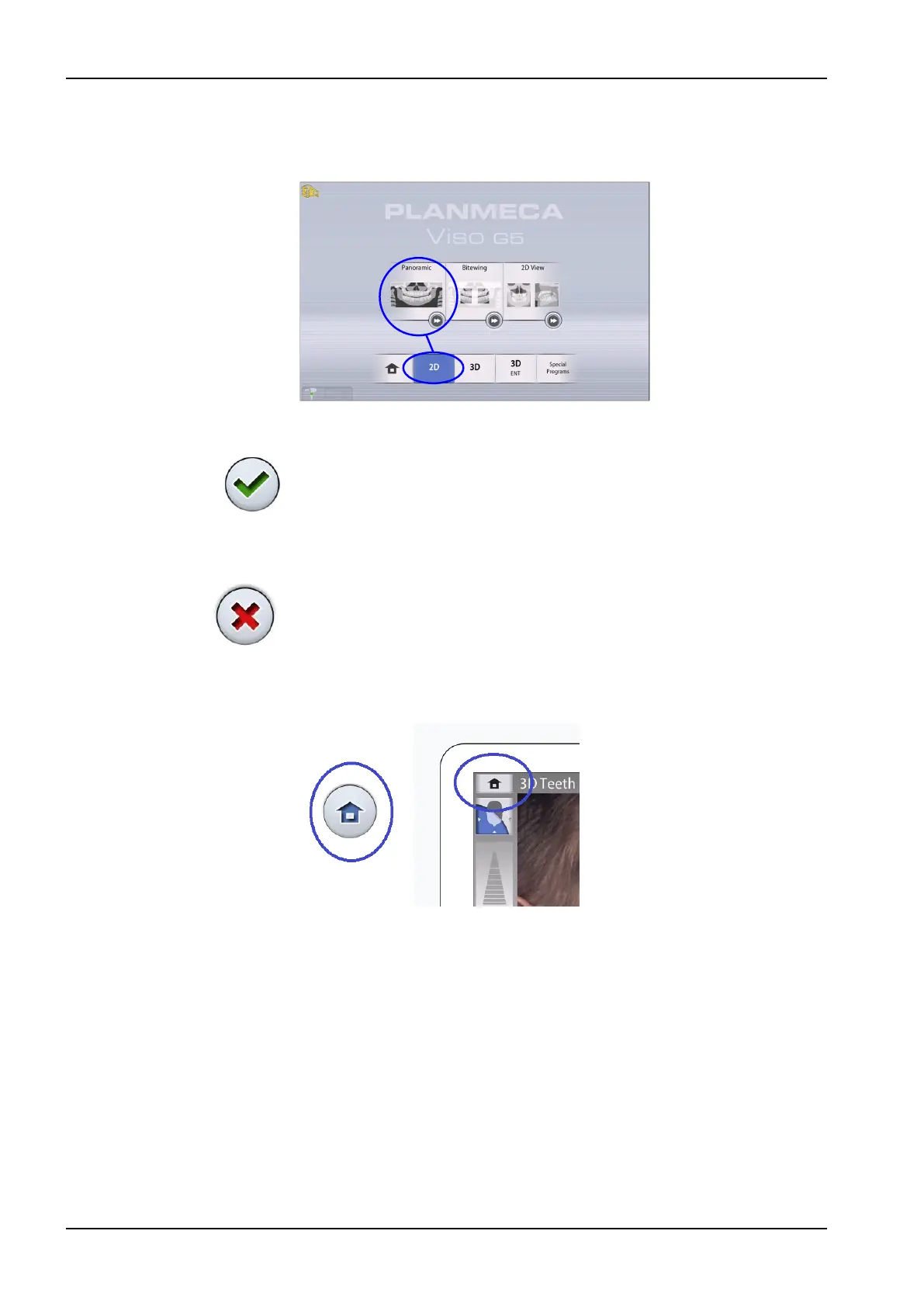
Program group buttons
To view all the programs that are available for a program group, select the
program group button.
Accept button
To accept a selection, select the green check mark button.
Cancel button
To cancel a selection and close a pop-up window, select the red cross
button.
Home button
To go to the home screen from another screen, select the home button.
8 Main parts
22 Planmeca Viso User's manual












 To Next Page