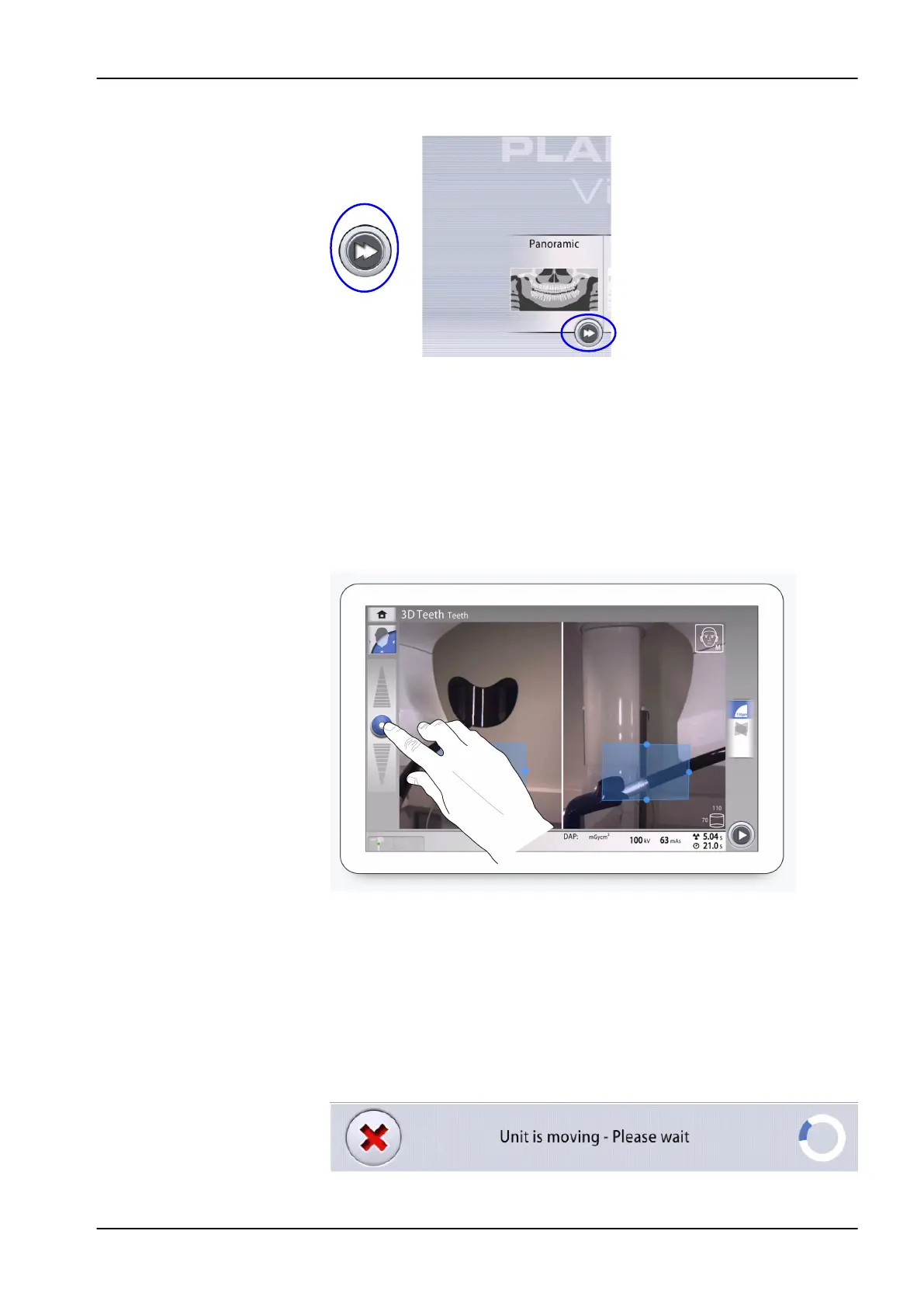
Fast forward button
To proceed directly to patient positioning, select the fast forward button.
When the fast forward option is selected, the C-arm does not move to entry
position.
Scrolling lists
To scroll a list up or down, slide your finger on the screen.
Height adjusting slider (touch screen only)
Use this slider on the touch screen to move the X-ray unit up or down.
• Move the slider up to move the X-ray unit up.
• Move the slider down to move the X-ray unit down.
The X-ray unit moves slowly at first, then faster.
About circle symbol
You see a spinning circle on the screen when the C-arm moves to a
new position. The length of the blue section indicates the length of the
movement: the longer the section is, the more the C-arm will move. The
circle disappears when the C-arm has reached the new position.
8 Main parts
User's manual Planmeca Viso 23












 To Next Page