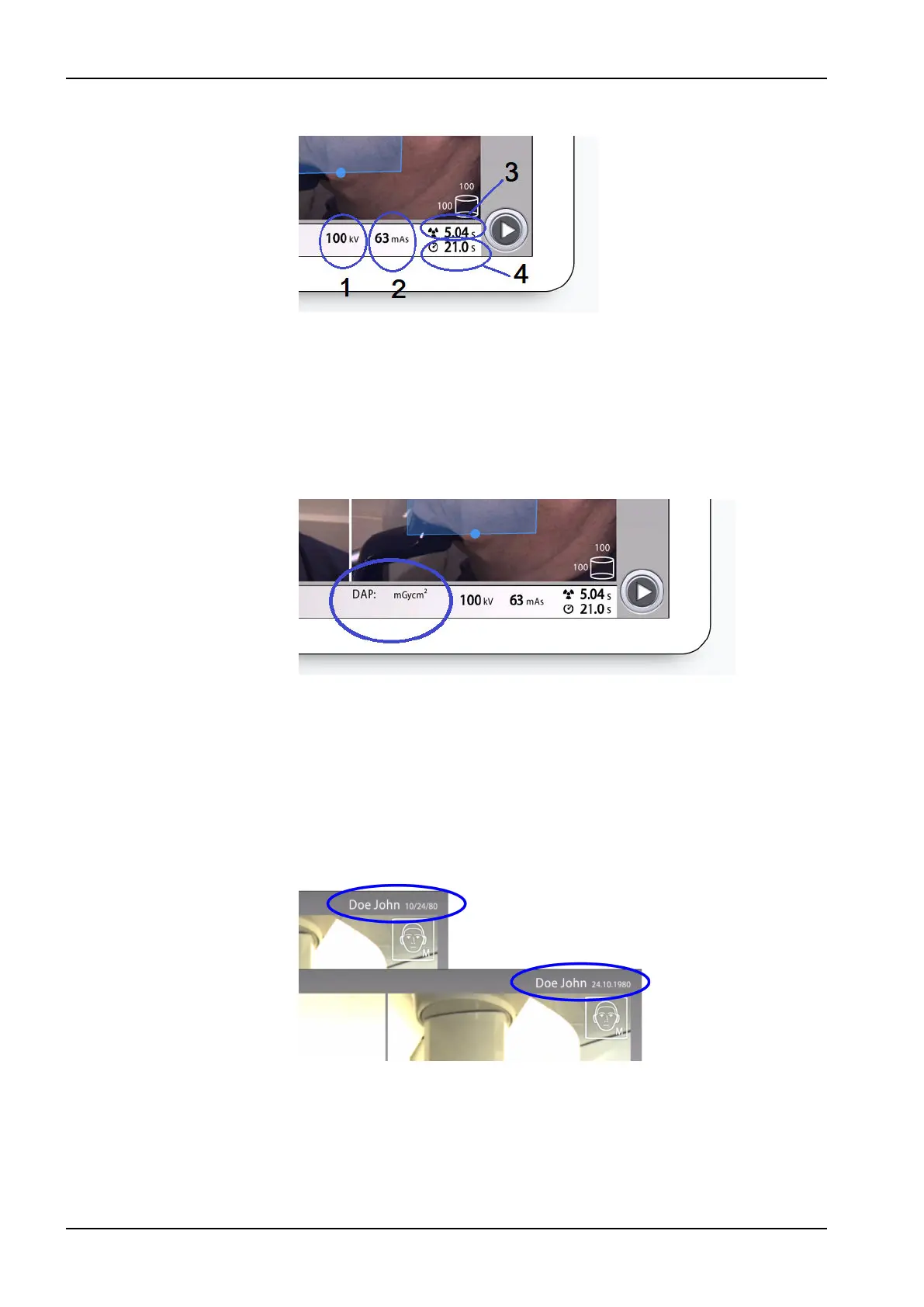
Checking exposure values
1 kV = kilovolt setting
2 mAs = milliampere second setting
3 Exposure time = Effective exposure time in seconds i.e. the time
that the patient receives radiation
4 Scan time = Total scan time in seconds i.e. the time that you press
the exposure button
Checking DAP value
DAP = Dose Area Product
The DAP value shown on the screen before you take an exposure is an
estimate. The actual DAP value is shown after the exposure.
Patient name
When a patient is selected in Planmeca Romexis, their name and date of
birth is visible on the top right corner of the control panel for the duration
of the imaging. The date format depends on the regional settings of the
operating system.
8 Main parts
24 Planmeca Viso User's manual












 To Next Page