Changing settings
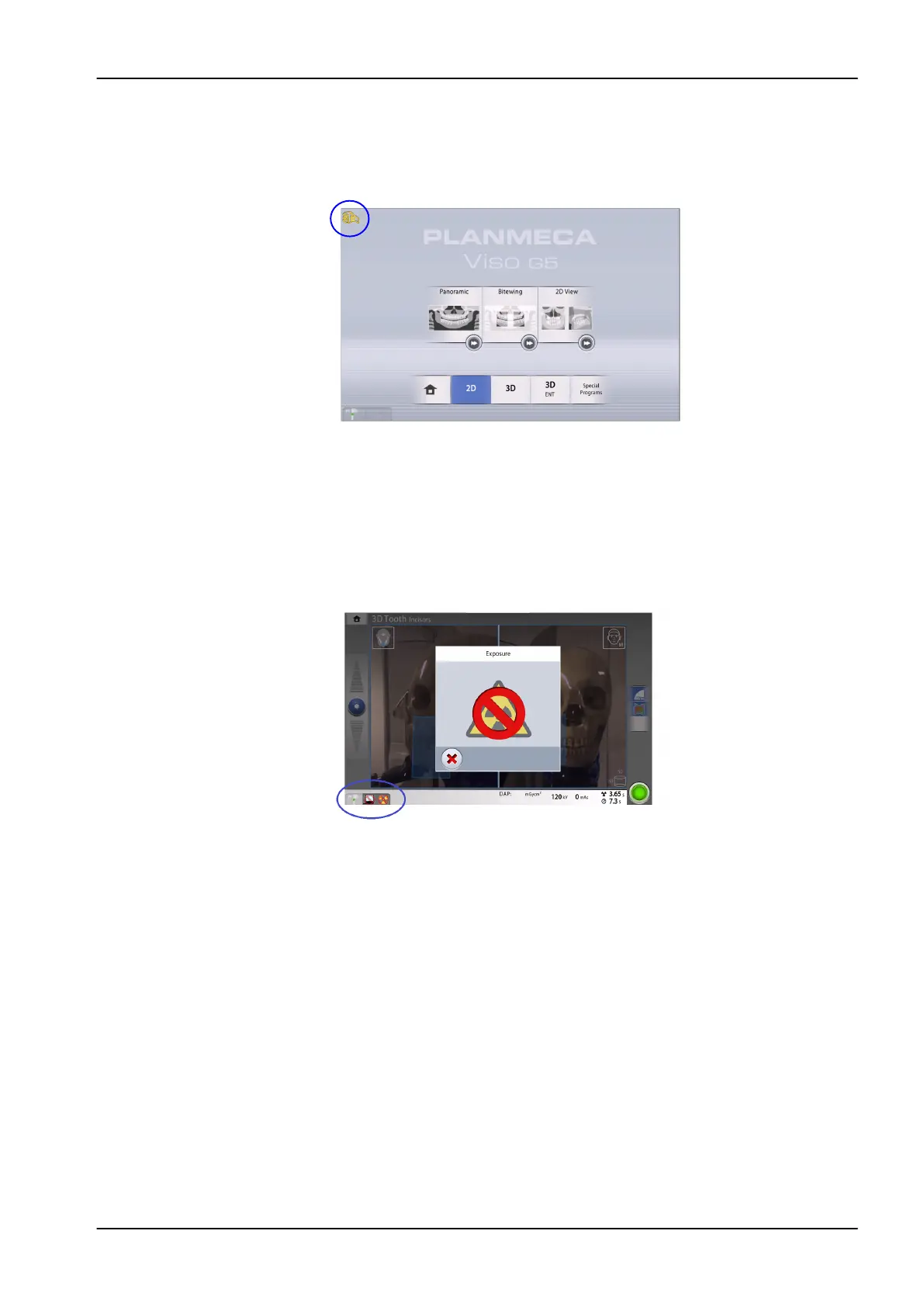
To change a setting, select the settings symbol on the main screen. This
takes you to the settings menu where you can adjust the settings of the
X-ray unit.
• Selecting demo mode
You can switch the demo mode on if you wish to practice or demonstrate
the functions of the X-ray unit without radiation and PC connection. For
more information, see section "Operational Settings (1300)" on page
83 .
You see these symbols in the bottom left corner of the screen when the
demo mode is switched on. Additionally, a prohibition sign is shown on
the top of the radiation symbol when you press the exposure button.
8 Main parts
User's manual Planmeca Viso 25












 To Next Page