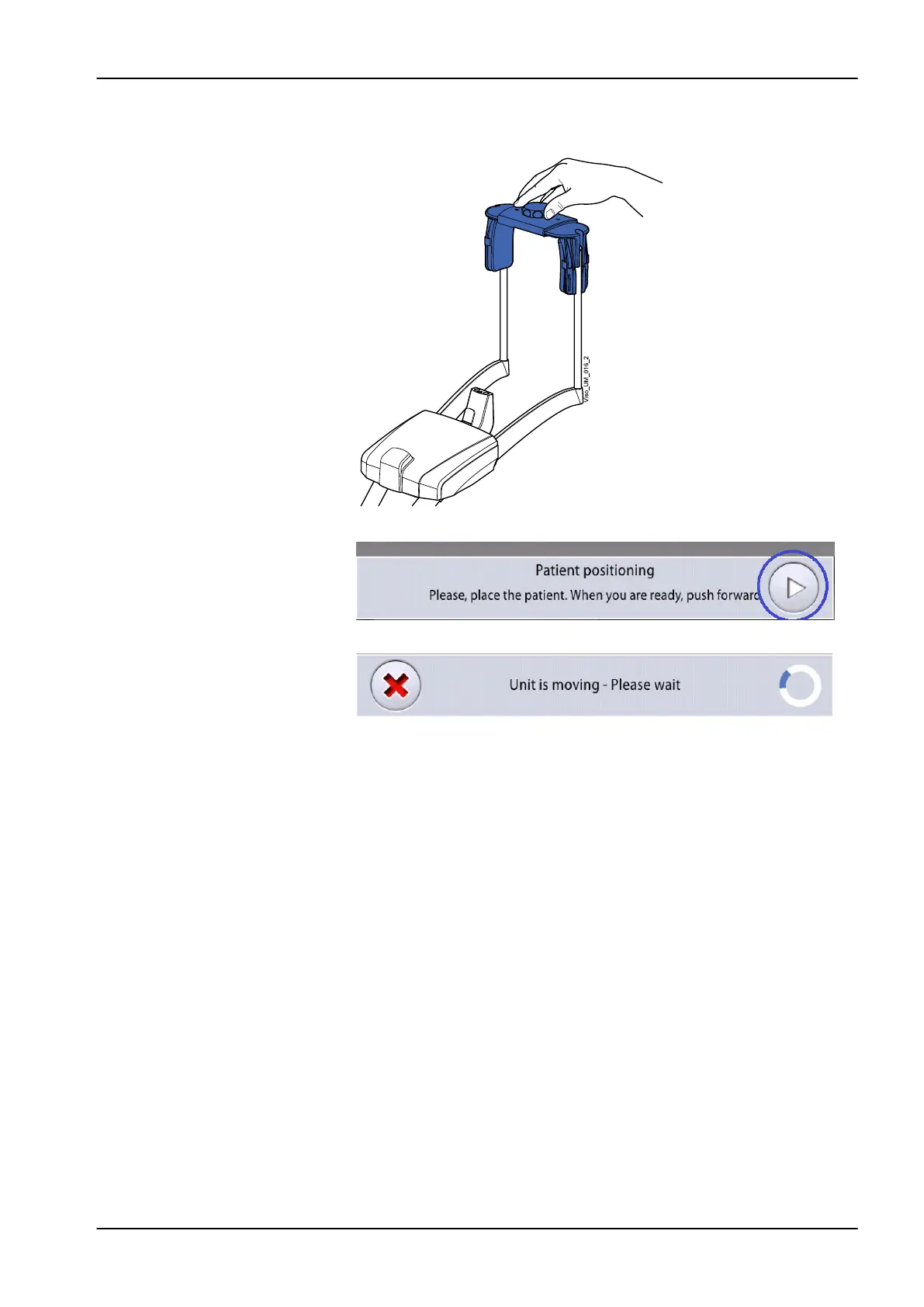
6. If you use the top head support, you can adjust it by turning the adjusting
knob at the top.
7. Select the forward button.
The sensor moves to the front. You see this message.
The sensor contains digital cameras which stream live video of the
patient’s head.
8. You see two camera images of the patient’s head on the control panel: a
front view and a side view.
The preset position of the panoramic image layer is shown with a blue
area in both views.
• Carefully position the patient’s Frankfort plane so that it is parallel to
the Frankfort plane reference line.
Use the height adjusting slider on the touch screen to adjust the tilt of
the patient’s head. The patient’s back and neck must be straight.
10 2D exposure
User's manual Planmeca Viso 39












 To Next Page