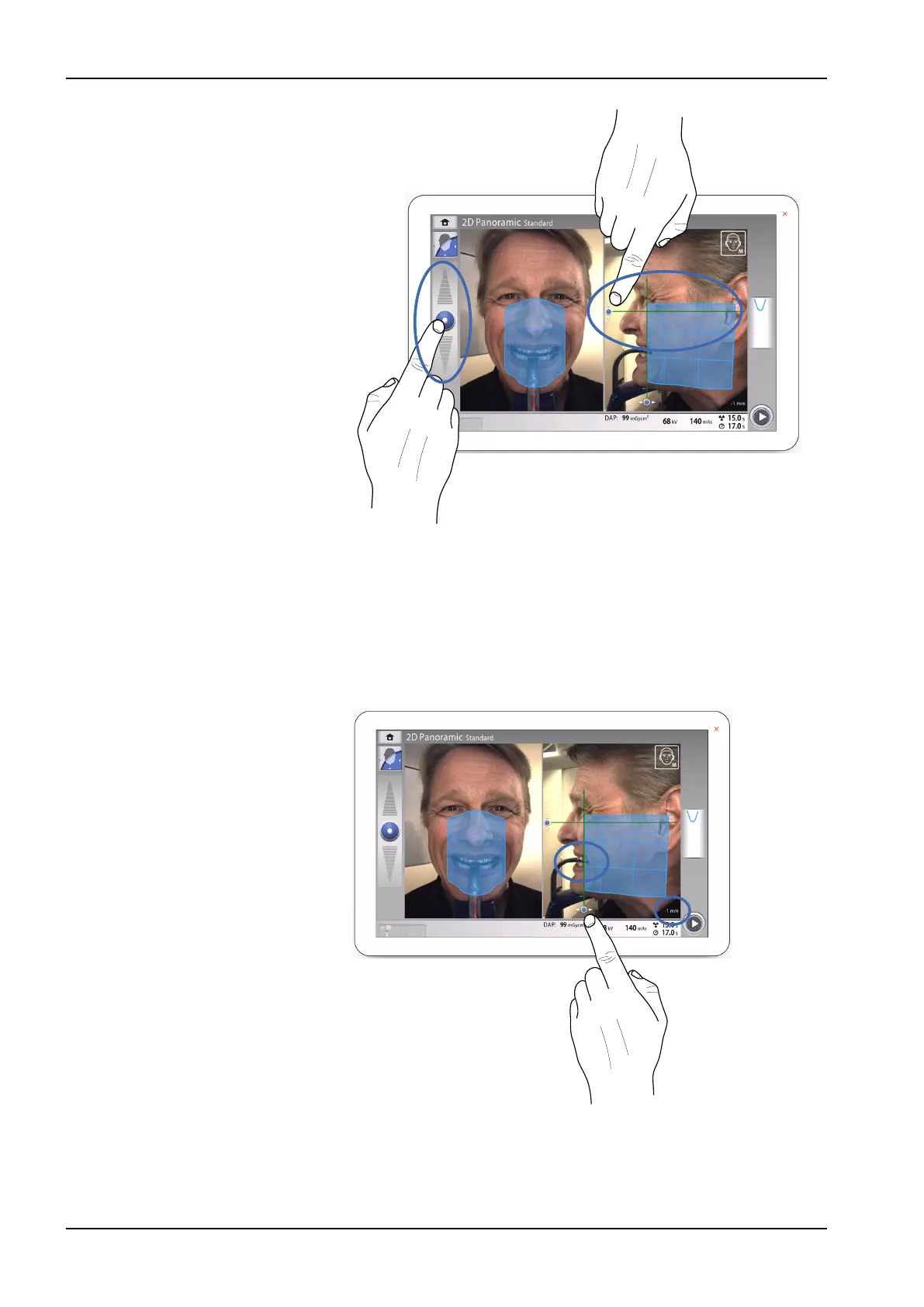
• A virtual layer light is shown with a green line on the screen. Use
your mouse cursor (virtual control panel) or finger (touch screen) to
move the blue area forwards or backwards so that the green line is
positioned between the patient’s second incisor and the canine.
The selected position is shown in the bottom right corner (e.g. -1
mm).
Position the apices of the patient’s upper central incisors within the
image layer of the X-ray unit:
9. Optionally, activate the Panoramic segmentation and select the
segments for exposure.
• Select the Segmentation button from the left bottom corner.
10 2D exposure
40 Planmeca Viso User's manual












 To Next Page