4. Ask the patient to swallow, place their tongue flat against the roof of the
mouth and stay as still as possible.
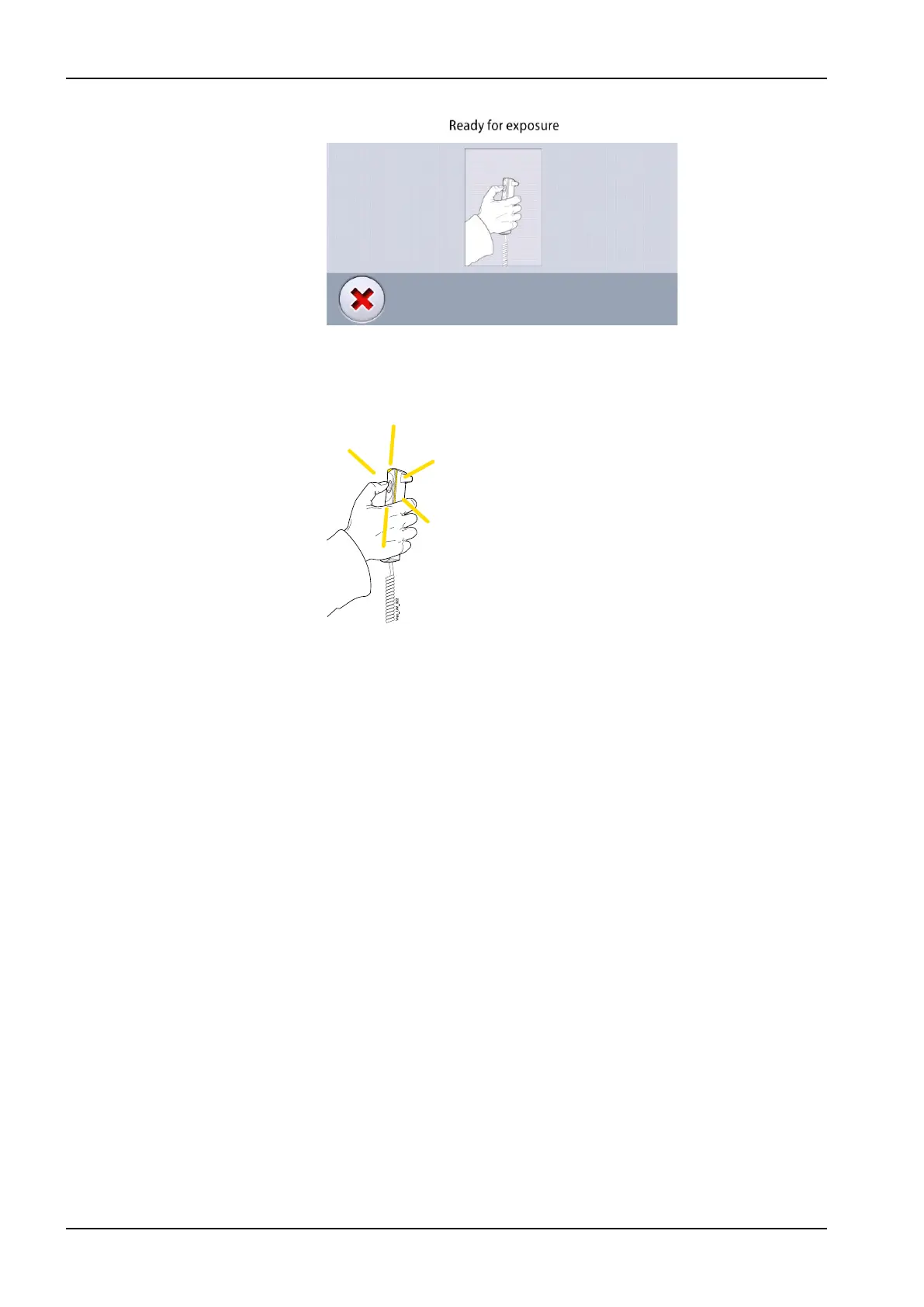
5. Press and hold down the exposure button for the duration of the
exposure.
The C-arm moves around the patient’s head.
During exposure yellow radiation warning lights illuminate on the
exposure switch and on the control panel. Additionally, you hear a
radiation warning tone and see a radiation warning symbol on the control
panel.
You can follow the imaging process on the virtual control panel.
NOTE
Do not release the exposure button before the end of the exposure.
NOTE
Maintain audio and visual contact with the patient and X-ray unit during
exposure. If the C-arm stops moving during exposure, or moves in an
erratic way, release the exposure button immediately.
10 2D exposure
48 Planmeca Viso User's manual












 To Next Page