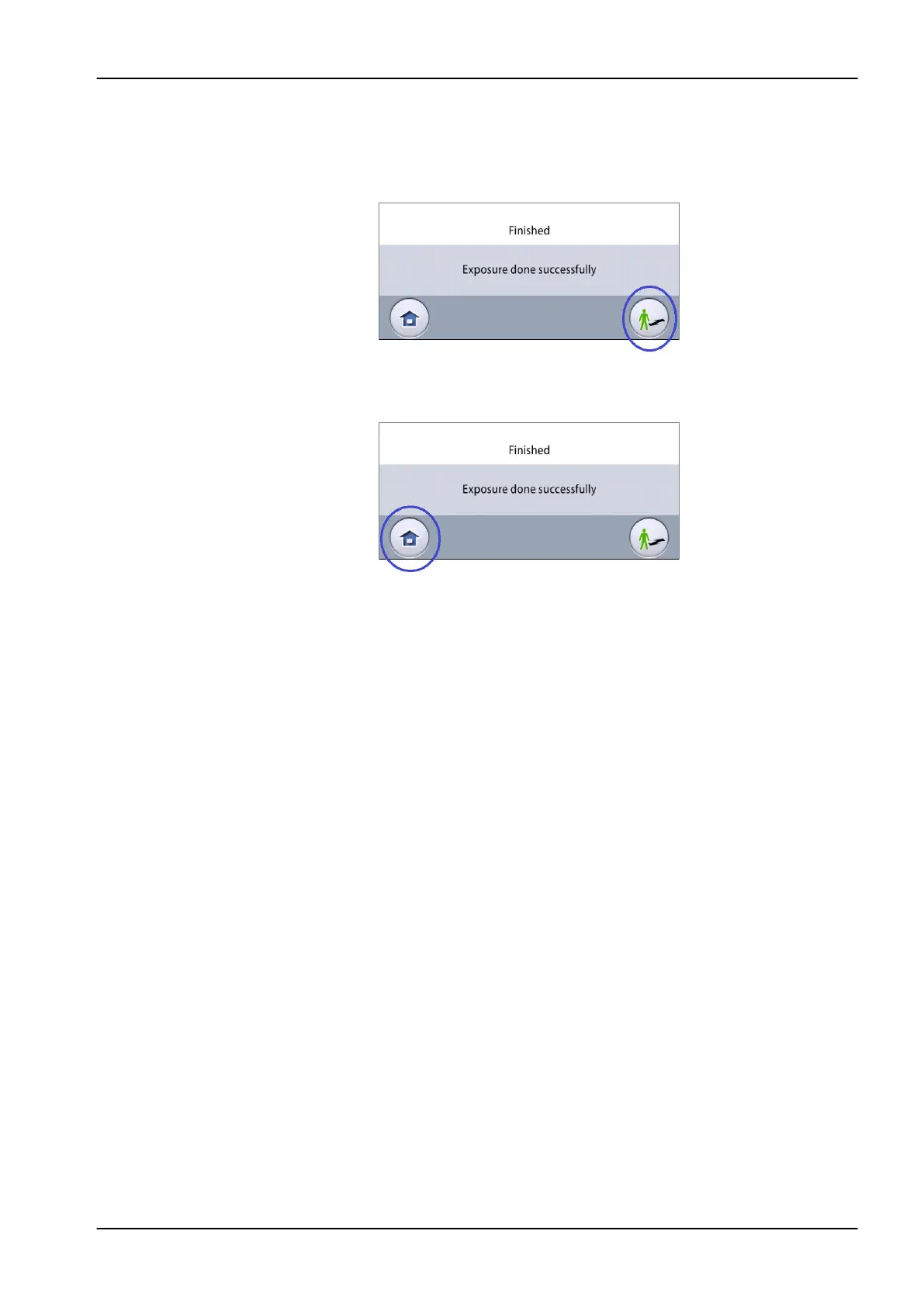
6. You see this message on the touch screen.
• Select this button if you want to retake the exposure with the same
settings.
• Select this button if you want to go to the home screen.
7. Release the patient from the head support.
8. Guide the patient away from the X-ray unit.
Results
The image displays on the computer screen.
10 2D exposure
User's manual Planmeca Viso 49












 To Next Page