101
8
System Set Size Guide
NOTE:
The following tables are guidelines designed to give an indication of how many sheets a specic
application can have at a given media weight.
On some coated media staples may not penetrate the set resulting in a faulty staple. If problem
persists, consider changing media. Staple may not be able to penetrate the number of sheets
indicated by the “Set Size Guide”. Some uncoated extra “dense” paper may show the same
limitation. The following media are examples of this:
Futura Laser Gloss 80c
Hammermil Laser Print
OPUS Gloss
Exact number of sheets is depending on media type and area coverage.
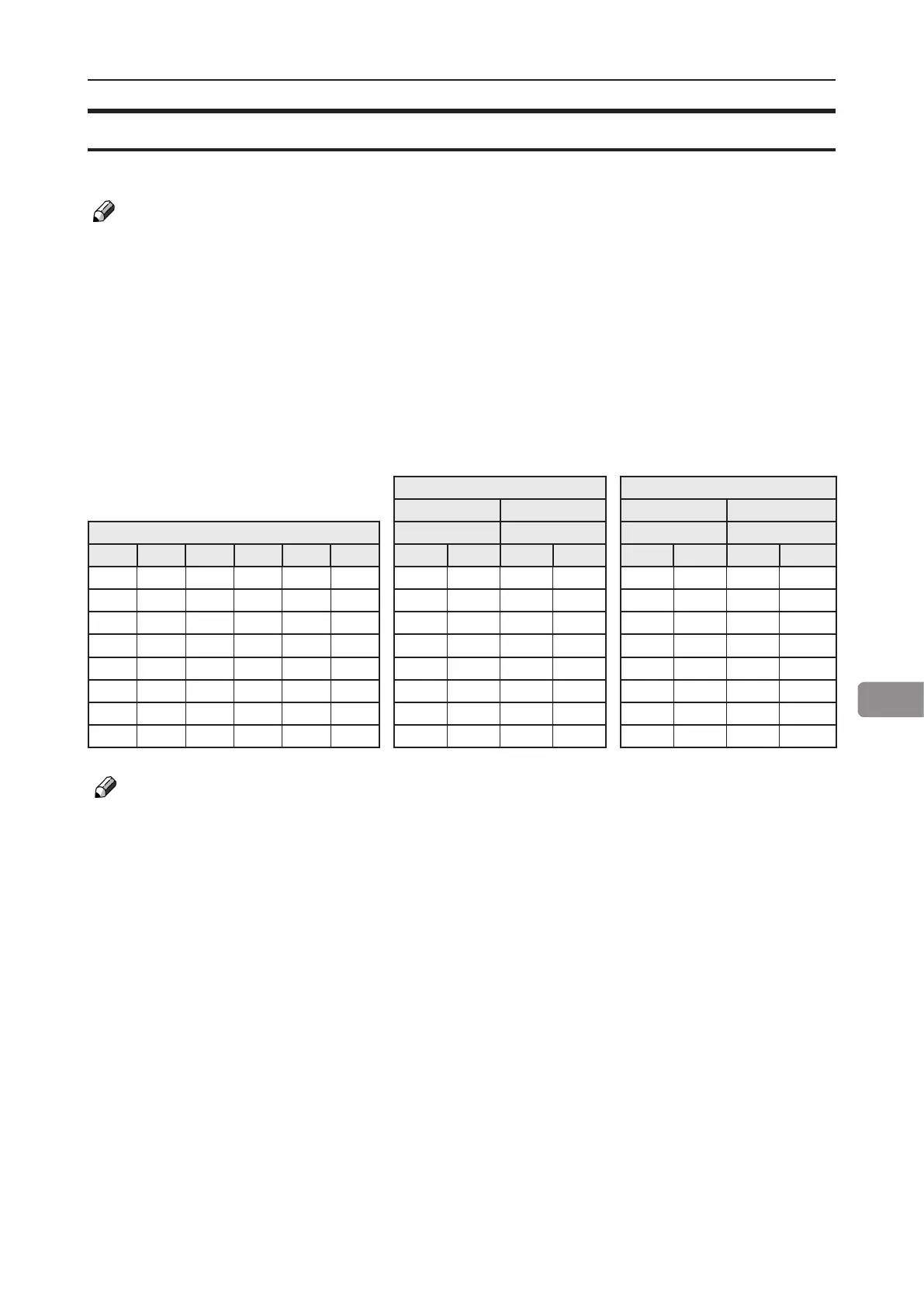
BLM50 BLM35
Paper Size Paper Size
A3 or 11x17" A4 or 8.5x11" A3 or 11 x 17" A4 or 8,5 x 11"
Paper weight Area Coverage Area Coverage Area Coverage Area Coverage
Bond Offset Cover Tag Index Gsm Low Full Low Full Low Full Low Full
20 50 28 46 42 80 50 32 50 32 35 25 35 25
24 60 33 56 50 90 45 32 44 32 30 20 30 20
31 81 45 73 66 120 25 24 26 25 22 19 22 19
36 90 50 82 75 140 20 19 22 20 17 15 20 15
53 135 74 122 110 200 15 14 15 15 13 10 13 10
58 146 80 134 120 220 13 12 14 12 11 9 11 9
76 192 105 175 158 280 12 10 10 10 9 7 9 7
82 208 114 189 170 300 9 9 9 9 8 6 8 6
NOTE:
1. For cover jobs , deduct 2 sheets
2. Paper size: large = A3/11x17”> , Small = <A3/11x17”
3. Area coverage: Low = text only, High = Pictures, Full = Maximum coverage
4. For jobs with multiple sheets of 200 gsm or higher paper weight the BookFold Module is
recommended for an acceptable output



 To Next Page