57
3
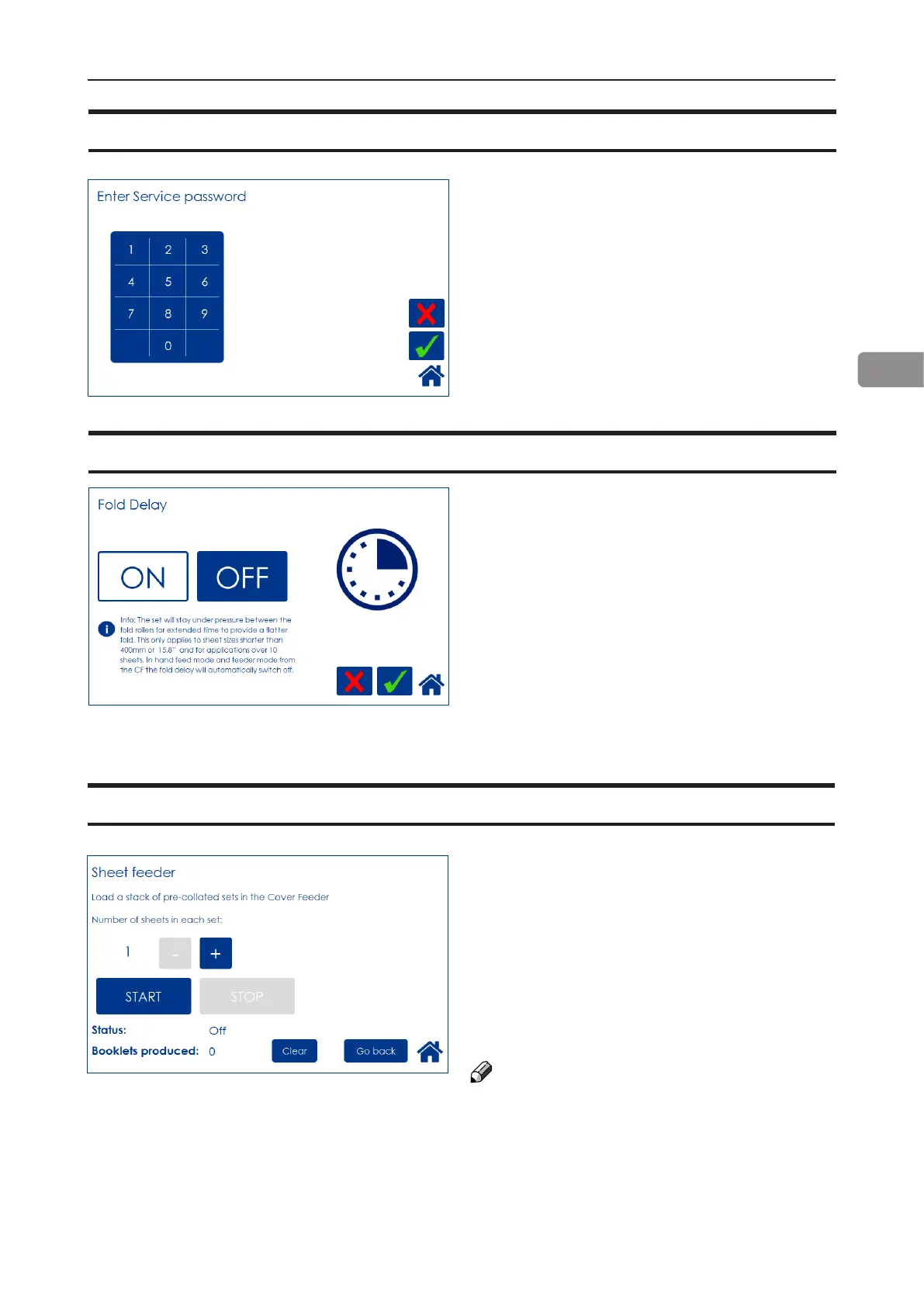
Sheet feeder
This function allows you to use the Cover Feed-
er as a regular Feeder. Load the Cover Feeder,
enter the desired number of sheets in each set
and press the [Start] button to begin folding.
Press the [Stop] button to stop.
See section 1, “Basics”, for how to load the
cover feeder.
See section 2, “Making Booklets” for how to ad-
just Air Separation and Double sheet detection.
NOTE:
To avoid the error message “Load covers”, load
covers before pressing the [START] button.
With this feature, the set will stay under pres-
sure between the fold rollers for an extended
time to provide a atter fold. This only applies
to sheet sizes shorter than 400mm or 15.8”
and for applications over 10 sheets. In hand
feed mode and feeder mode from the CF, the
fold delay will automatically switch off.
Fold delay
This function is for authorized service personnel
only and is password protected.
Service mode



 To Next Page