50
2
Crease
Crease Mode
Crease position
From the Settings for Booklet Production
screen, press the [Crease] button.
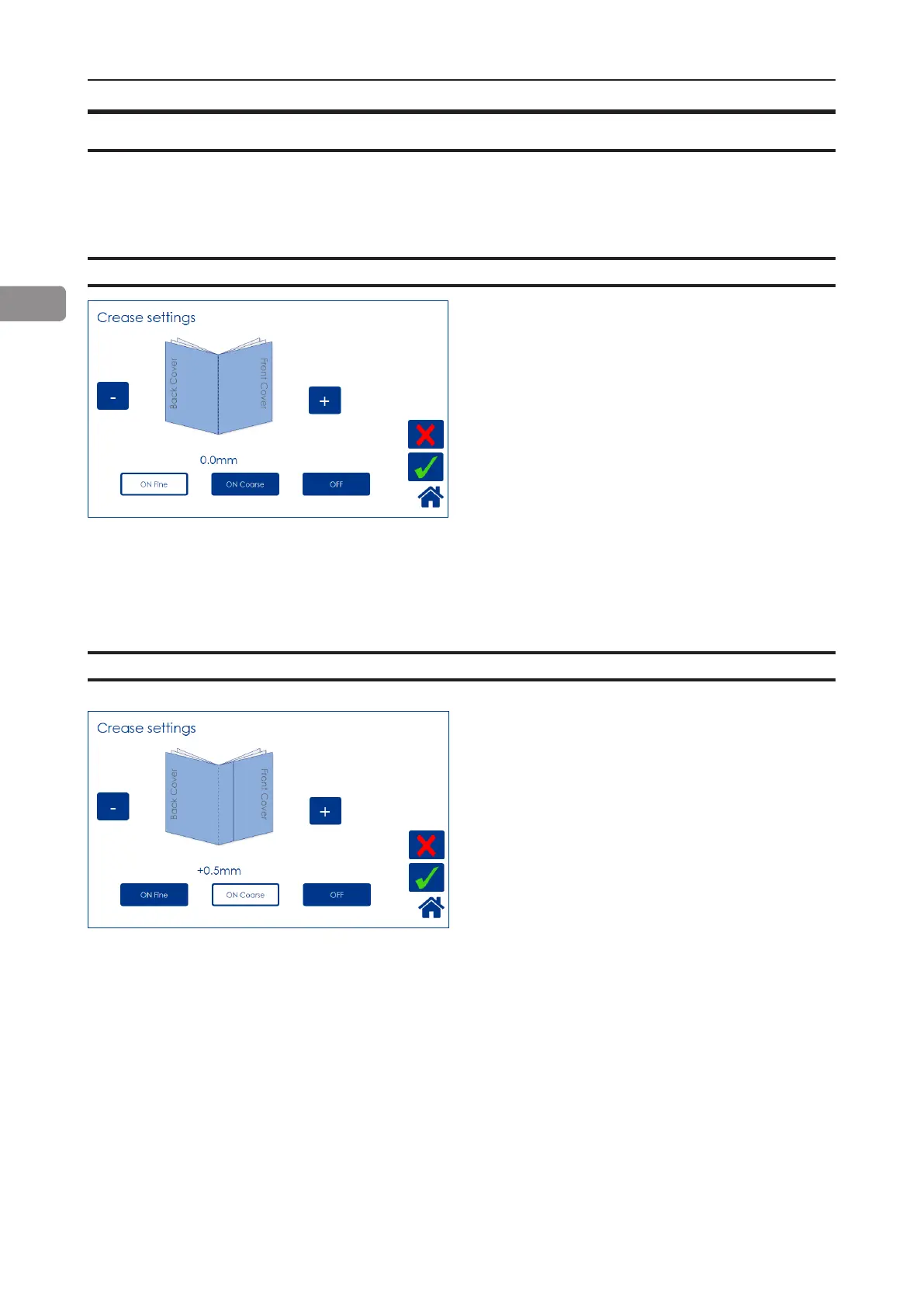
Press the corresponding button to choose [On
Fine], [On Coarse] or [OFF].
Fine is recommended for cover sheets less than
120 gsm / 32 lb Bond.
For sheets heavier than that, select Coarse.
When you want to turn the Creaser off, select
Off.
Press the green [check] button to conrm.
The crease is initially set to the center of the
sheet. Operators have the option to offset the
position of the crease using the [+] or [-] buttons.
Press the [+] button move position closer to the
lead edge and press the [-] button move posi-
tion closer to the trail edge. Regardless if you
chose Fine or Coarse creasing, each press of a
button will move the crease 0.1 mm / 0.004”.
When done, press the green [check] button to
conrm.
The illustration shows that the crease is offset
0.5 mm towards the trail edge.
The Crease function makes it possible to crease the cover sheet of the booklet in order to avoid
toner cracking or aking at the fold.



 To Next Page