Information Elements
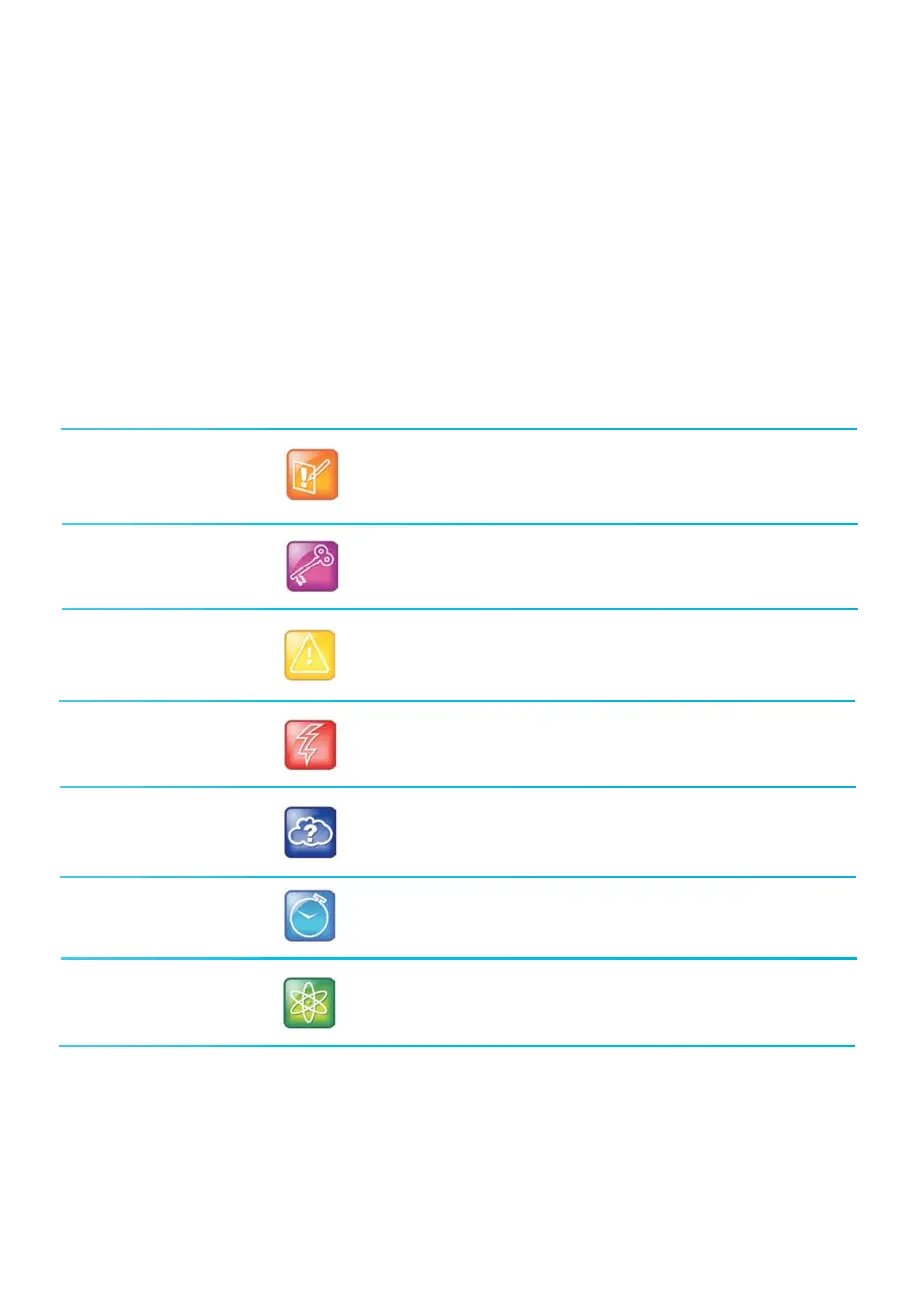
The following icons are used to alert you to various types of important information in this guide :
Note
The Note icon highlights information of interest or important
information needed to be successful in accomplishing a
procedure or to understand a concept.
The Administrator Tip icon highlights techniques, shortcuts,
or productivity related tips.
Administrator Tip
Feature Icon Description
Warning
The Warning icon highlights an action you must perform (or avoid)
to prevent issues that may cause you to lose information or your
configuration setup, and/or aect phone or network performance.
The Web Info icon highlights supplementary information
available online such as documents or downloads on :
support.polycom.com or other locations.
Web Info
Caution
The Caution icon highlights information you need to know to
avoid a hazard that could potentially impact device performance,
application functionality, or successful feature configuration.
Power Tip
The Power Tip icon faster, alternative procedures for advanced
administrators already familiar with the techniques being
discussed.
Timesaver
The Timesaver icon highlights a faster or alternative method for
accomplishing a method or operation.
Icons Used in this Guide
















 To Next Page