PreciseFlex_Robot
120
Adjusting the Gripper Backlash or Centering Fingers
Tools Required:
1. 1.3mm “stubby” hex L wrench
2. 1.5mm “stubby” hex L wrench
Spare Parts Required: none
To adjust the gripper backlash the user must:
1. Remove the Gripper Cover by removing 6 M2 X 6mm FHCS.
2. For grippers with spring return, disconnect one end of the spring to remove spring tension.
3. Move the racks back and forth to determine which rack has backlash and where it is located on
the rack.
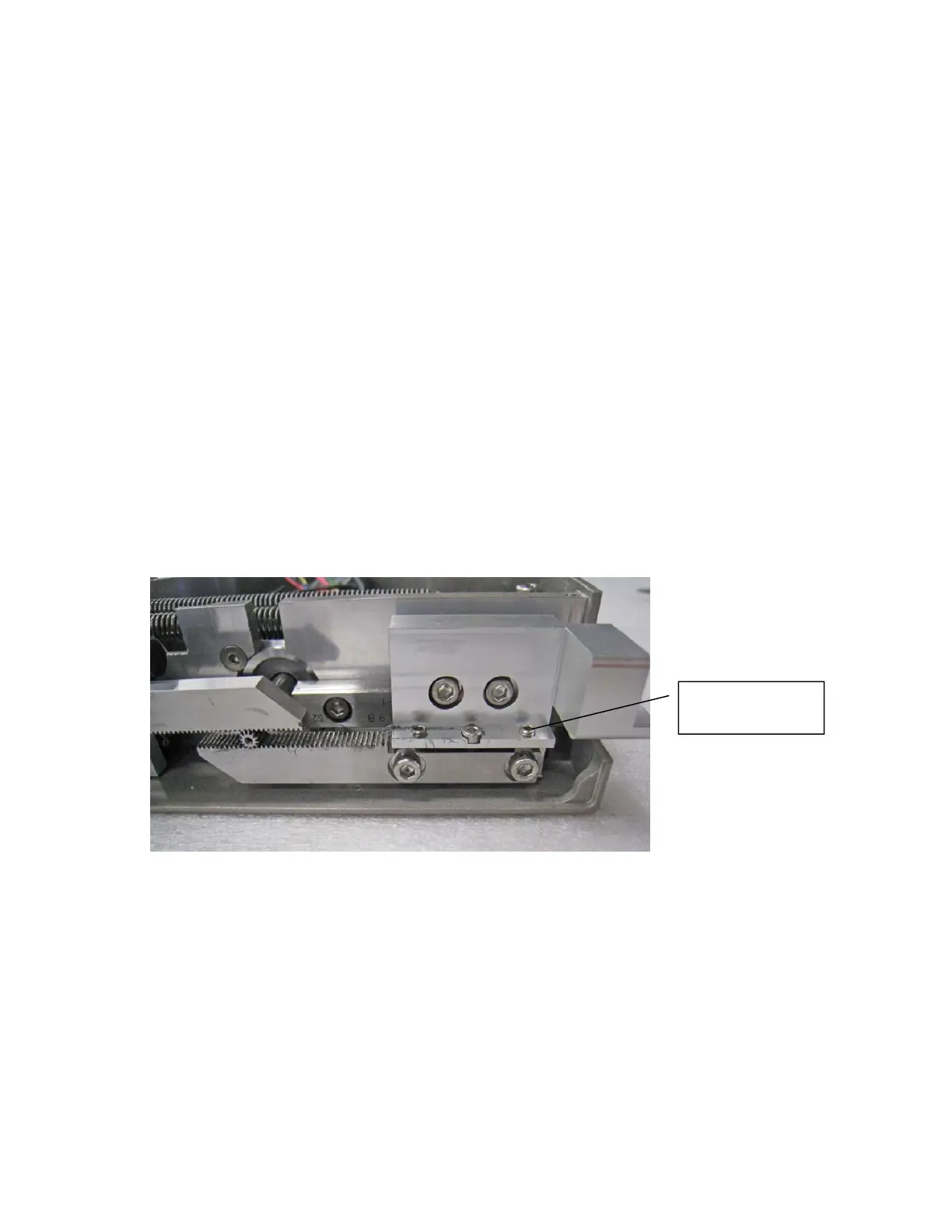
4. Loosen the 2 M3 X 8 SHCS clamping the rack to the finger mount.
5. Adjust the M2 SHCS and M3 set screws to adjust the rack backlash or center the racks as
needed if a crash has caused the racks to skip teeth or come loose.
6. Remove the 2 M3 X 8 SHCS one at a time, apply Loctite 243 screwlock, reinstall and tighten.
Adjustment
Screws



 To Next Page