PreciseFlex_Robot
128
Installing the Optional GIO Board
Precise sells a digital IO board that provides 12 inputs and 8 outputs as an option. This board may be
installed either in the Z column of the robot for standalone PF400 robots, or in the Linear Axis extrusion
for robots with the Linear Axis option. The PF3400 robot has an IO board installed in the base with 8
inputs and 8 outputs as a standard feature, so it is not possible to add this optional board.
This board is provided with a 150mm pigtail harness to a 25 pin Dsub connector. The board is attached
with 4 M3 X 10 SHCS and the 25 pin Dsub is attached with standard D-sub 4-40 mounting standoffs.
This board is typically installed at the factory, but can be installed in the field for robots shipped after July
2012 which have the appropriate mounting holes.
To install the GIO in a robot:
Tools Required:
1. 3 mm hex driver or hex L wrench
2. 2.5 mm hex driver
3. M5 socket driver
4. M5 open end wrench
Spare Parts Required:
1. GIO Digital IO Board see “Spare Parts List”
To install the GIO Board in a robot without a linear axis the user must:
1. Remove the top cover plate from the top of the robot Z column by removing 4 M5 X 10 LHCS.
2. Remove the front Z column cover by sliding it upwards through the Z carriage.
3. Remove the left splash guard by removing the M3 X 8 SHCS and star washer holding the splash
guard to the robot base plate.
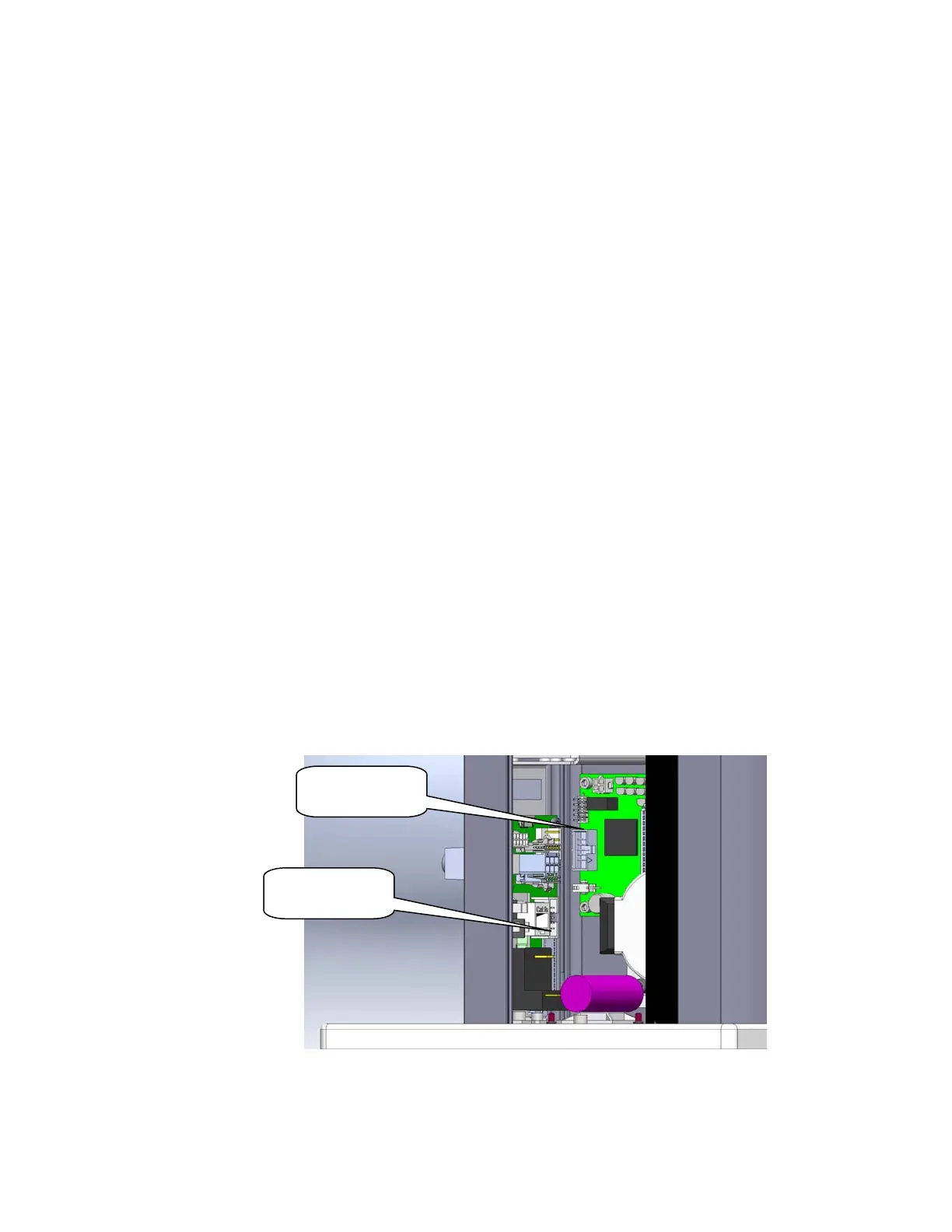
10 conductor
cable to here
10 conductor
cable to here



 To Next Page