CONTROLS AND INSTRUMENTS
displays or flashed on control buttons. Refer to
"Maintenance Manual" for more information on
the diagnostic codes.
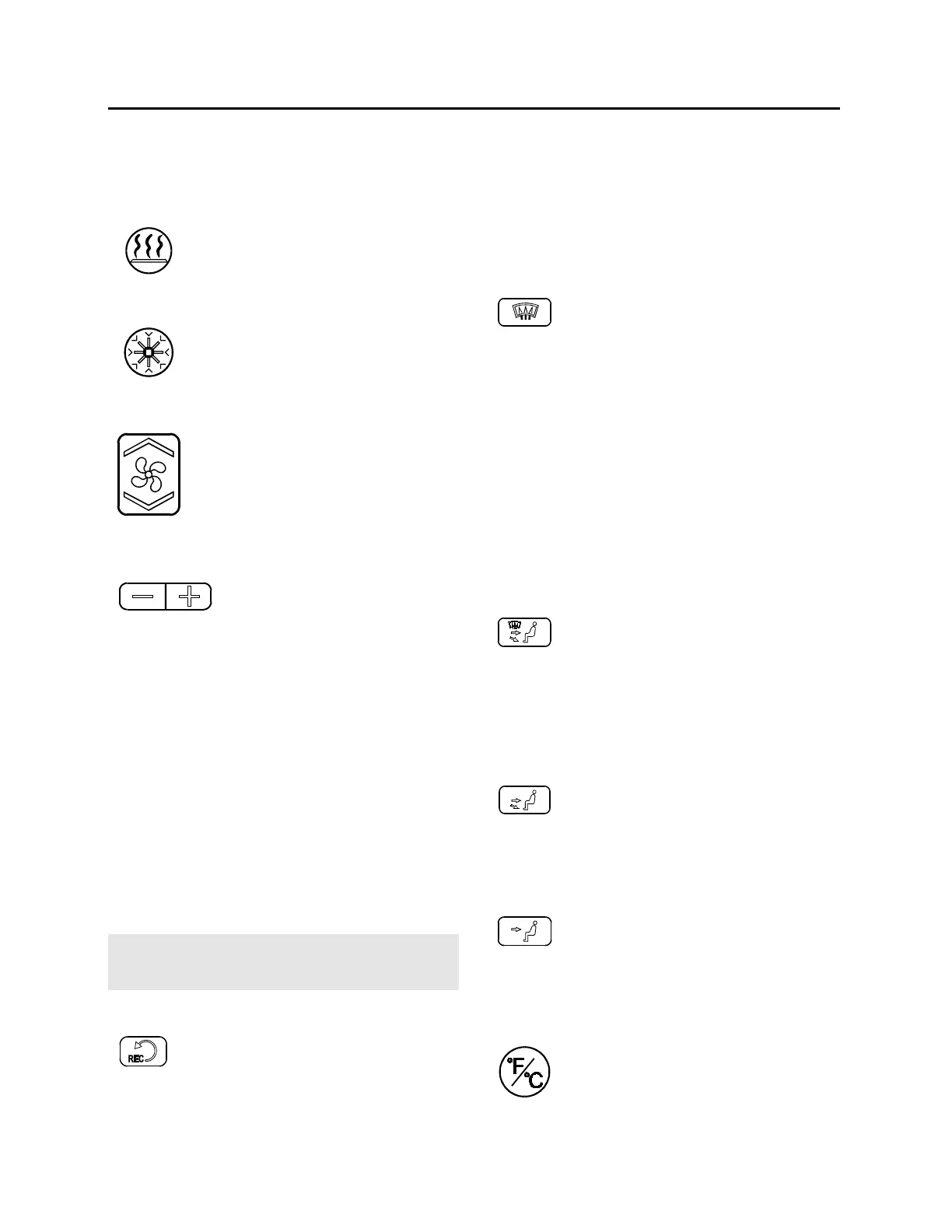
Heating Mode Indicator
This red LED i
system is heating.
Cooling Mode Indicator
This green LED illuminates when the
system is cooling
compressor clutch is engaged).
Fan Speed
22135
The driver’s fan
Increase speed by p
ressing on the
upper portion of the button,
decrease by pressing on the lower
portion.
Temperature Set Button
22132
The driver’s side and the
cabin’s side have independent
temperature controls.
These buttons determine the heating and
cooling set points.
To increase the temperature, press on the " + "
sign, to decrease the temperature, press on the
" - " sign. Temperature range is between 55°F
and 85°F (12°C to 28°C). On the driver’
only, asking for a temperature set point above
85°F (28°C
) will keep the coolant valve open
and “FUL” will be displayed. Passenger
temperature range is limited to 85°F (28°C).
Temperature increments are 1°F or 1°C
depending on units displayed.
In c
ase of interior temperature sender unit
failure, the coolant valve will remain open and
three lines “---“ will be displayed.
Warning: Warm temperatures may cause
drowsiness and affect alertness while driving.
Keep temperature comfortable but not to high.
Recirculate
Closes or opens the fresh air damper.
A red LED in the top right corner of the button
illuminates when cabin air is recirculated. Use
for faster cabin heating.
This feature is
automatically cancelled when
defogging is activated.
Windshield Defogger
22139
The dashboard damper sends air only
to the lower
activated.
closed also.
A red LED in the top right corner of the button
illuminates when activated.
Upon pressing this button, the fan is turned on
at maximum speed, the fresh air damper opens
completely (REC off) and the temperature is set
to maximum if the temperature set point has not
yet been attained once.
Regardless of which damper button is activated,
most of the air is still directed towards the
windshields.
All Vents Open
22140
The dashboard damper opens
halfway, sending air to the windshield
and panel vents.
The footwell damper is also fully open.
A red LED in the top right corner of the button
illuminates when activated.
Panel and Footwell
22137
The dashboard damper sends air to
the panel vents and footwell.
A red LED in the top right corner of the button
illuminates when activated.
Panel
22136
Air is sent to panel registers.
damper is closed.
A red LED in the top right corner of the button
illuminates when activated.
Temperature Degree Selector
Toggles between Fahrenheit and
Celsius units. To operate, the driver’s
section must be on.
37



 To Next Page