OTHER FEATURES
06383
PASSWORDS
The MCD recognizes two passwords: a
mechanic’s password and an owner’s password.
The mechanic’s password allows setting
DEFAULT LANGUAGE, FLEET FUEL TARGET,
performing a STATUS TEST and using the
RESET ALL function. The owners password
gives access to all the above and allows
changing both passwords.
The mechanic’s password is initially set to
“0000”.
The owner’s password is initially set to “1234”.
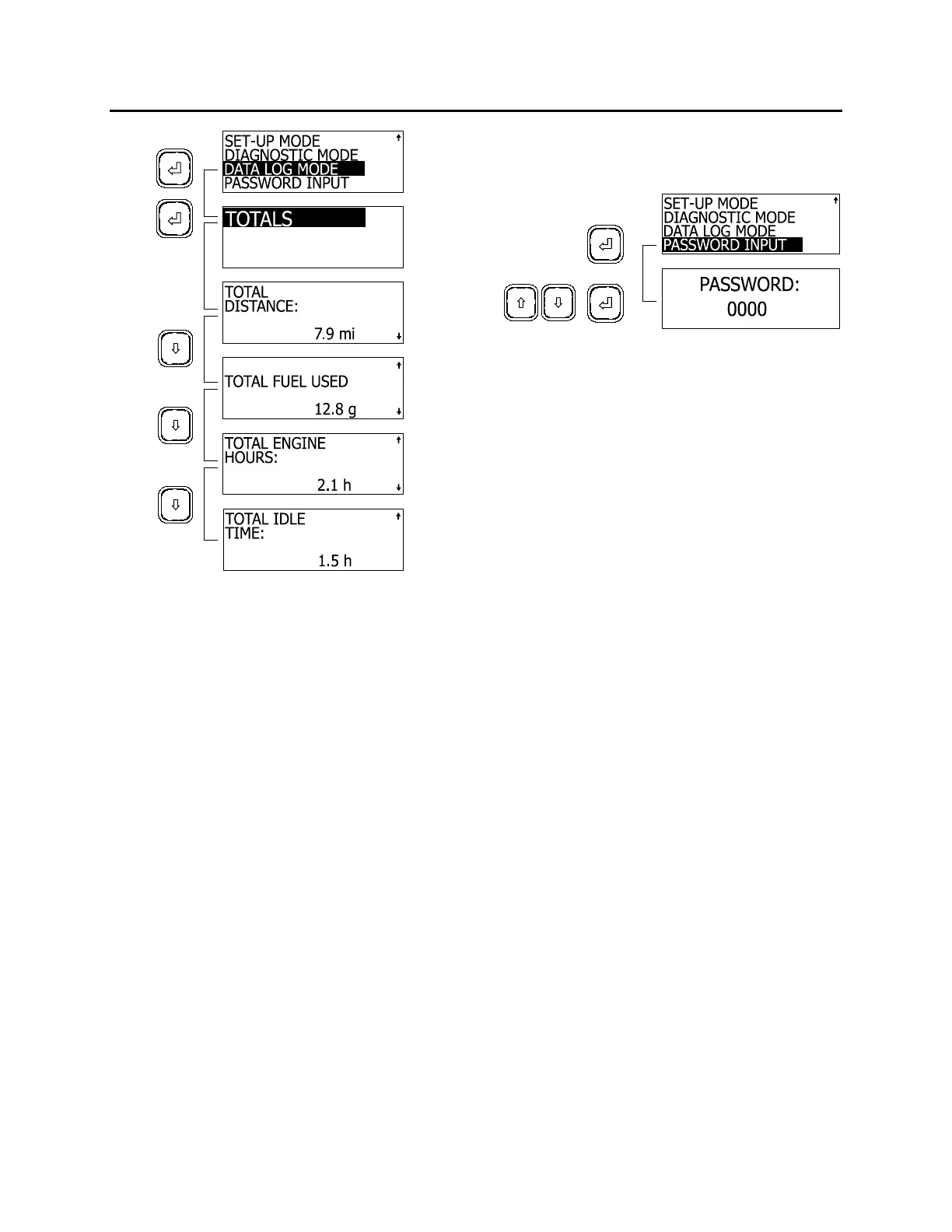
Password Input
To enter either password and have access to
restricted functions of the MCD:
1. Use the arrow keys to highlight PASSWORD
INPUT;
2. Press enter key to confirm;
3. Use the arrow keys to set the first digit of the
password;
4. Press enter to highlight the next digit;
5. Pressing enter key on last digit will confirm
the password.
If the entered password is correct, the MCD will
revert to the previous screen. Access to
restricted screens is allowed.
06402
Changing passwords
To change any password, owner’s password
must be entered first.
To change passwords:
1. Using the arrow keys, highlight SET UP
MODE;
2. Press enter key to confirm;
3. Using the arrow keys, highlight PASSWORD
CONFIG;
4. Press enter key to confirm;
5. Using the arrow keys, select MECHANIC or
OWNER;
6. Press enter key to confirm;
7. Set new password.
PRODRIVER™
PRODRIVER™ is an optional graphic device
similar to MCD but with added features. A
summary of data displays available from
PRODRIVER™ include:
Instantaneous and average fuel
consumption rate;
Trip time, miles driven, fuel used, , average
speed;
Driving time, percentage, miles, fuel used,
fuel consumption rate;
Idle time, percentage and fuel used;
Cruise time, percentage, miles cruised, fuel
used, fuel consumption rate;
Top gear time, percentage, miles driven, fuel
used, fuel consumption rate;
Overspeed time and percentage for two
speed thresholds;
Over-rev time and percentage;
61



 To Next Page