CONTROLS AND INSTRUMENTS
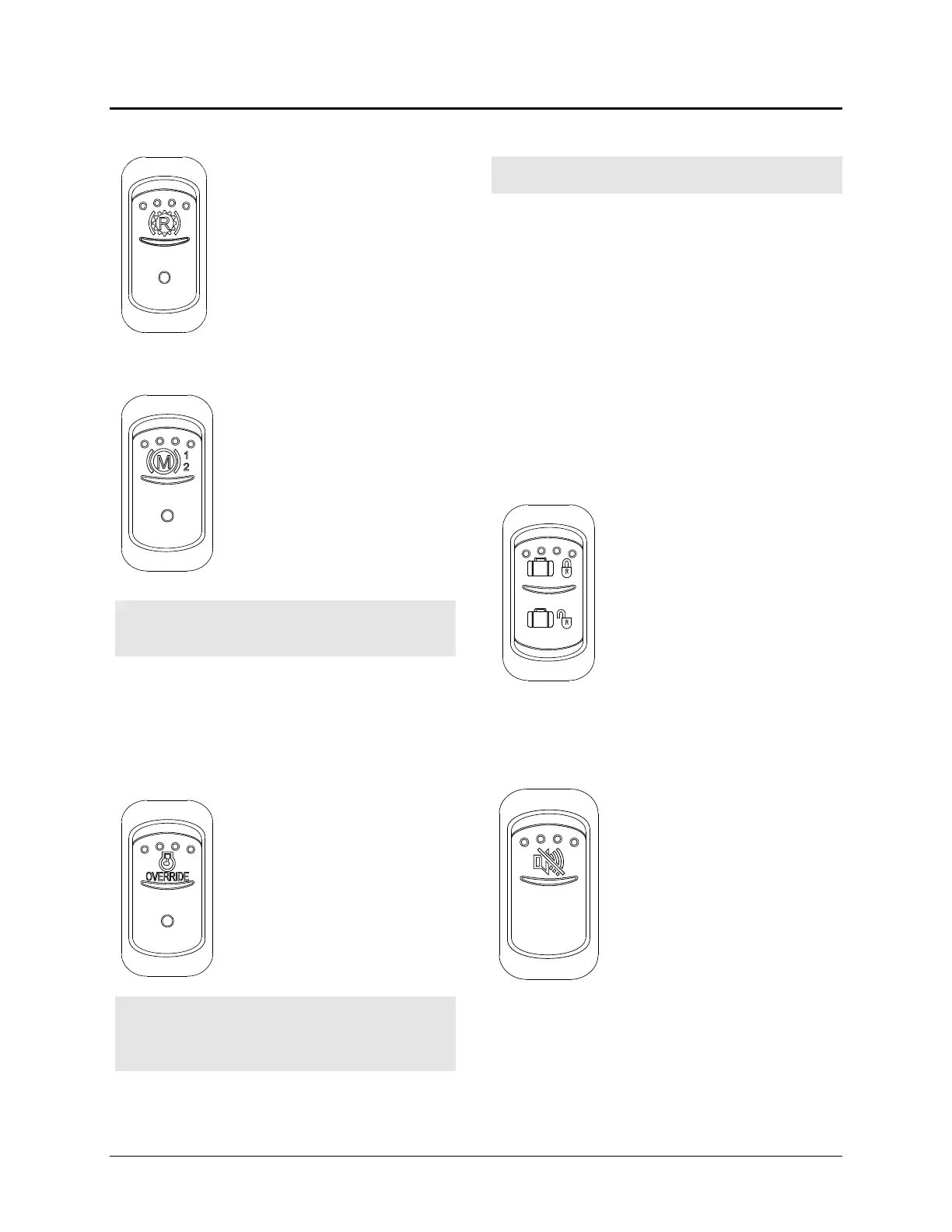
Transmission Retarder (Optional)
Press down rocker switch to
activate the transmission
retarder. Refe
r to "Steering
Column Controls" in this
chapter.
JACOBS Engine Retarder (Optional)
Press down rocker switch to the
first position to actuate system
to 2/3 engine brake and press to
the second position for a full
appl
ication of engine brake.
Refer to "Other Features"
chapter 4.
Warning:
Engine brake must be used on dry
road only. Never use the engine brake on
slippery roads; loss of control could result.
Note:
Engine brake is activated when
accelerator pedal is relea
sed and the engine
speed is higher than 750 rev/minutes. Stop
lights turn ON when the engine brake is used.
Engine Stop Override
Press down this switch and
release to override emergency
engine shut down protection.
E
ngine emergency shut down
will be turned OFF
seconds. This procedure can be
repeated if done before the 30
seconds are up.
Caution:
Use sparingly and in order to move
the vehicle to a safe parking place only.
Excessive use can cause severe engine
damage.
DDEC Diagnostic Request
Caution: Prior to reading blink codes, park
coach and set parking brake.
With the engine at idle or OFF
ignition switch in the ON
release the Engine Stop Override rocker switch.
Active codes will be flashed on the “ Stop
Engine “ and inactive codes on the “ Check
Engine “ telltale lights alternately. The first digit
of the diagnostic code is determined by the
number of flashes before a short pause. The
second number of the diagnostic code is then
flashed in the same manner. As an example,
code “ 25
“ (everything O.K.) consists of two
flashes, followed by a short pause, then five
flashes. Refer to the “Technical Information”
chapter 8 under “DDEC IV Diagnostic Codes”.
Central Locking System
This optional system enables
locking all compartments and
doors by pressing down on the
upper portion of the switch. To
unlock all compartments, press
down on the lower portion of the
switch.
Note: Service panels are no
central locking system.
Back-Up Alarm Cancel Switch
Press down this switch to cancel
the Back-Up Alarm
Note:
normal operation.
3-10



 To Next Page