54
Chapter 4 Configuration Overview
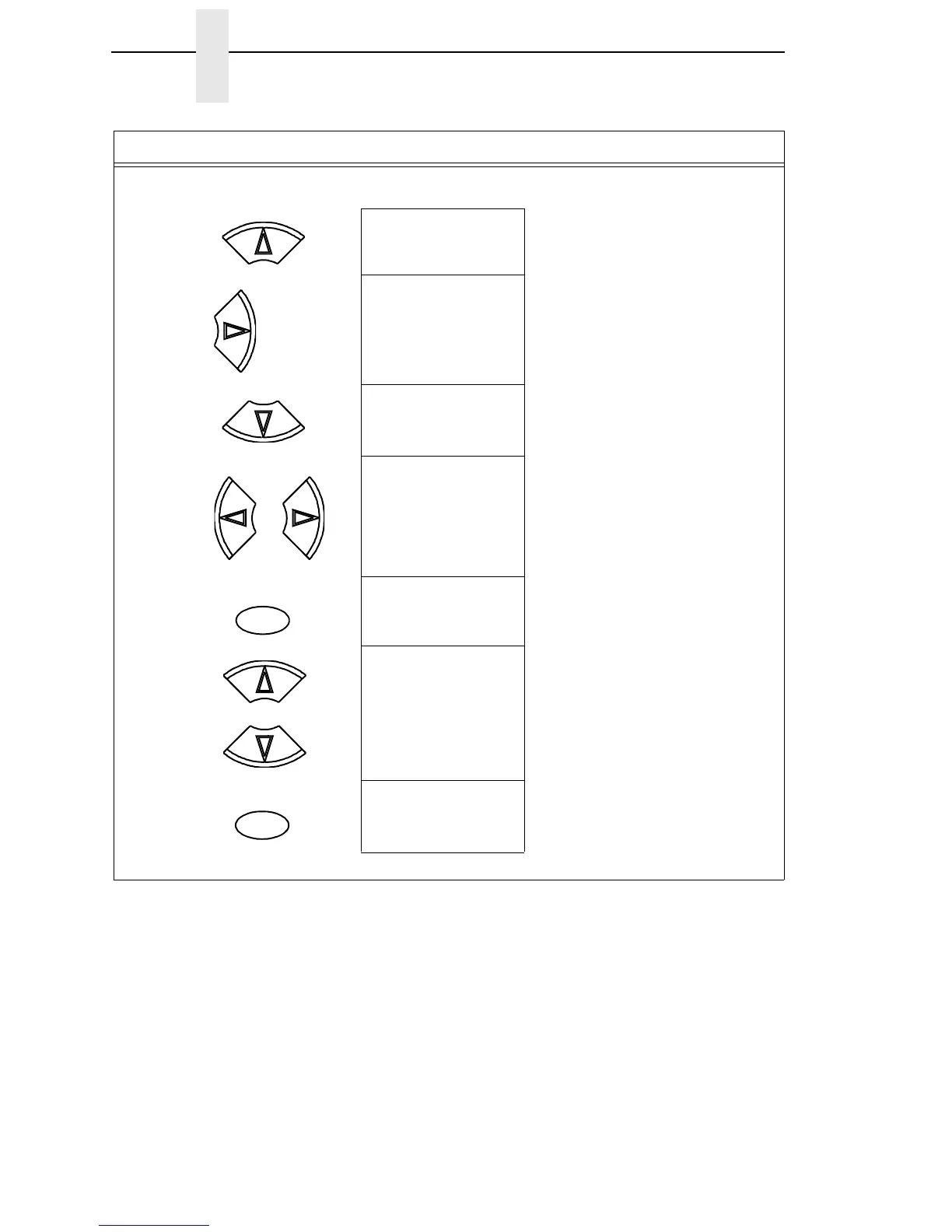
NOTE: We recommend that you print the configuration. To print the configuration go to Step 9. To skip this
procedure and resume printer operation, go to Step 14.
10. CONFIG. CONTROL
Save Config.
11. CONFIG. CONTROL
Print Config.
12. Print Config.
Current
13. Print Config.
2
Press until the desired parameter displays.
14. OFFLINE
CONFIG. CONTROL
The selected configuration is printed.
15. ENTER SWITCH
LOCKED
Locks the ENTER key.
16. ONLINE
Ribbon Life = 100%
17. If you printed out the configuration, store it in a safe place. The printer is ready for operation.
Step Press LCD Notes
UNTIL
OR
ENTER
+
ON LINE/CLEAR













 To Next Page