Saving Your New Configuration
55
Example 2
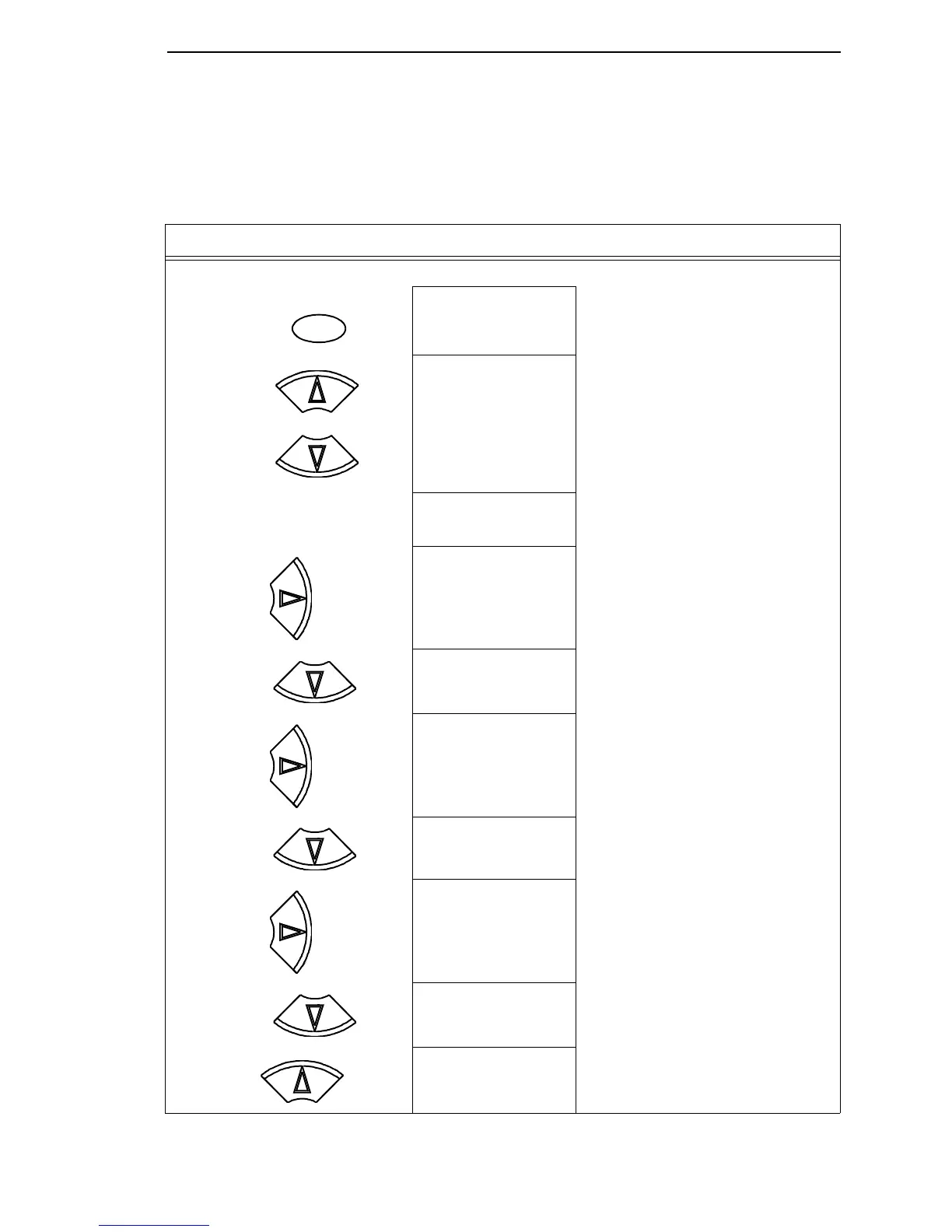
This example shows how to save a configuration as a named configuration.
Step Press LCD Notes
1. Make sure the printer is on.
2. OFFLINE
QUICK SETUP
3. ENTER SWITCH
UNLOCKED
Allows you to make configuration changes.
OFFLINE
QUICK SETUP
4. OFFLINE
CONFIG. CONTROL
5. CONFIG. CONTROL
Load Config.
6. CONFIG. CONTROL
Name Configs.
7. Name Configs.
1
The LCD flashes.
8. Name Configs
2
You will rename config 2.
9. 2
2*
10. 2
T
Cycle through the choices until “T” displays.
ON LINE/CLEAR
+
UNTIL
UNTIL
UNTIL
UNTIL













 To Next Page