56
Chapter 4 Configuration Overview
11. 2
T_
Saves the first character.
12. 2
TE
Cycle through the choices until “E” displays.
13. 2
TE_
Saves the second character.
14. 2
TES
Cycle through the choices until “S” displays.
15. 2
TES_
Saves the third character.
16. 2
TEST
Cycle through the choices until “T” displays.
17. 2
TEST_
Saves the fourth character.
18. Name Configs
TEST
The configuration is renamed TEST.
19. CONFIG. CONTROL
Name Configs
20. CONFIG. CONTROL
Save Config.
21. Save Config.
1*
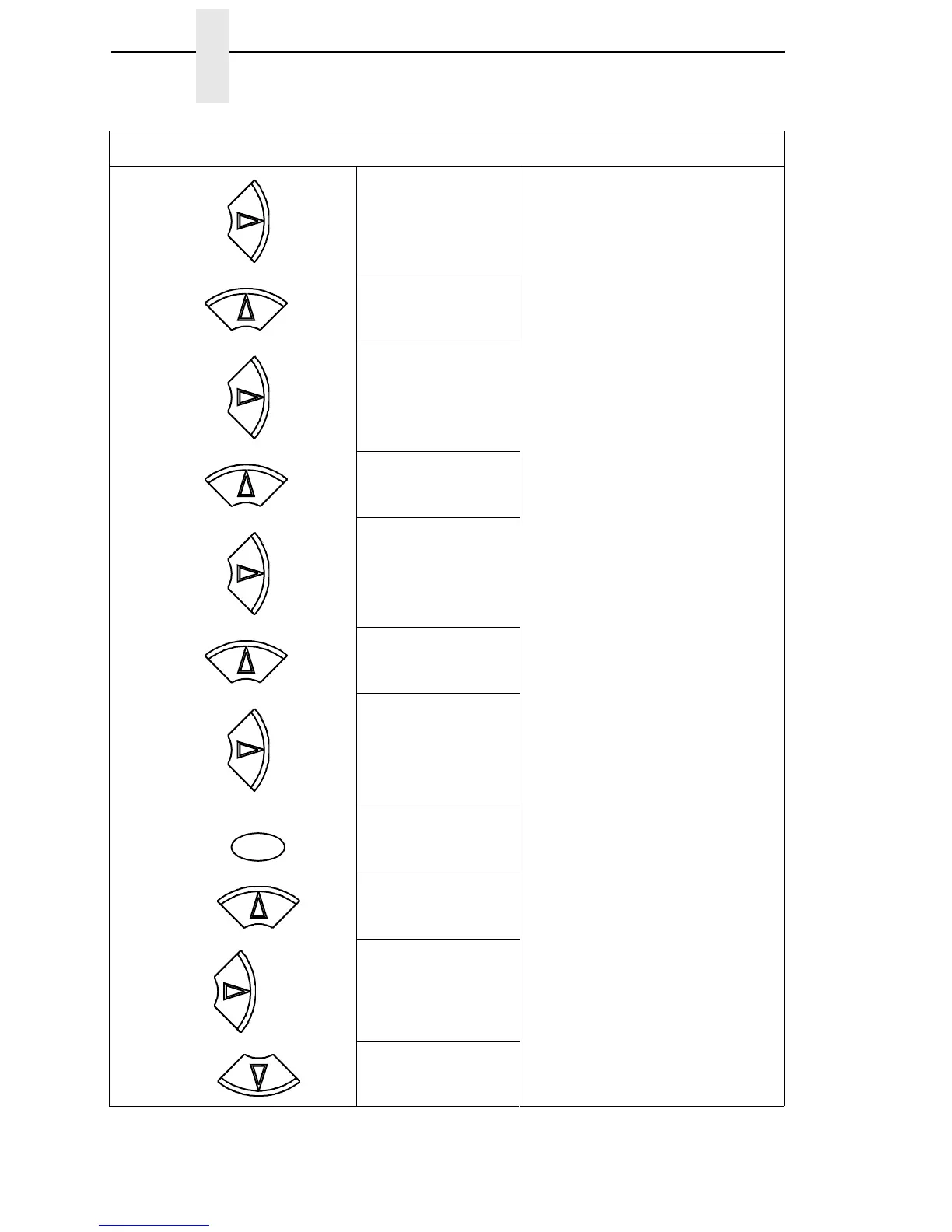
Step Press LCD Notes
UNTIL
UNTIL
UNTIL
ENTER
UNTIL













 To Next Page