Troubleshooting
SolutionPossible causeProblem
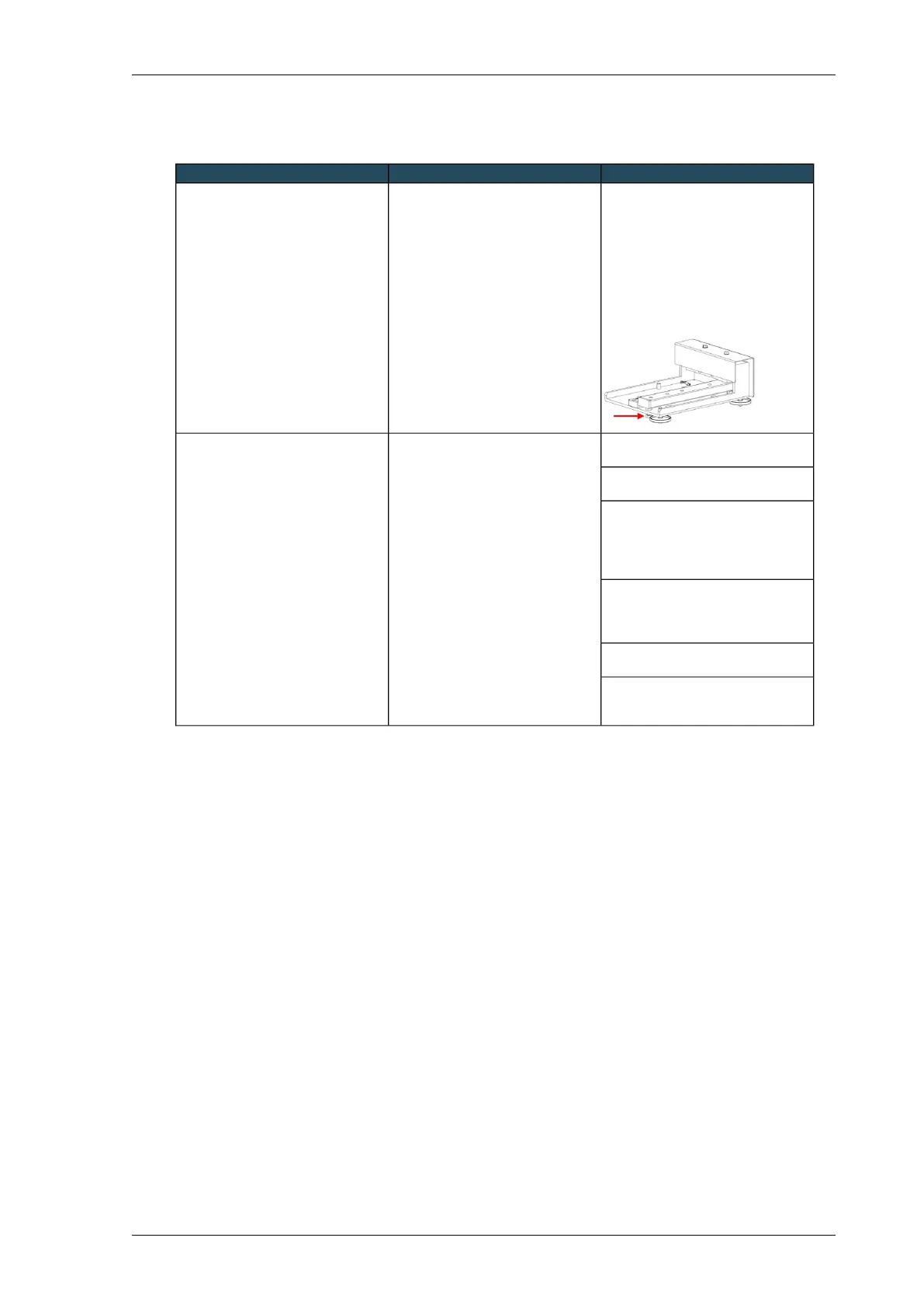
Have the position of the adjusting
bolt checked (see picture): in the
unladen state, there must be a
distance of 6 mm between the
underlay and the bolt.
If the distance is too great, the load
cell will be insufficiently protected; if
the distance is too small, the
measurement range will be
incomplete.
The bolt that determines the
measurement range has been
rotated. As a result, the full
measurement range is not available.
The weighing indicator no longer
displays any changes in weight.
Perform maintenance checks (see
Maintenance Groscale (page 116)).
VariousThe weighing indicator displays
sudden changes in weight.
Check whether anything has rolled
underneath the weighing platforms.
Place a calibration weight on the
substrate slab and see whether the
weight displayed on the weighing
indicator actually increases by the
value of the calibration weight.
Use a syringe, for instance, to
withdraw 20 ml of liquid from the
slab and see whether the weight
actually decreases by 20 grams.
Check whether the cables are intact
and have been connected correctly.
Use the LEDs in the weighing
indicator to check whether it is
functioning properly.
117Installing Priva Compass - 00.014
Groscale



 To Next Page