The expansion modules are powered via the I/O bus and do not have their own on-off button. If you
switch a controller or Mix I/O module on or off, the connected expansion modules will automatically
be switched on or off at the same time.
Connecting field equipment
• To install wiring in a terminal block, use a suitable screwdriver. See Screwdriver for terminal
block (page 35).
• For connecting, use only wiring as specified in General specifications of Priva Blue ID C-Line
controllers and modules (page 123).
• When using flexible wire, it is best to use crimp-on terminals.
• All terminal blocks are printed with an explanatory abbreviation; see the Connections section of
the relevant module in the chapter Connecting hardware (page 34).
• For the field power, use the 24 VDC power supply for field equipment. Do not use the 24 VDC
system power supply. This prevents any faults, such as a short circuit, in connected field
equipment having an effect on the Priva Blue ID hardware.
The modules have a number of common FG connections which serve as a 'neutral signal' for the
universal inputs, digital inputs and analogue outputs. The Priva Blue ID C-Line does not have any
field power for powering field equipment. Field equipment must therefore be powered externally.
Do not use the 24 VDC system power supply to power field equipement. Use the 24 VDC
power supply for field equipment.
1. Connect the field equipment to the desired inputs and outputs.
2. Connect the FG (Field Ground).
The FG serves as a 'neutral signal' for the universal inputs, digital inputs and analogue outputs.
Use the FG connection on the same module to which the input or output is connected.
The cabinet has different FG terminals for different modules. Use the appropriate FG
terminal for the module. See Compass FG terminals (page 13).
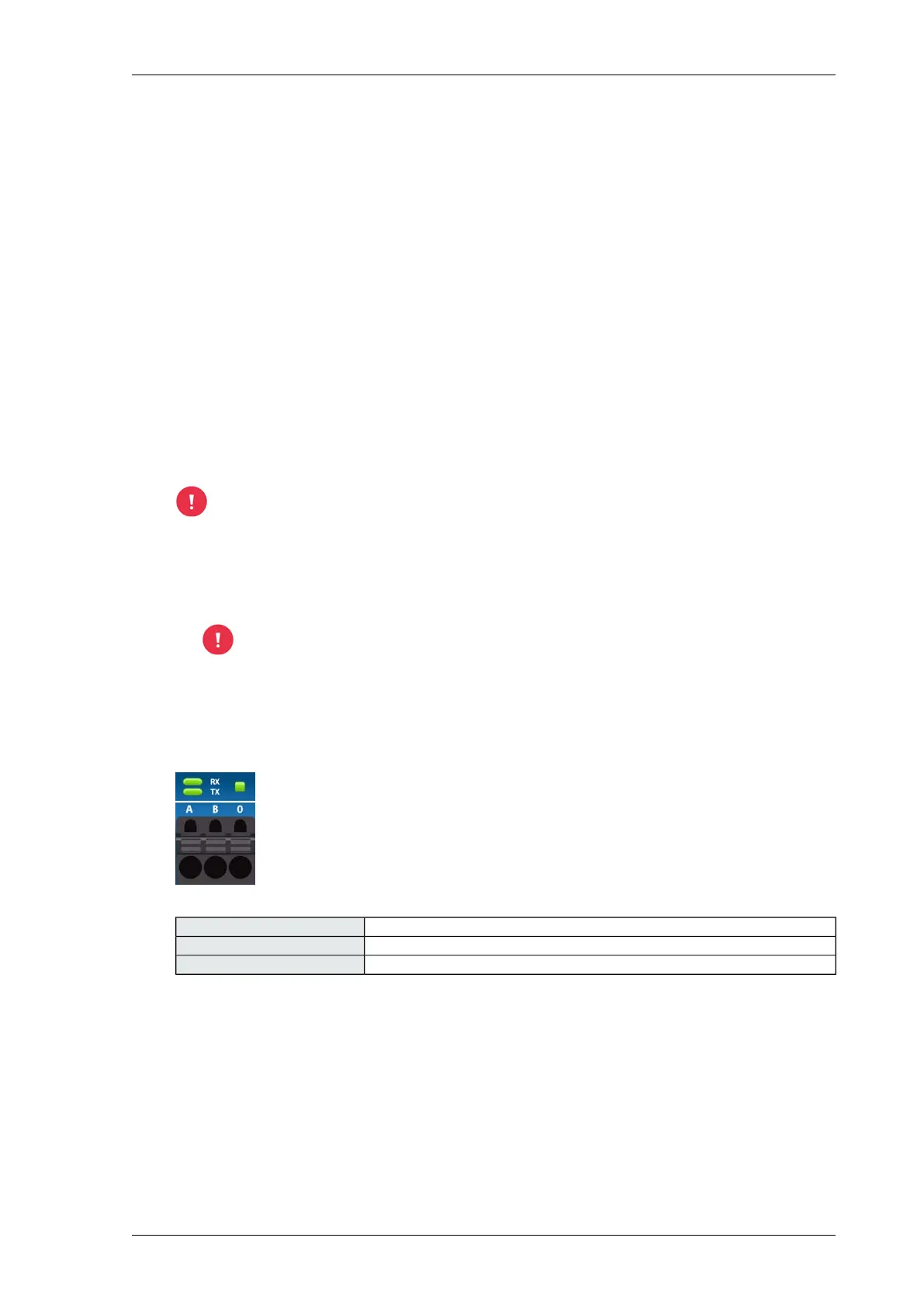
Connections - RS485
RS485-AA
RS485-BB
RS485-GND0
33Installing Priva Compass - 00.014
Priva Blue ID hardware



 To Next Page