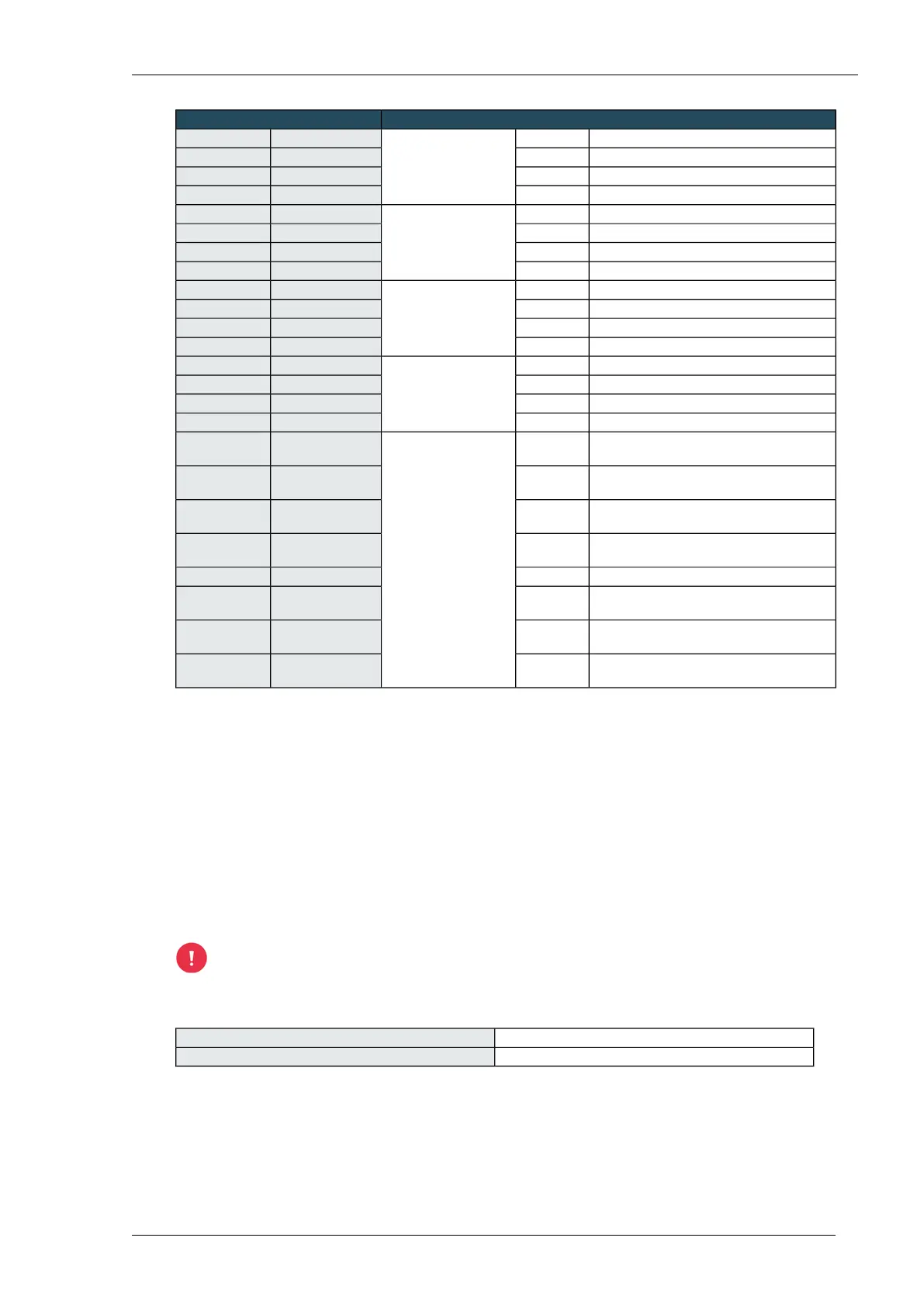
Sensors or power supplyWeather interface WI2
24 VDC power supplyWhiteWind direction sensor24 VDC9 HIGH
GroundBrownGND9 LOW
Signal +GreenWR IN+10 HIGH
Signal -YellowWR IN-10 LOW
Do not connect (insulate core)WhiteLinear light sensor
LS2WI
24 VDC11 HIGH
Do not connect (insulate core)BrownGND11 LOW
or
SignalGreenLL/SOL+12 HIGH
Solarimeter CM3P
GroundYellowGND12 LOW
Connect to GNDWhiteOutside temperature
sensor
GND13 HIGH
Connect to GNDBrownGND13 LOW
Signal +GreenBT+14 HIGH
Signal -YellowBT-14 LOW
Signal (0–20 mA)-Reserve connection
(mA)
RES IN15 HIGH
Ground-GND15 LOW
+12 V power supply (100 mA)-+12 V16 HIGH
Ground-GND16 LOW
Output of Rain sensor RD2WIaccording to
requirements
Output signals to
universal input
RG OUT17 HIGH
Output of Wind speed sensor WSS2WIaccording to
requirements
WS OUT17 LOW
Output of Wind direction sensor WDS2WIaccording to
requirements
WR OUT18 HIGH
Output of Linear light sensor LS2WIaccording to
requirements
LL/SOL OUT18 LOW
Output of reserve connection-RES OUT19 HIGH
Ground for all output signals to universal
input
brownGND19 LOW
Outside temperature sensor OTS2 +according to
requirements
BT+20 HIGH
Outside temperature sensor OTS2 -according to
requirements
BT-20 LOW
Connecting the Weather interface WI2 to a universal input
1. Connect the interface to a universal input. Use a shielded eight-cored cable, 0.8 mm (0.5 mm²).
2. In the Compass setup, select the correct sensor and, if applicable, the correct sensor type.
Extending cabling
You can extend the cable. Feed the cable from the sensor into a junction box (minimum IP code IP
65) and bridge the distance from the junction box to the Weather interface WI2 with a new shielded
cable.
Never use just tape to extend the cable.
Cable specifications
4 x 0.8 mm (0.5 mm²), shieldedCable type
100 mMaximum cable length
Installing Priva Compass - 00.01460
Priva



 To Next Page