43
SOURCE SETUP
SETUP MENU
The Setup Menu is the section of the OSD where source
connections, speaker and amplier conguration, Listening
Modes and video output resolution are set. The Setup Menu
defaults are congured to accommodate the default connec-
tion instructions in the previous sections. If the default source
connections were used, the M80 should play the connected
sources in stereo with video output for A/V devices at this
point to conrm connections and operation.
Even if using the default connections and Setup, there are still
some settings that need to me made. Any sources that were
connected using any of the ‘Option’ connections, must be
congured for those connections and any other settings that
may be aected by the Option connections. Speakers must be
calibrated for 5.1 or 7.1 conguration, speaker type and place-
ment. The amplier needs to be congured for single room
or multizone. (Multizone Setup is covered fully in the section:
Multizone Conguration.)
Accessing the Setup Menu
1. With the OSD open, press the button on the M80 Front
Panel or Remote to navigate to the Setup Menu Screen.
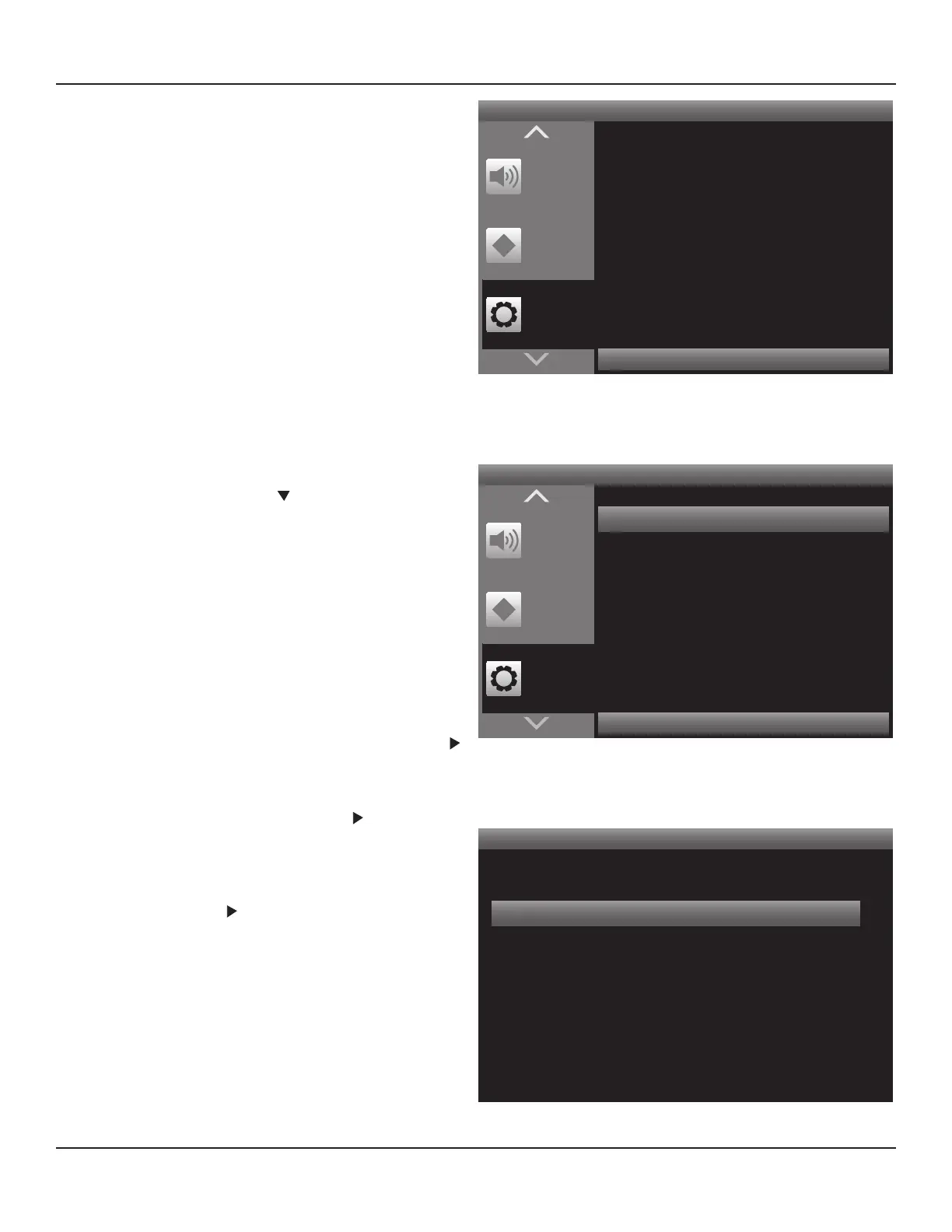
Diagram 29
If any problems were encountered opening the OSD (no
video on the Video Display) follow the instructions in sec-
tion: Video Setup.
Source Setup
The Source Setup is where the input connections are cong-
ured, sources are named, and the 12 V Trigger Out is cong-
ured.
1. With the OSD open, and Setup Menu selected, press the
button on the M80 Front Panel or Remote. Source Setup
will highlight in the Setup List. Diagram 30
2. With Source Setup highlighted, press the button on the
M80 Front Panel or Remote. The Source Setup Menu will
appear. Diagram 31
3. In the Source Setup Menu, with Source Setup (Normal View)
highlighted, press the button on the M80 Front Panel or
Remote. The Source Setup will appear. Diagram 32
Press < to Return Press > to Advance
Setup
Menu
Zone 2
Controls
Tone
Controls
Source Setup
Speaker Setup
Amplier Setup
Trigger Setup
Listening Mode Setup
Video Setup
Diagram 29 OSD Setup Menu
Press < to Return Press > to Advance
Setup
Menu
Zone 2
Controls
Tone
Controls
Source Setup
Speaker Setup
Amplier Setup
Trigger Setup
Listening Mode Setup
Video Setup
Diagram 30 Setup Menu
Source Setup
Source Setup (Normal View)
iPod Setup
Diagram 31 Source Setup Menu



 To Next Page