100
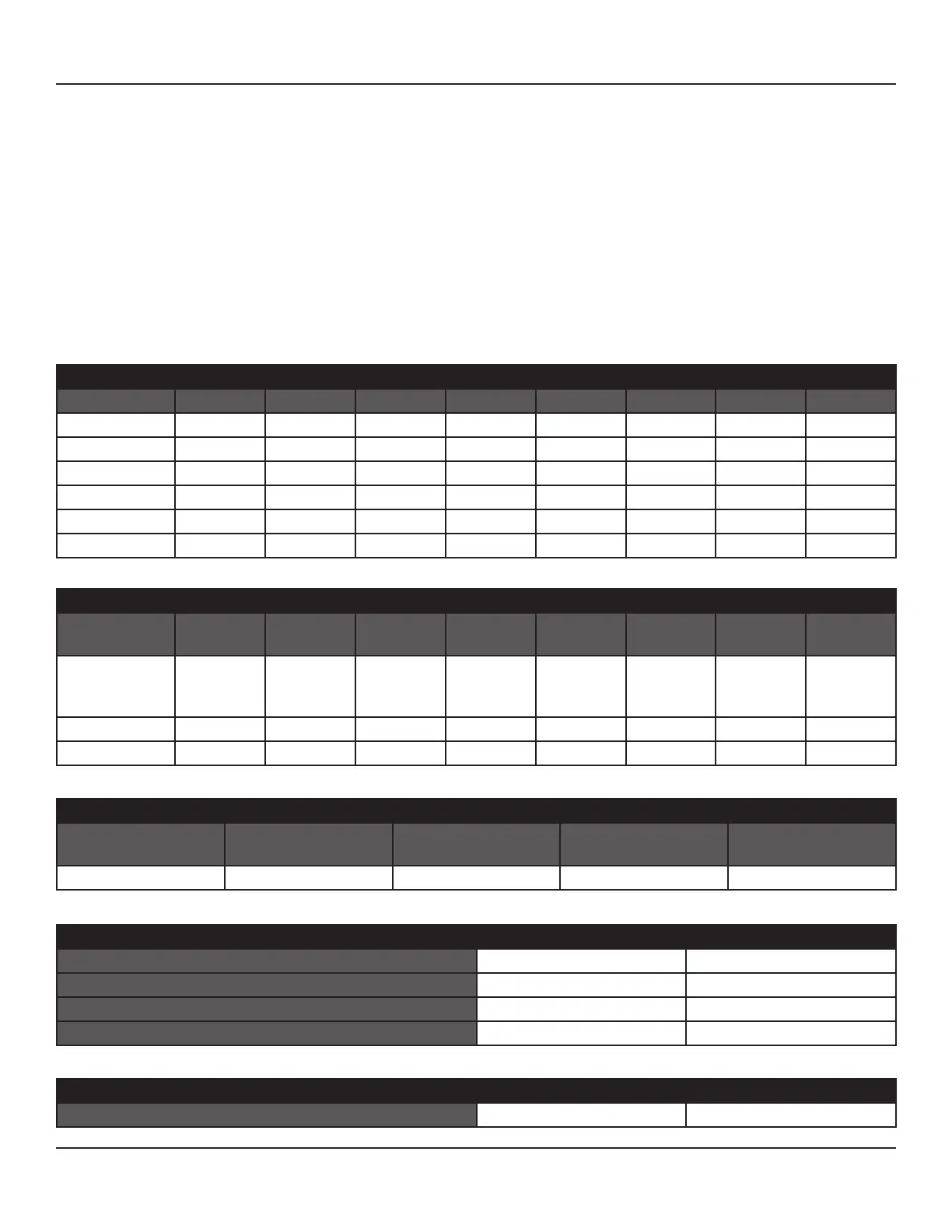
SOURCE SETUP DEFAULT CONFIGURATION
SOURCE 1 SOURCE 2 SOURCE 3 IPOD SOURCE 5 SOURCE 6 MULTI FRONT
SOURCE NAME Source 1 Source 2 Source 3 iPod Source 5 Source 6 Multi Front
Audio IN Audio 1 Audio 2 Audio 3 Audio 4 Audio 5 Audio 6 7.1 Input Audio Front
Audio Gain 0dB 0dB 0dB 0dB 0dB 0dB 0dB 0dB
Digital Audio O O O O O O O O
Video IN Video 1 Video 2 Video 3 O O O Video Front
Trigger OUT Yes Yes Yes Yes Yes Yes Yes Yes
LISTENING MODE DEFAULT CONFIGURATION (All Sources)
DOLBY DIGITAL
2 CHANNEL
DOLBY DIGITAL
SURROUND
DTS OTHER
DIGITAL
OTHER
ANALOG
None None None None None
SPEAKER SETUP DEFAULT CONFIGURATION
FRONT
LEFT
CENTER FRONT
RIGHT
SURROUND
RIGHT
BACK
RIGHT
BACK
LEFT
SURROUND
LEFT
SUB
Conguration
(Large/Small/
X-Over)
S 80Hz S 80Hz S 80Hz S 80Hz S 80Hz S 80Hz S 80Hz On
Levels 0dB 0dB 0dB 0dB 0dB 0dB 0dB N/A
Distance (Delay) 0 Feet 0 Feet 0 Feet 0 Feet 0 Feet 0 Feet 0 Feet 0 Feet
DOLBY SETUP DEFAULT SETTINGS
DOLBY DIGITAL Dynamic Range Control 100%
DOLBY PRO LOGIC II/IIx MUSIC Center Width 3
Dimension 0
Panorama O
DTS SETUP DEFAULT SETTINGS
NEO:6 MUSIC Center Gain 0.2
APPENDIX
M80 DEFAULT SETTINGS
The following Charts provide reference to M80 Factory Settings. The M80 is a highly evolved Audio Video Surround Receiver with
features that can satisfy even the most discriminating user. With so many options, it is possible to change some of the settings to a
point where the M80 may not be running at optimal performance. Please use the following Charts as reference to the factory set-
tings should any section of the M80s performance seem less than satisfactory.
The Default Settings Charts are followed by similar, matching, Worksheets. The M80 has been setup at the factory for typical
baseline connections and functionality. This makes understanding the default settings simple, and makes modications for user
preferences of connections and settings manageable. Fill out the Worksheets prior to making connections and conguring the
OSD Setup. Having this reference will help avoid unnecessary mistakes during installation and setup.
Keeping a copy of the connections and settings Worksheets is highly recommended should settings get changed or should a
source component need replacing.



 To Next Page