55
AMPLIFIER SETUP
Press < to Return Press > to Advance
Setup
Menu
Zone 2
Controls
Tone
Controls
Source Setup
Speaker Setup
Amplier Setup
Trigger Setup
Listening Mode Setup
Video Setup
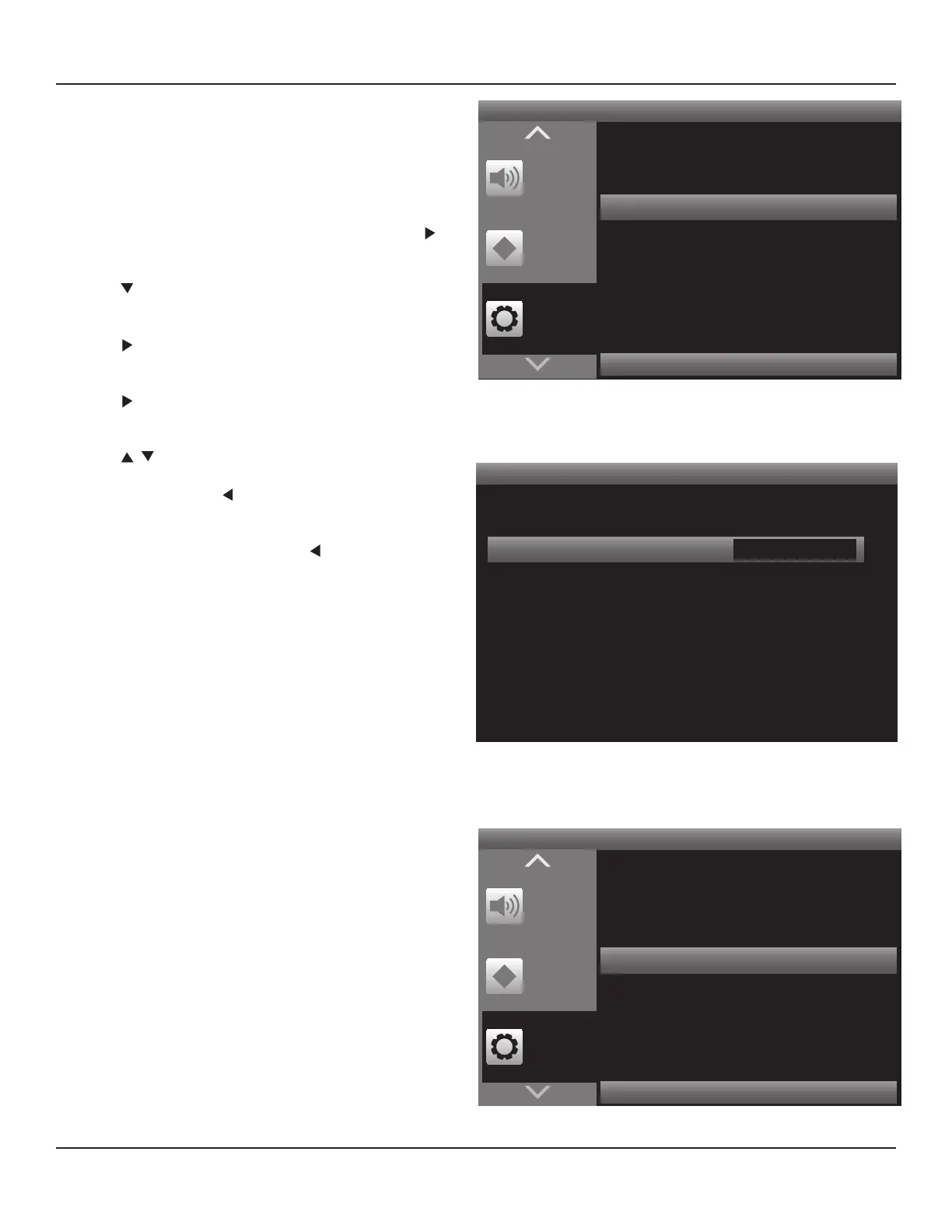
Diagram 54 Setup Menu - Amplier Setup
Amplier Setup
< >
Back Amp Main Back
Diagram 55 Amplier Setup
Press < to Return Press > to Advance
Setup
Menu
Zone 2
Controls
Tone
Controls
Source Setup
Speaker Setup
Amplier Setup
Trigger Setup
Listening Mode Setup
Video Setup
Diagram 56 Setup Menu - Trigger Setup
Amplier Setup
This setting congures the M80 Surround Back Left and Right
Speaker Terminals for use as the Surround Back speakers in
a 7.1 surround conguration or as stereo speakers for use in
Zone 2 in a multizone conguration. (See Multizone Con-
guration for additional information if setting up a two zone
system.)
1. With the OSD open, and Setup Menu selected, press .
Source Setup will highlight in the Setup List.
2. Press twice so Amplier Setup is highlighted in the
Setup List. Diagram 54
3. Press . The Amplier Setup screen will appear. Back
Amp will be highlighted.
4. Press . The Back Amp window will become active. Dia-
gram 55
5. Press to set Main Back or Zone 2.
6. When nished, press so the Back Amp Window is no
longer active and to save the setting.
7. If continuing in Setup Menu, press to return to the
Setup Menu and proceed to the next section.
8. To exit the OSD press Menu.
Trigger Setup
These settings determine when the 12V Trigger Out on the
M80 Rear Panel is activated and deactivated. The Trigger Out
can be used to turn external devices ON/OFF. External devices
can include a powered subwoofer, external amplier or other
device that can be turned ON/OFF with 12VDC. When the
Trigger Out is ON it will output 12VDC; when the Trigger Out is
OFF it will output 0VDC.
Trigger Out
The Trigger Out can be set to turn ON/OFF with M80 ON/
OFF Status (Main); by source selection (Source Setup) or
Zone 2 ON/OFF Status (Zone 2).
Main - Trigger Out turns ON/OFF when the M80 Main
Room turns ON/OFF regardless of any other condition.
Good for use with a powered subwoofer or other device
that will be used with all sources.
Source Setup - Trigger Out Turns ON/OFF by source as
congured on the Trigger Out line for each source in
Source Setup. Good for use with a powered subwoofer or
other device that will be used with specic sources.
Zone 2 - Trigger Out turns ON/OFF when Zone 2 is turned
ON/OFF regardless of any other condition. Good for use
with an external amplier for Zone 2.



 To Next Page