91
MULTIZONE CONFIGURATION
Press < to Return Press > to Advance
Setup
Menu
Zone 2
Controls
Tone
Controls
Source Setup
Speaker Setup
Amplier Setup
Trigger Setup
Listening Mode Setup
Video Setup
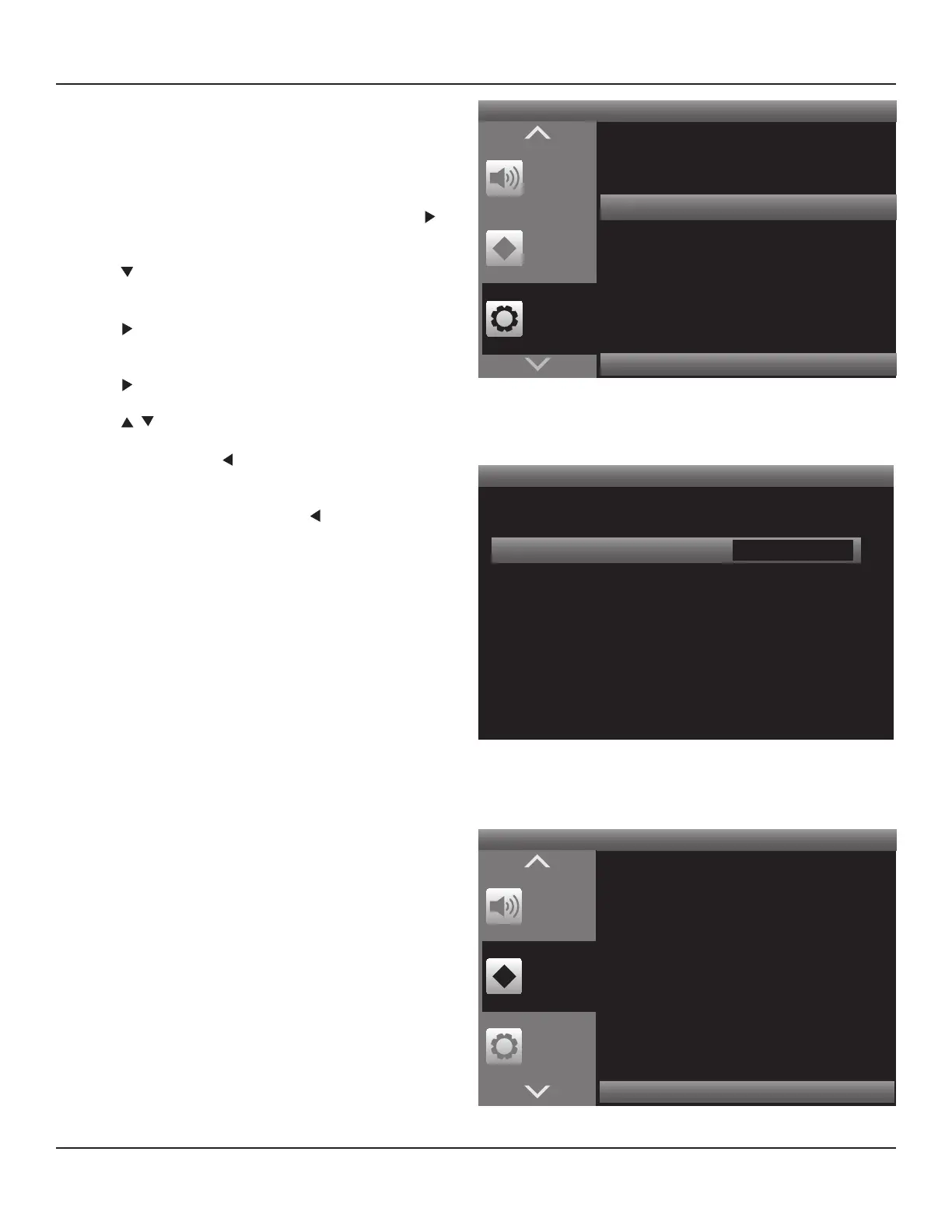
Diagram 127 Setup Menu - Amplier Setup
Amplier Setup
< >
Back Amp Zone 2
Diagram 128 Amplier Setup - Zone 2
Amplier Setup
This setting congures the M80 Surround Back Left and Right
Speaker Terminals for use as the Zone 2 Speaker Terminals in a
multizone conguration.
Note: If using the internal amp for Zone 2 audio, the Main
Room will be limited to a 5.1 Surround conguration.
1. With the OSD open, and Setup Menu selected, press .
Source Setup will highlight in the Setup List.
2. Press twice so Amplier Setup is highlighted in the
Setup List. Diagram 127
3. Press . The Amplier Setup Screen will appear. Back
Amp will be highlighted.
4. Press . The Back Amp Window will become active.
5. Press to select Zone 2. Diagram 128
6. When nished, press so the Back Amp Window is no
longer active. The setting will save automatically.
7. If continuing in Setup Menu, press to return to the
Setup Menu and proceed to the next section.
8. To exit the OSD press Menu.
Zone 2 Audio Option
In some cases it may not be desirable or practical to have
external speakers in Zone 2. The M80 Zone 2 PRE-OUT or Zone
2 OUT can be connected to the line level audio inputs on the
Zone 2 Video Display to have Zone 2 audio output through the
Zone 2 Video Display speakers. Using the Zone 2 PRE-OUT will
allow volume to be controlled using the M80 Zone 2 Remote.
Using the Zone 2 OUT will allow volume to be controlled using
the Video Display remote. If using the Zone 2 Audio Option, it
is not necessary to set the Back Amp to Zone 2.
Note: The Main Room can be congured as a 7.1 Surround
system when the Zone 2 OUT or PRE-OUT is used to feed line
level audio to either the Zone 2 Video Display or an external
amplier. (The Surround Back speakers are not being used for
Zone 2 audio.)
Zone 2 Controls
These settings allow control of Zone 2 power state, (ON/OFF),
Source and Volume Control Conguration from the OSD in the
Main Room. Power, Source and Volume can also be controlled
with the Zone 2 Remote. The Volume Control Conguration
(xed/variable output) must be set in the OSD. Zone 2 must be
ON to set the Volume Control Conguration.
Power
Zone 2 will default to OFF. Zone 2 Power must be turned
ON to make any changes to the Zone 2 Conguration. Be
sure to have set the Back Amp to Zone 2 prior to turning
Zone 2 ON (unless using the Zone 2 Audio Option).
Press < to Return Press > to Advance
Setup
Menu
Zone 2
Controls
Tone
Controls
Power O
Diagram 129 OSD - Zone 2 Controls



 To Next Page