73
OPERATING THE M80
Playlists
iPod NOT DOCKED
Songs
Composers
Audiobooks
Podcasts
Shue O
Repeat O
Item 0001 of 0000
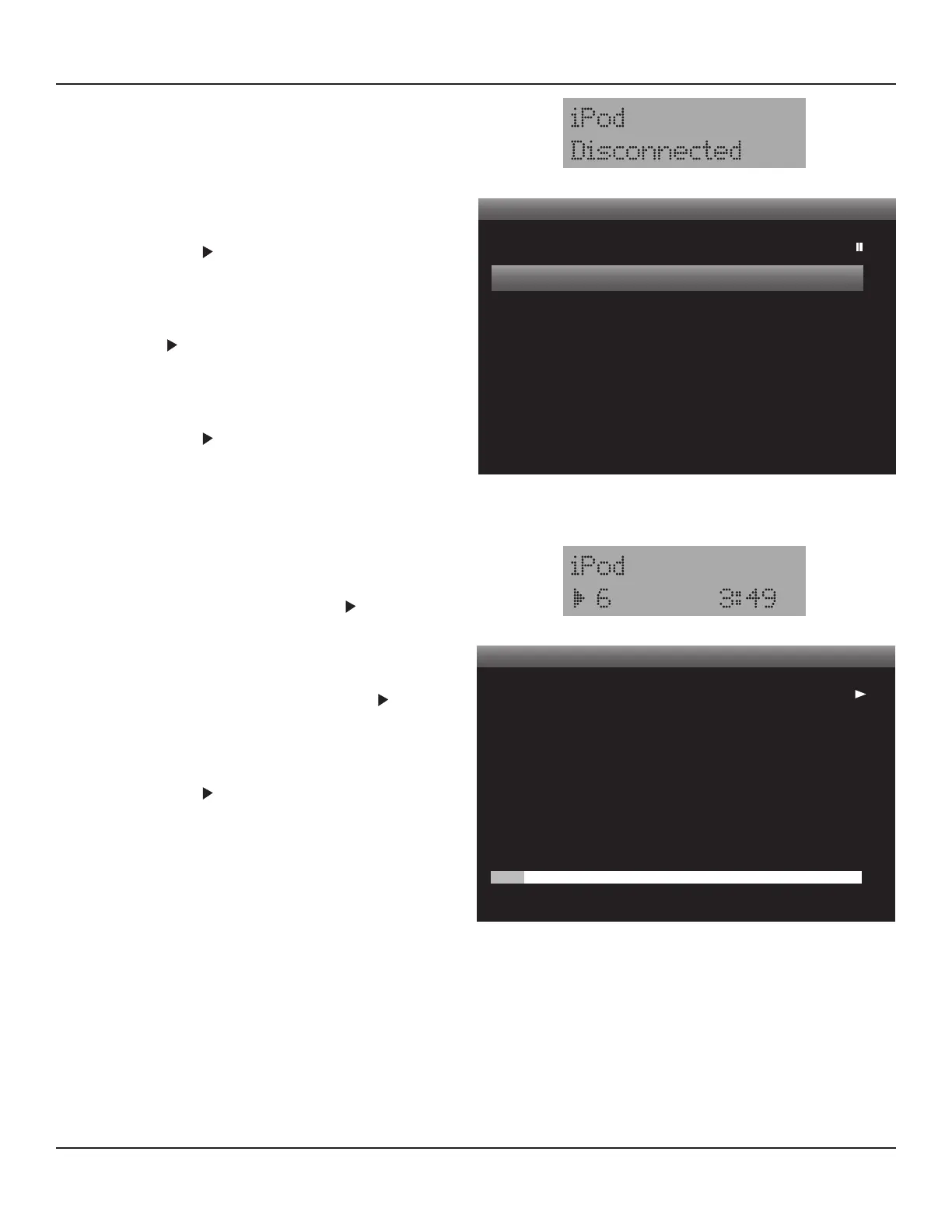
Diagram 96 iPod OSD - iPod Not Docked
M80 Front Panel Display - iPod Not Docked
Now Playing
Title
Artist
Album
Audiobooks
Podcasts
Shue O
Repeat O
Item 0001 of 0000
:
:
:
Stream Of Consci
Dream Theater
Train Of Thought
Diagram 97 iPod OSD - iPod Now Playing
M80 Front Panel Display - iPod Now Playing
iPod Control
1. Press the iPod Previous Track, Pause, Play and Next Track
buttons on the M80 Remote to play, stop and skip tracks.
Shue
The Shue function will randomly play individual songs or
entire albums from the Songs and Albums Playlists.
1. To shue songs, with Shue O highlighted in the
Main Menu, press . The Main Menu item will change to
‘Shue Songs’ and the iPod will randomly play songs from
the Songs Playlist.
2. To shue albums, with Shue O highlighted in the Main
Menu, press twice. The Main Menu item will change to
‘Shue Albums’ and the iPod will randomly play entire
albums from the Albums Playlist.
3. To turn Shue o, with ‘Shue Albums’ highlighted in the
Main Menu, press . The Main Menu item will change to
‘Shue O’. Navigate the iPod OSD to make another selec-
tion.
Repeat
The Repeat function will play a selected song or playlist con-
tinually until stopped or another selection is made.
1. To repeat a song, select a song from a playlist. With Repeat
O highlighted in the Main Menu, press . The Main
Menu item will change to ‘Repeat One’ and the iPod will
continually play the selected song.
2. To repeat a all songs in a playlist, select a playlist. With Re-
peat O highlighted in the Main Menu, press twice. The
Main Menu item will change to ‘Repeat All’ and the iPod
will continually play the selected playlist.
3. To turn Repeat O, with ‘Repeat All’ highlighted in the
Main Menu, press . The Main Menu item will change to
‘Repeat O’. Navigate the iPod OSD to make another selec-
tion.
Now Playing
When a song or playlist has been selected, the track number
and elapsed time will appear in the Front Panel Display and
Title, Artist, Album and a Time Line will be displayed in the
iPod OSD Now Playing Screen. Diagram 97. An icon for the
transport function, (play, stop, pause) will displayed in the
lower left corner of the Front Panel Display next to the track
number and in the upper right corner of the OSD.
Note: The Now Playing Screen will only display the rst 16
characters for Title, Artist and Album.



 To Next Page