52
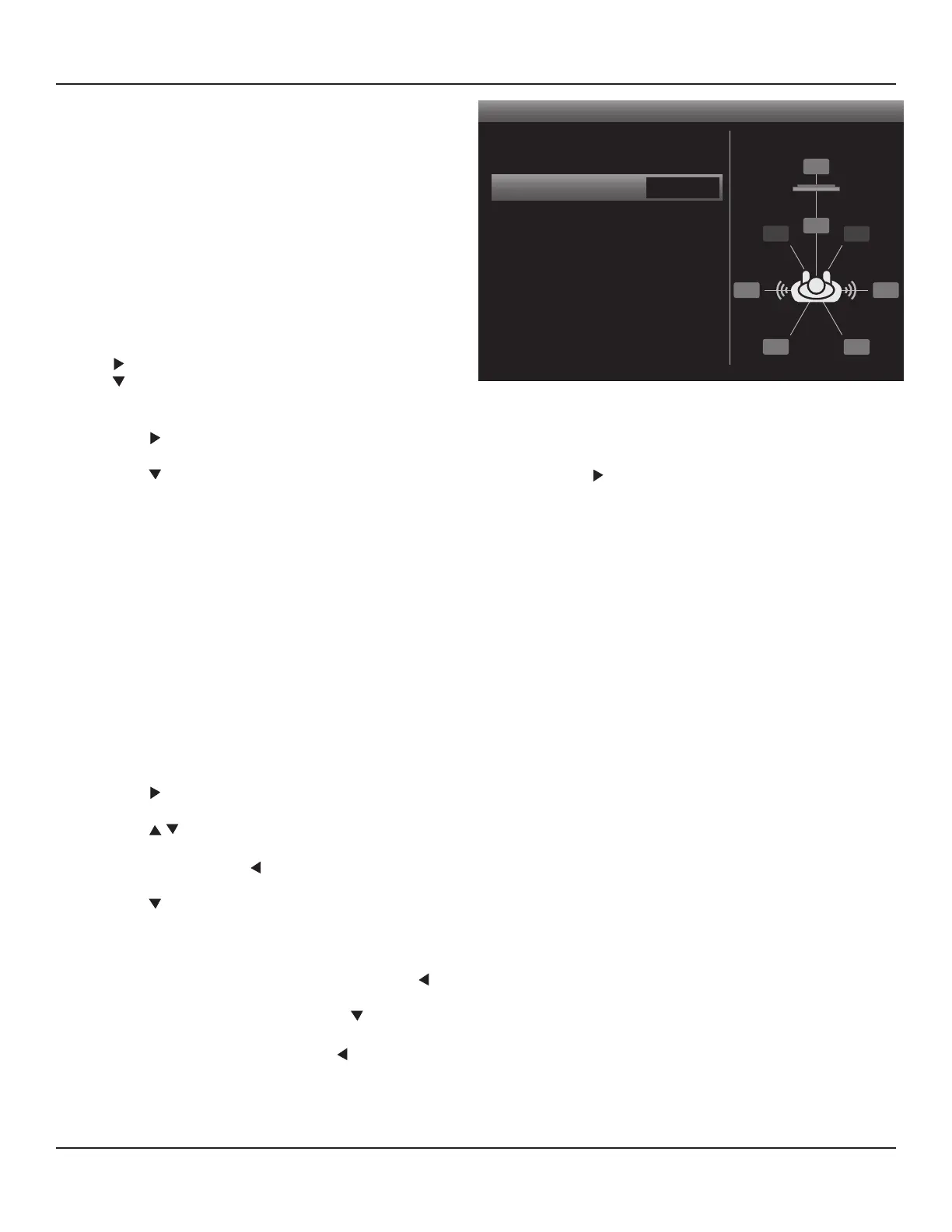
Diagram 51 Speaker Conguration (Crossover)
Speaker Conguration
< >
Front
Center
Surround
Back
Subwoofer
S 80Hz
S 80Hz
S 80Hz
S 80Hz
On
BSL
SL SR
BSR
FL
FR
SW
C
SPEAKER SETUP
Manual Speaker Setup
The M80 Speaker Settings can be congured manually.
Even though SmartEQ is recommended and will set all
speaker settings to their optimal values, there may be oc-
casions when some manual tweaking of the settings may
be desirable to accommodate personal preference.
Important Note: The default, out of the box speaker con-
guration of the M80 is 7.1. If conguring the M80 for a 5.1
setup, in the Speaker Conguration screen, set the Back
Speaker ‘size’ to ‘OFF’. Availability of audio modes (Listen-
ing Modes) is determined, in part, by the speaker congu-
ration. Appropriate Listening Modes will not be available
for the given conguration if this setting is not correct.
1. With the OSD open, and Setup Menu selected, press
. Source Setup will highlight in the Setup List. Press
to move the highlight bar to the Speaker Setup
line. Diagram 43
2. Press
. The Speaker Setup Menu will appear. Smart EQ will be highlighted by default. Diagram 44
3. Press to move the highlight bar to the Speaker Conguration line. Press . The Speaker Conguration screen will ap-
pear. Front will be highlighted by default. Diagram 51
Speaker Conguration
These settings determine the speaker conguration (7.1 vs 5.1) and tell the M80 where to set the crossover points for bass in-
formation to the Front, Center, Surround and Back speakers and the Subwoofer. These settings are determined by the number
of speakers used and the design of the Front, Center, Surround and Back speakers.
Selecting ‘Large’ is appropriate when full range speakers with good bass extension are used for Front, Center, Surround or
Back or if a Subwoofer is not going to be used. Selecting Large will send all bass information for that group (Front, Center, Sur-
round, Back) to those speakers and no bass information for that group to the PRE-OUT SW (subwoofer) jack.
Selection of the crossover point (60, 80, 100, 120, 150Hz) can be determined by referencing the bass response specications
and crossover points of the Front, Center, Surround and Back speakers and the Subwoofer. Start by setting a point some-
where in between the low end of the speakers’ range and the upper end of the Subwoofer’s range. This will create a seamless
transition from lower midrange information to bass information. Some experimentation can be done to nd a particular set-
ting that is most satisfying to the user or that compensates for the acoustics of a particular room.
1. Press . The Front Speaker Window will become active.
2. Press to select the crossover point. (S 80 used for example; S = Small.)
3. When nished, press so the Front Speaker Window is no longer active and to save the setting.
4. Press to move the highlight bar to the Center line.
5. Repeat Steps 1-4 for the Surround, Back and Subwoofer settings. If conguring a 5.1 setup, set the Back Speakers to ‘OFF’.
6. When all speakers have been congured, press to return to the Speaker Setup Menu.
7. If continuing in Speaker Setup, press to move the highlight bar to Speaker Levels and proceed to the next section.
8. To return to the Setup Menu press again.
9. To exit the OSD press Menu.



 To Next Page