78
Setting Listening Mode Preferences
Audio content with specic surround encoding, ie Blu-ray
Discs, DVD-Video Discs, digital cable and satellite program-
ming, are typically best experienced by listening to the audio
using the Listening Mode it was produced with (See previous
section: Automatic Listening Mode Selection). Other types
of audio content such as stereo digital audio from CD, or stereo
analog content from standard cable, a Tape Deck or the M80
Tuner have multiple Listening Mode options. These options
can be set to user preference.
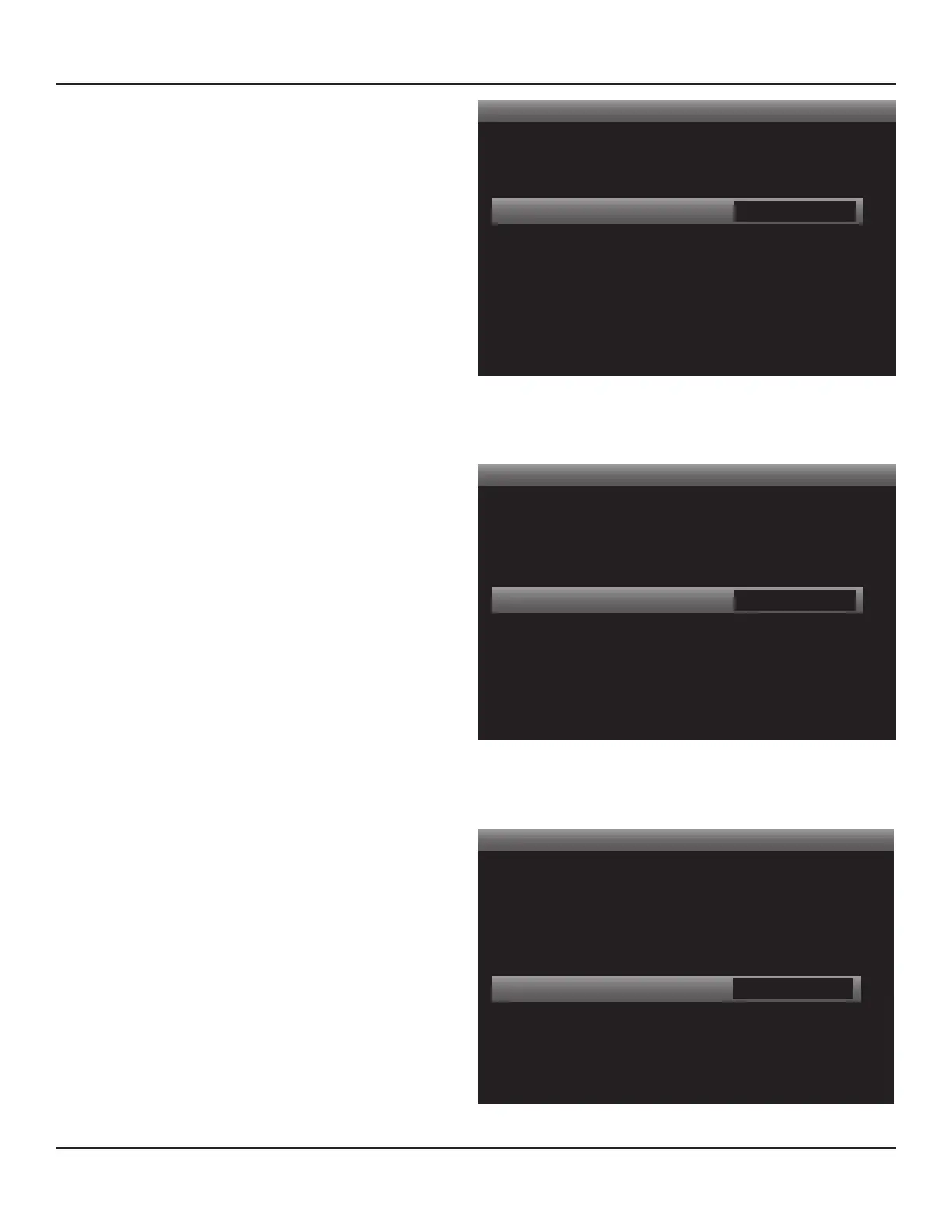
The Listening Mode Setup screen, Diagram 103, allows dier-
ent Listening Modes to be set as preferences to be used when
specic types of audio signals are detected. With all options set
to None, (no preference), the M80 will detect the type of audio
encoding for the incoming signal and automatically apply the
appropriate Listening Mode. When a preference has been set
for a type of input (analog/digital) or process (Dolby/DTS) the
M80 will switch to that Listening Mode whenever a like input
(analog/digital) is selected or encoding (Dolby/DTS) is detect-
ed for that source.
Note: Not all modes are available for all sources and con-
tent. Some modes are only available in the auto-select mode
(None). Some modes are 5.1/7.1 conguration dependent.
Dolby Digital
These settings provide options/preferences for Dolby en-
coded stereo and surround audio input signals. Available
modes will vary.
2-Channel - This setting will have any Dolby Ste-
reo encoded content output in the selected mode.
Typical 5.1 conguration modes: DVS Reference, DVS
Wide, Dolby PLII Movie, Dolby PLII Music. Typical 7.1
conguration modes: Stereo Downmix, DVS Refer-
ence, DVS Wide, Dolby PLIIx Movie, Dolby PLIIx Music,
Dolby Digital EX. Diagram 104
Surround - This setting will have any Dolby Digital
surround encoded content output in the selected
mode. Typical 5.1 conguration modes: DVS Refer-
ence, DVS Wide, Dolby PLII Movie, Dolby PLII Music.
Typical 7.1 conguration modes: Stereo Downmix,
DVS Reference, DVS Wide, Dolby PLIIx Movie, Dolby
PLIIx Music, Dolby Digital EX. Diagram 105
DTS
This setting provides a preference for DTS encoded audio
input signals. Available modes will vary. Typical 5.1 con-
guration modes: NEO:6 Cinema, NEO:6 Music. Typical 7.1
conguration modes: Stereo Downmix, NEO:6 Cinema,
NEO:6 Music, DTS+NEO:6 Music. Diagram 106
Listening Mode
< >
Dolby Digital
2 Channel
Surround
DTS
Other
Digital
Analog
Main
PLII Music
PLII Movie
None
None
None
Diagram 105 Listening Mode - Dolby Digital Surround
Listening Mode
< >
Dolby Digital
2 Channel
Surround
DTS
Other
Digital
Analog
Main
PLII Music
PLII Movie
NEO:6 Cinema
None
None
Diagram 106 Listening Mode - DTS
Listening Mode
< >
Dolby Digital
2 Channel
Surround
DTS
Other
Digital
Analog
Main
PLII Music
None
None
None
None
Diagram 104 Listening Mode - Dolby Digital 2 Channel
OPERATING THE M80



 To Next Page