User Manual
146
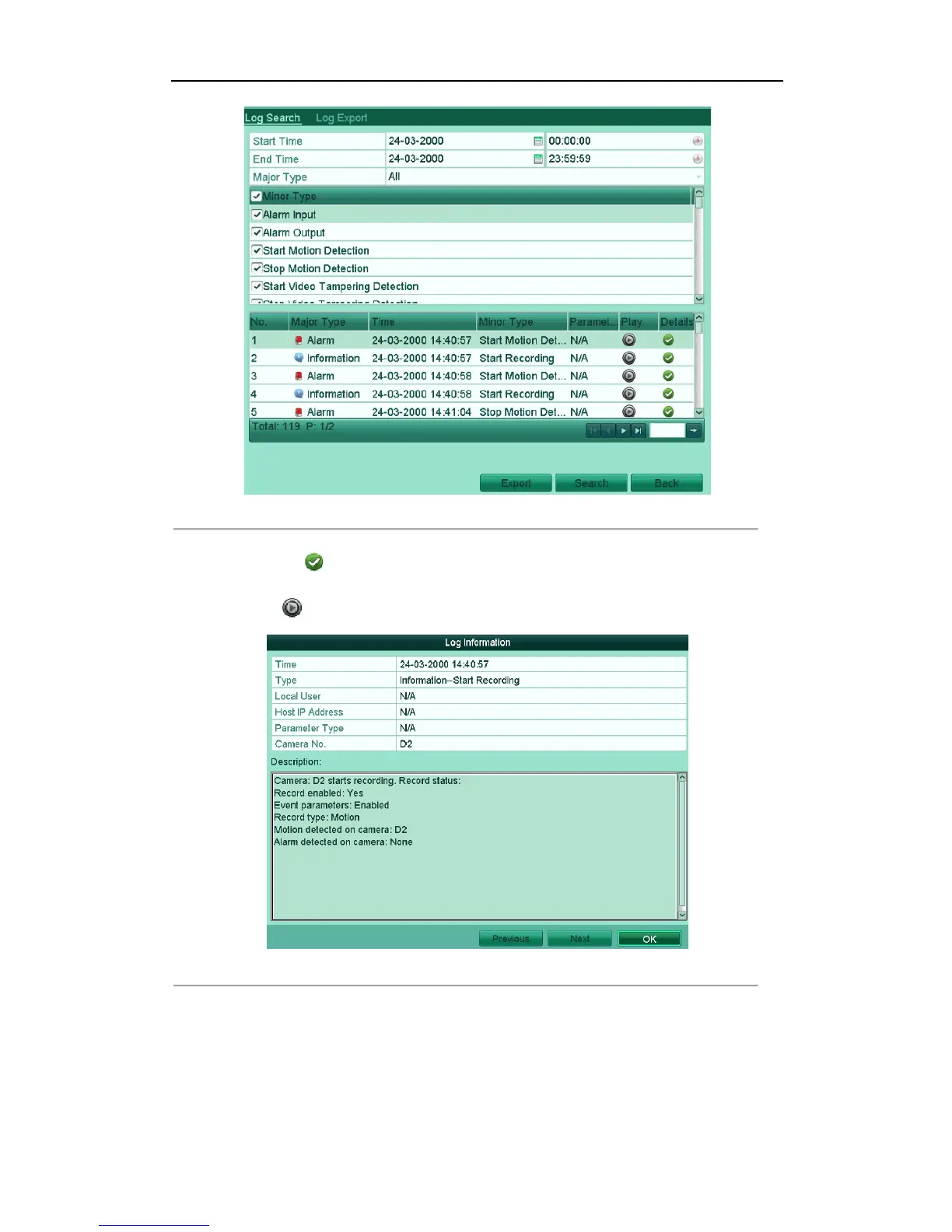
Figure'12.7'Log'Search'Results' '
!
5. You can click the button of each log or double click it to view its detailed information. And you can
also click the button to view the related video files if available.
Figure'12.8'Log'Details'
!
6. If you want to export the log files, click the Export button to enter the Export menu.
You can also export all the log files stored in the HDD.
(1) Enter the Log Export interface.
Menu > Maintenance > Log Information>Log Export



 To Next Page