User Manual
147
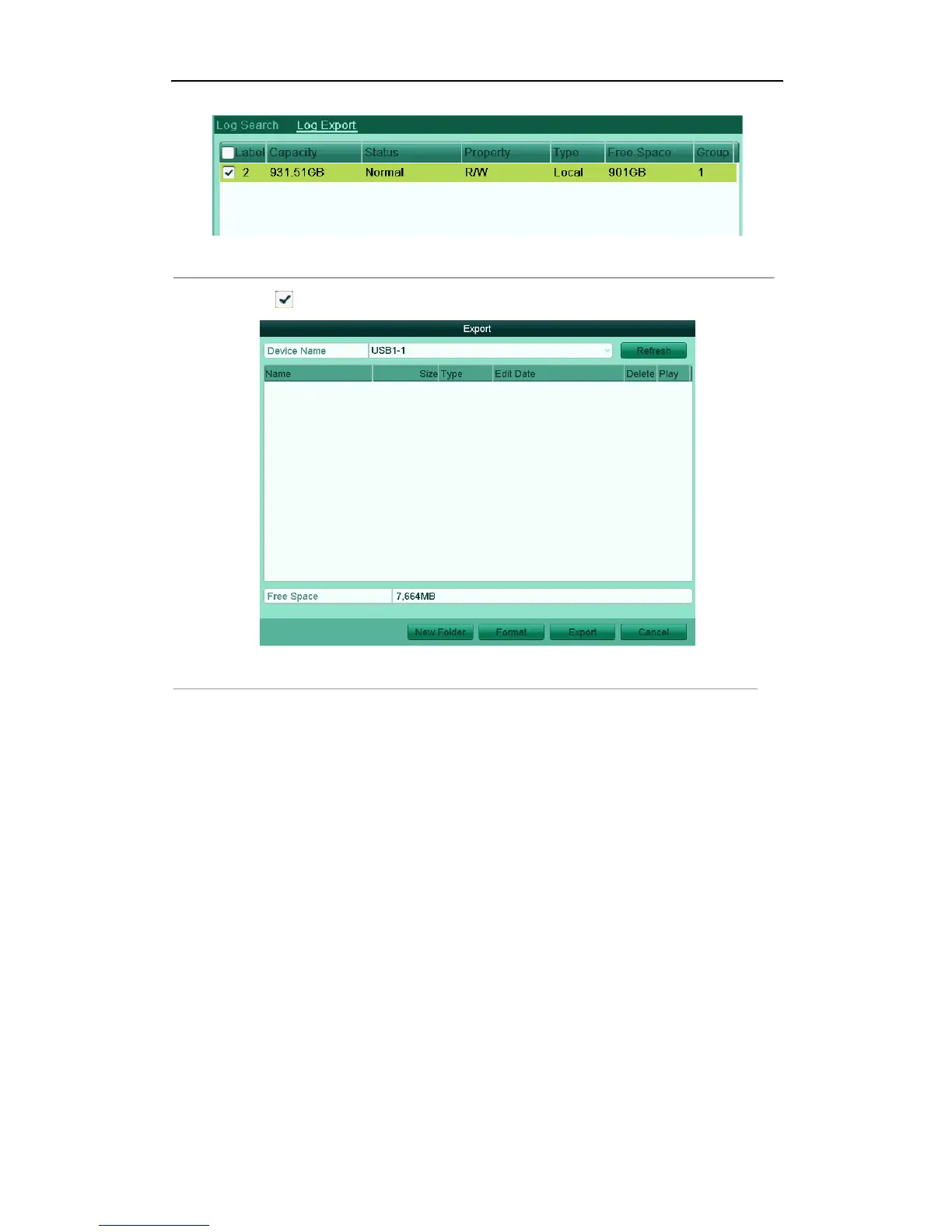
Figure'12.9'Log'Export'Interface'
(2) Check checkbox to select the HDD and click Export to enter the export interface.
Figure'12.10'Export'Log'Files'
!
7. Select the backup device from the dropdown list of Device Name.
8. Click the Export to export the log files to the selected backup device.
You can click the New Folder button to create new folder in the backup device, or click the Format button
to format the backup device before log export.
Notes:
1) Please connect the backup device to device before operating log export.
2) The log files exported to the backup device are named by exporting time, e.g.,
20110514124841logBack.txt.



 To Next Page