User Manual
49
Steps:
1. Enter the Record Schedule interface.
Menu>Record>Schedule
2. Configure Record Schedule
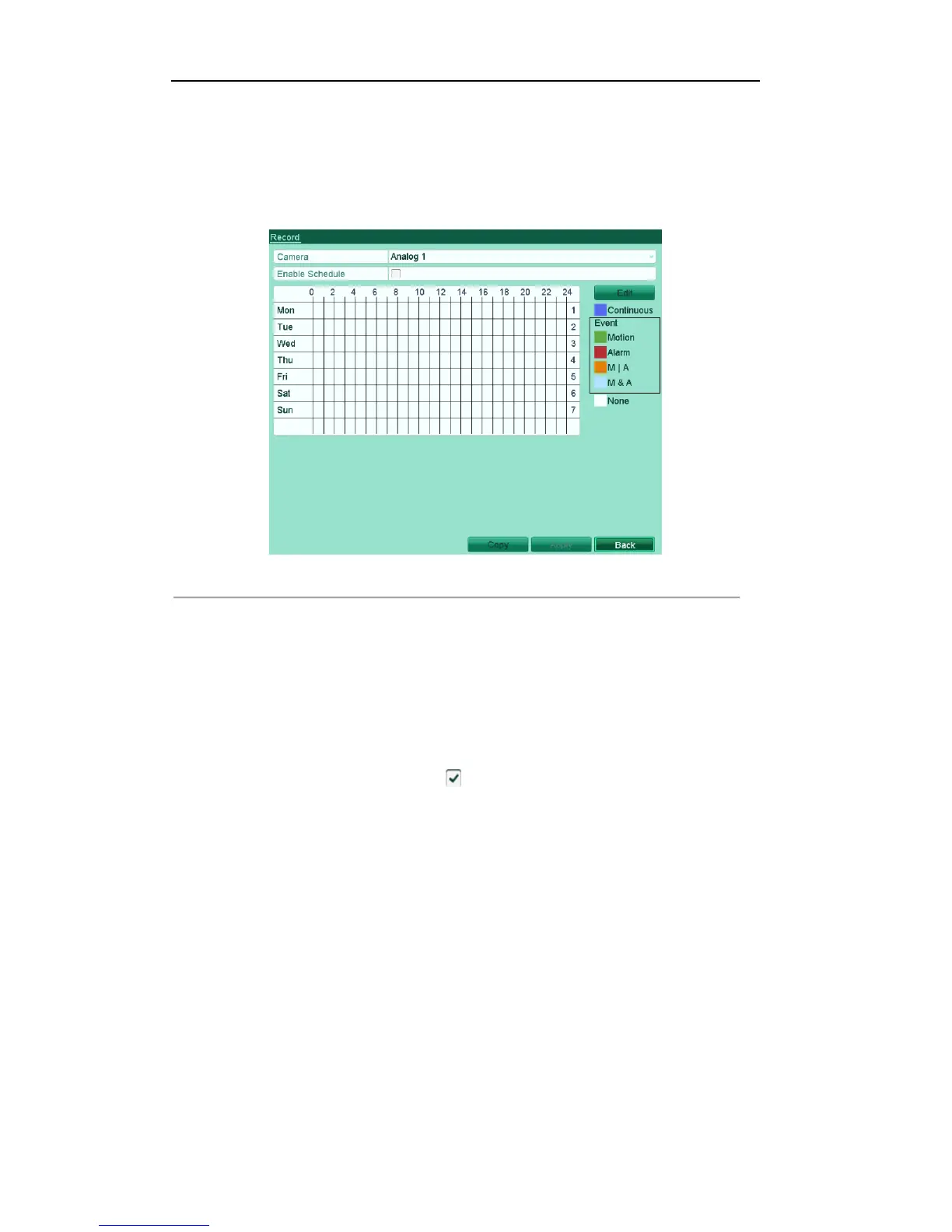
1) Click Schedule to enter the record schedule settings interface.
Figure'5.7'Record'Schedule' ' '
2) Choose the camera you want to configure.
3) Check the check box after the Enable Schedule item.
There are two ways to configure the record schedule.
Task 1: Edit the Schedule
Steps:
1) Click Edit.
2) In the message box, you can choose the day which you want to set schedule.
3) To schedule an all-day recording, check checkbox to enable all-day recording.
• Set the Type in the dropdown list. Different recording types are available for different
models.



 To Next Page