User Manual
71
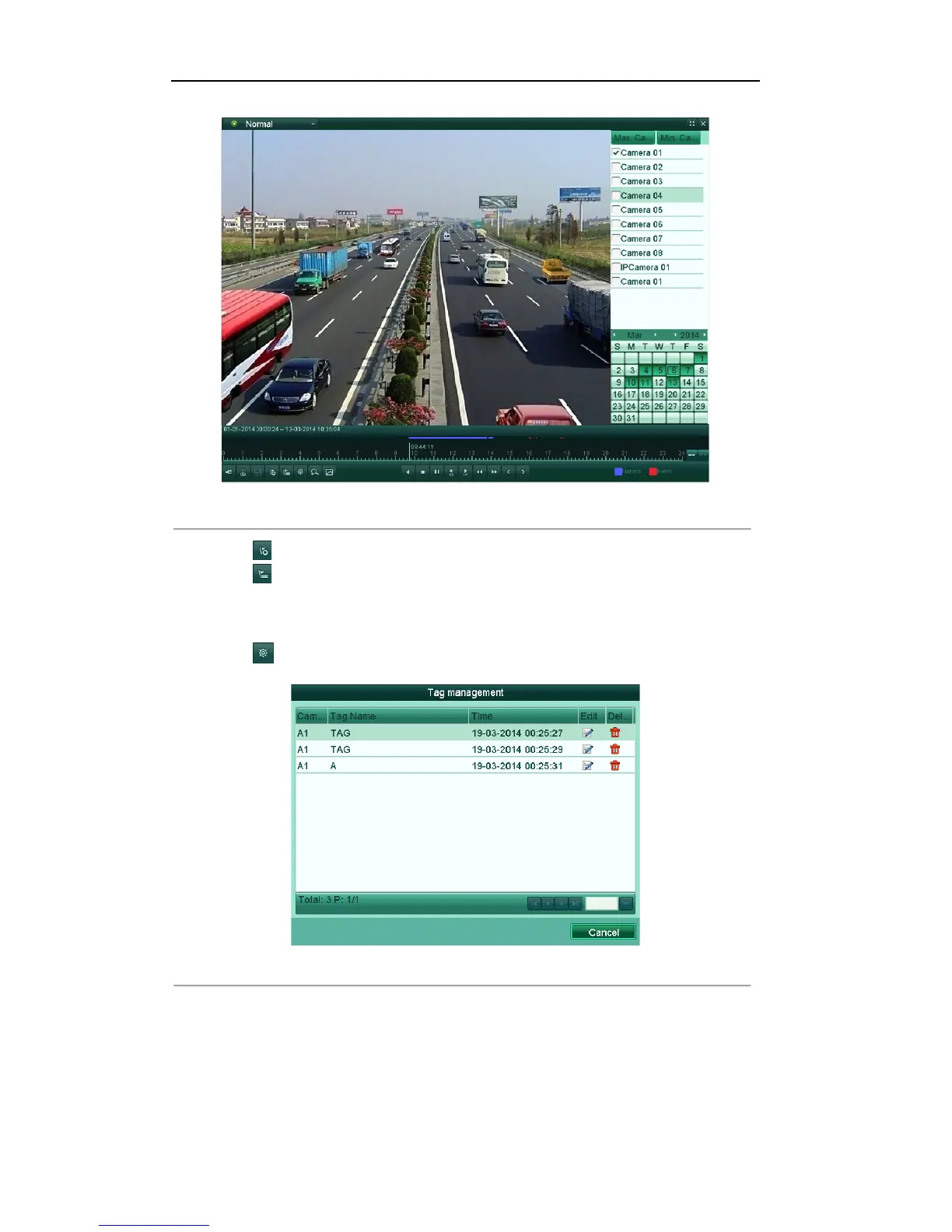
Figure'6.11'Interface'of'Playback'by'T im e
'
Click button to add default tag.
Click button to add customized tag and input tag name.
Note: Max. 64 tags can be added to a single video file.
2. Tag management.
Click button to check, edit and delete tag(s).
Figure'6.12'Tag'Management'Interface
'
Steps:
1. Enter the tag playback interface.
Menu>Playback>Tag
2. Select the channels from the list, and specify the start time and end time for search.



 To Next Page