User Manual
72
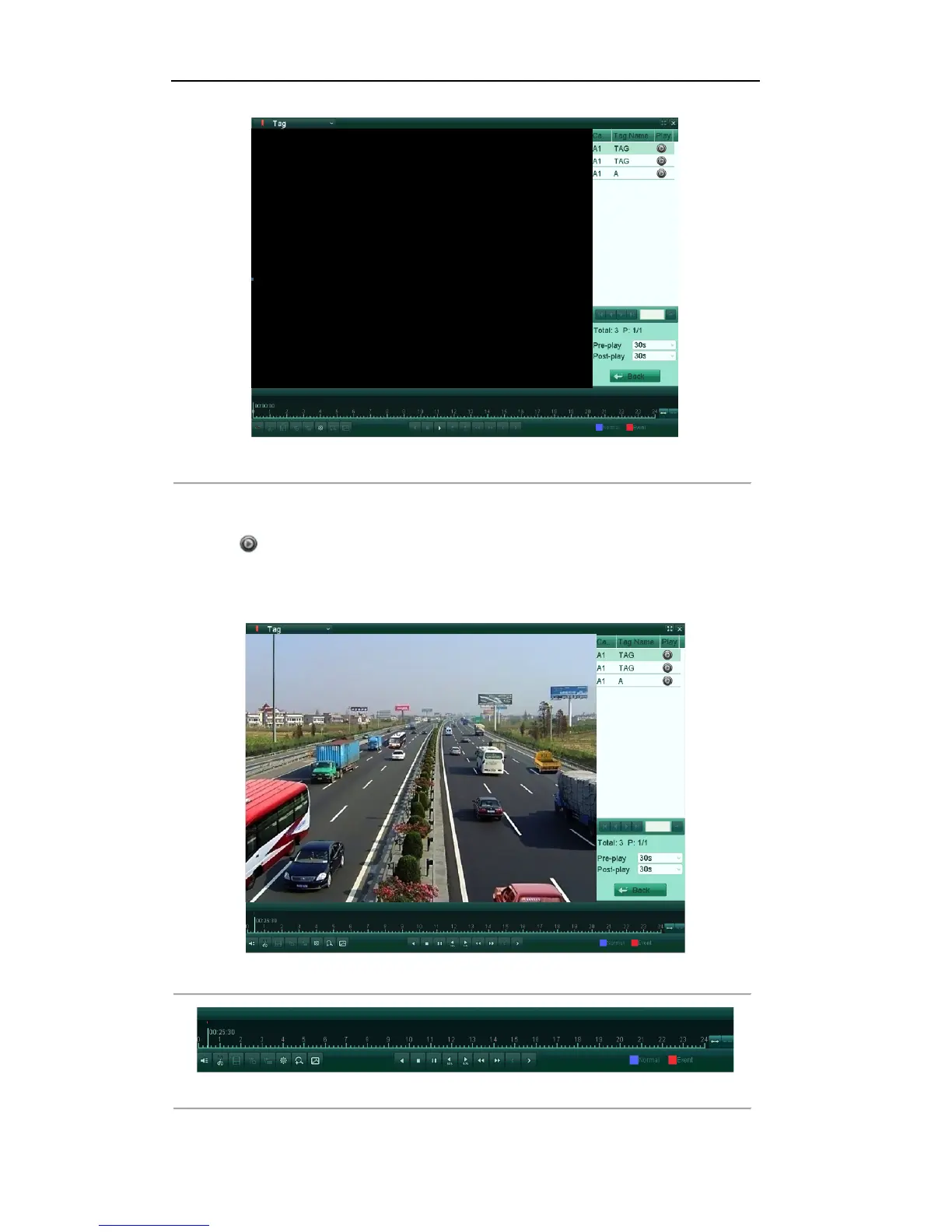
Figure'6.13'Video'Search'by'Tag'
'
3. Optionally, you can input the keyword of the tag name in the Keyword text field to narrow the search.
4. Click Search, and the tags matching the search conditions will be displayed on a list.
5. Click button to play back the file.
You can click the Back button to back to the search interface.
Pre-play and post-play time can be set according to actual needs.
Note: Pre-play time and post-play time is added to the time point of the tag.
Figure'6.14'Interface'of'Playback'by'Tag
'
Figure'6.15'Toolbar'of'Playback'by'Tag
'



 To Next Page