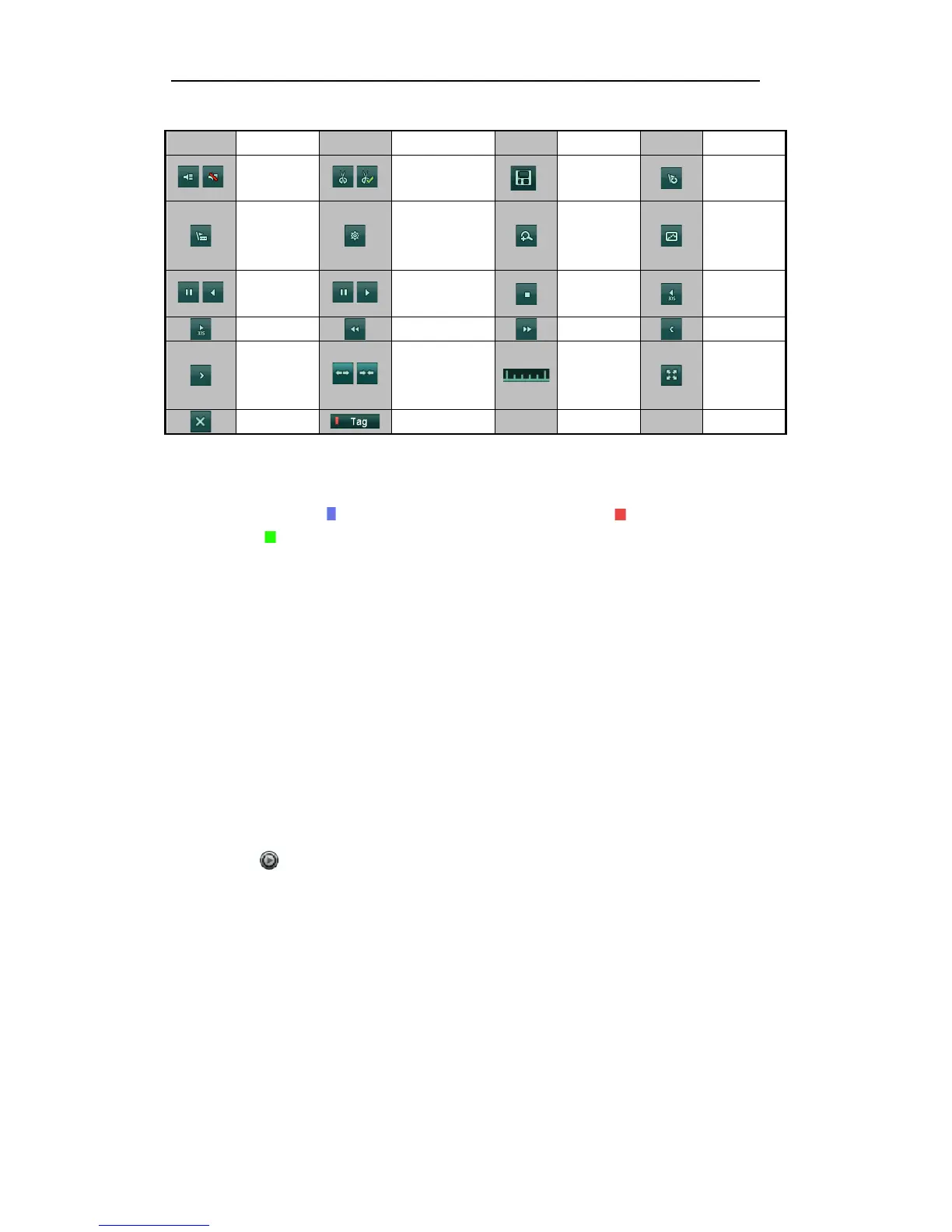
Notes:
! Playback progress bar: use the mouse to click any point of the progress bar or drag the progress bar to
locate special frames.
! About video type bar: represents normal recording (manual or schedule); represents event
recording; represents smart search recording.
5.1.5!Playing!Back!by!Smart!Search!
Purpose:
The smart playback function provides an easy way to get through the less effective information. When you
select the smart playback mode, the system will analyze the video with motion, mark it with green color and
play it in the normal speed while the video without motion will be played in the 8-time speed.
Note: The playback by smart search is not supported for IP cameras.
Steps:
1. Enter Playback interface.
Menu>Playback>Smart
2. Select a date in the calendar and select a camera in the camera list.
3. Click the button to play.



 To Next Page