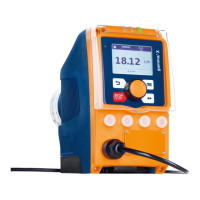
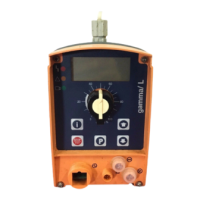
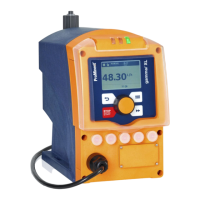
The PROFIBUS
®
address must always be entered as 3 digits
(addresses from "002" to "125"):
1. 1. Option: Turn the
[Clickwheel]
until the desired value is
reached and then press the
[Clickwheel]
.
2.
2. Option: Press the
[Priming]
key to change to digit-by-
digit setting. Set the number using the
[Clickwheel]
and save
using the
[Priming]
key. The cursor moves to the next
number, and so on .
4.2.3.2 About
‘Pump type’
In this case you only need to make a setting if you
want to use the gamma/ L data profile instead of
gamma/ X.
1. In accordance with chap. jump to
‘Pump type’
.
2. Select, for example,
‘GALa’
as the pump type.
ð
The pump loads the data profile for the gamma/ L, GALa
pump.
4.3
Special features in PROFIBUS
®
mode
4.3.1 General
In PROFIBUS
®
mode, the pump cannot be man‐
ually set or programmed! To do this, set the PRO‐
FIBUS
®
to ‘Inactive’ .
n Using the
[Clickwheel]
it is possible to switch between the con‐
tinuous displays at any time as in the other operating modes.
This has no effect on the operating of the pump.
n When PROFIBUS
®
mode is selected, the settings from the last
operating mode without PROFIBUS
®
are applied. Settings
made using PROFIBUS
®
are, however, not saved! These only
apply as long as the pump is linked to the PROFIBUS
®
. Only
the
‘stroke counter’
(total number of strokes) and the
‘volume
counter’
(total number of litres) continue to be counted and
saved.
n If the pump is set to PROFIBUS
®
mode, it stops. It can be con‐
trolled again by pressing the
[Stop/Start]
key. Give the Start
command using the BUS.
4.3.2 Display
In running PROFIBUS
®
mode there are further identifiers in the
operating indicator.
The current identifier can be found in the "Controls"
chapter in the "Solenoid metering pump gamma/ X,
GMXa Operating Instructions".
Supplementary Operating Instructions PROFIBUS
®
67


 To Next Page
 Loading...