AHD DVR User Manual
36
② Select“Enable”andsetupthevalueofaddress,baudrateandprotocolaccordingtothe
settingsofthespeeddome.
③ Select“All”tosetthesamesettingsforallchannels.
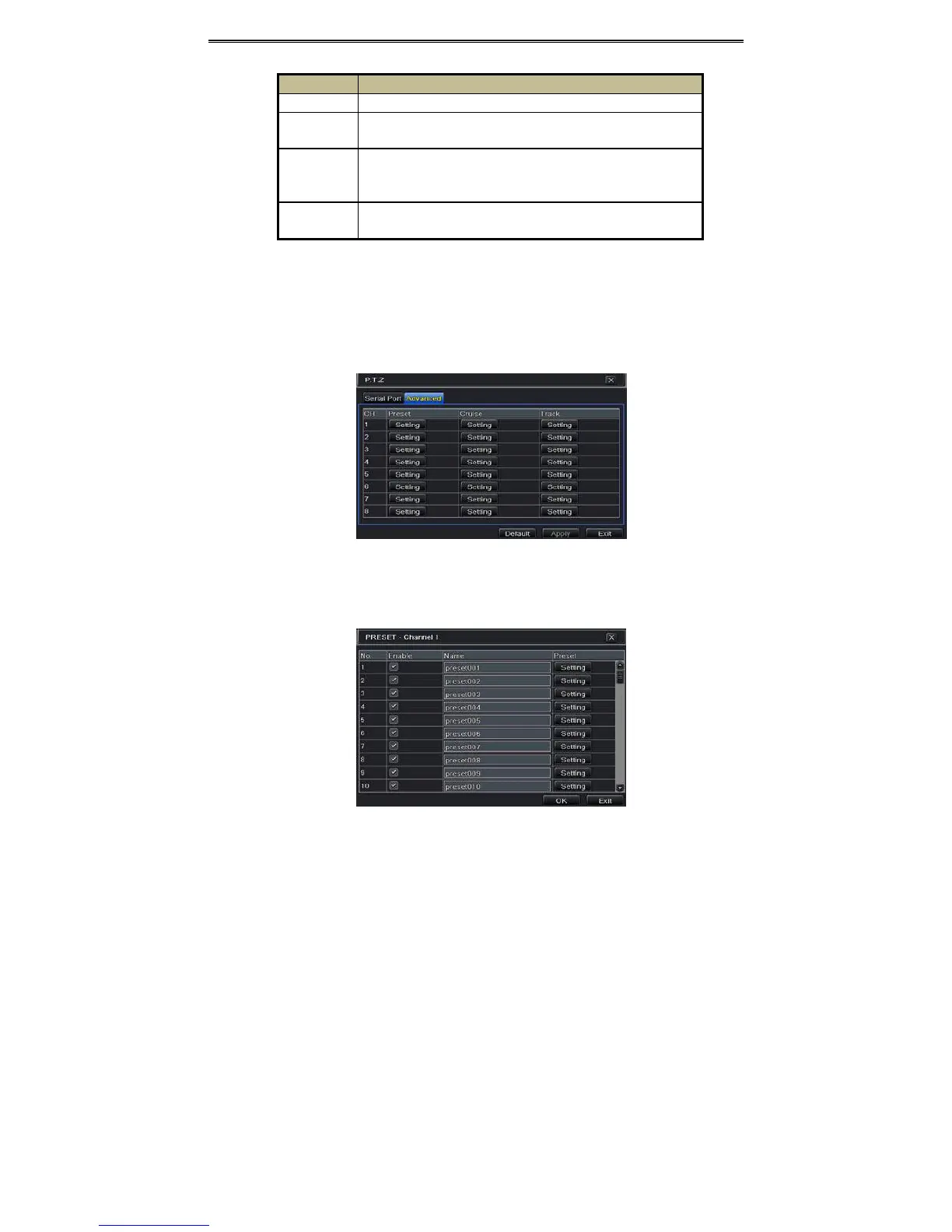
Advancedsettingsincludepresetsetting,cruisesettingandtracksetting.
GotoMainMenuSetupP.T. Z
Advanced.Ref ertoFig4‐33.
Fig4‐33P.T. Z configuration‐advanced
Tosetuppreset:
① IntheAdvancedinterface,clickpreset“Setting”buttontoseeadialogboxasFig4‐34.
Parameter Meaning
Address TheaddressofthePTZdevice.
Baudrate
BaudrateofthePTZdevice.Rangeform:110,300,600,1200,2400,4800,
9600,19200,34800,57600,115200,230400,460800,921600.
Protocol
Communication protocol of the PTZ device.Range from: NULL, PELCOP,
PELCOD, LILIN, MINKING, NEON, STAR, VIDO, DSCP, VISCA, SAMSUNG,
RM110,HY,N‐control.
Simulative
Cruise
Ifenabled,nomatterwhetherthePTZdevicesupportscruiseornot,the
presetswillcruise.



 To Next Page