AHD DVR User Manual
37
Fig4‐34Adv anced‐PresetSetting
② Inthepresetsettingtab,enablepreset,setthepresetnameandthenclickpreset
“Setting”button.
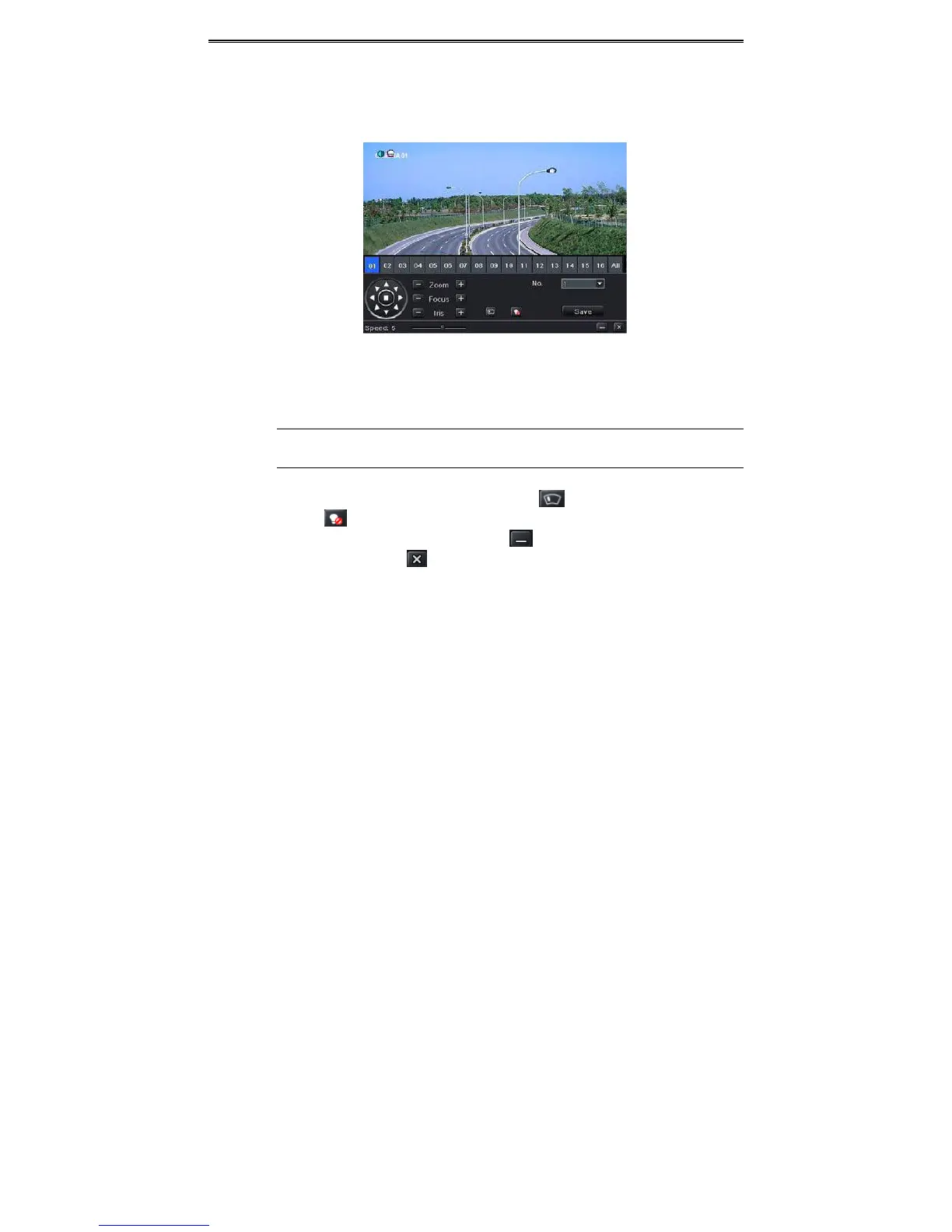
Fig4‐35PresetSetting
③ Controlthedomebyrotatingup,upleft,down,rightdown,left,leftdown,rightandup
rightandadjusttherotatespeedandthevalueofzoom,focusandirisofthedome.
Note:PTZmustsupportwiperandlightbuttonandthesetwobuttonsarejustavailable
whenselectingPELCOPorPELCOD.
④ Selecttheserialnumberofthepresetpoint.ClickbuttontoenablethePTZwiper
andclickbuttontoenablethePTZlight.
⑤ Click“Save”buttontosavethesetting.Clickicontohidethetoolbar.Rightclickto
viewthisbaragain.Clickicontoexit
thecurrentinterface.
⑥ ReturntotheAdvanced‐PresetSettinginterfaceandclickOKbuttontosavethesetting.
Tosetupcruise:
① IntheAdvancedinterface,clickcruise“Setting”buttontoseeawindow.



 To Next Page