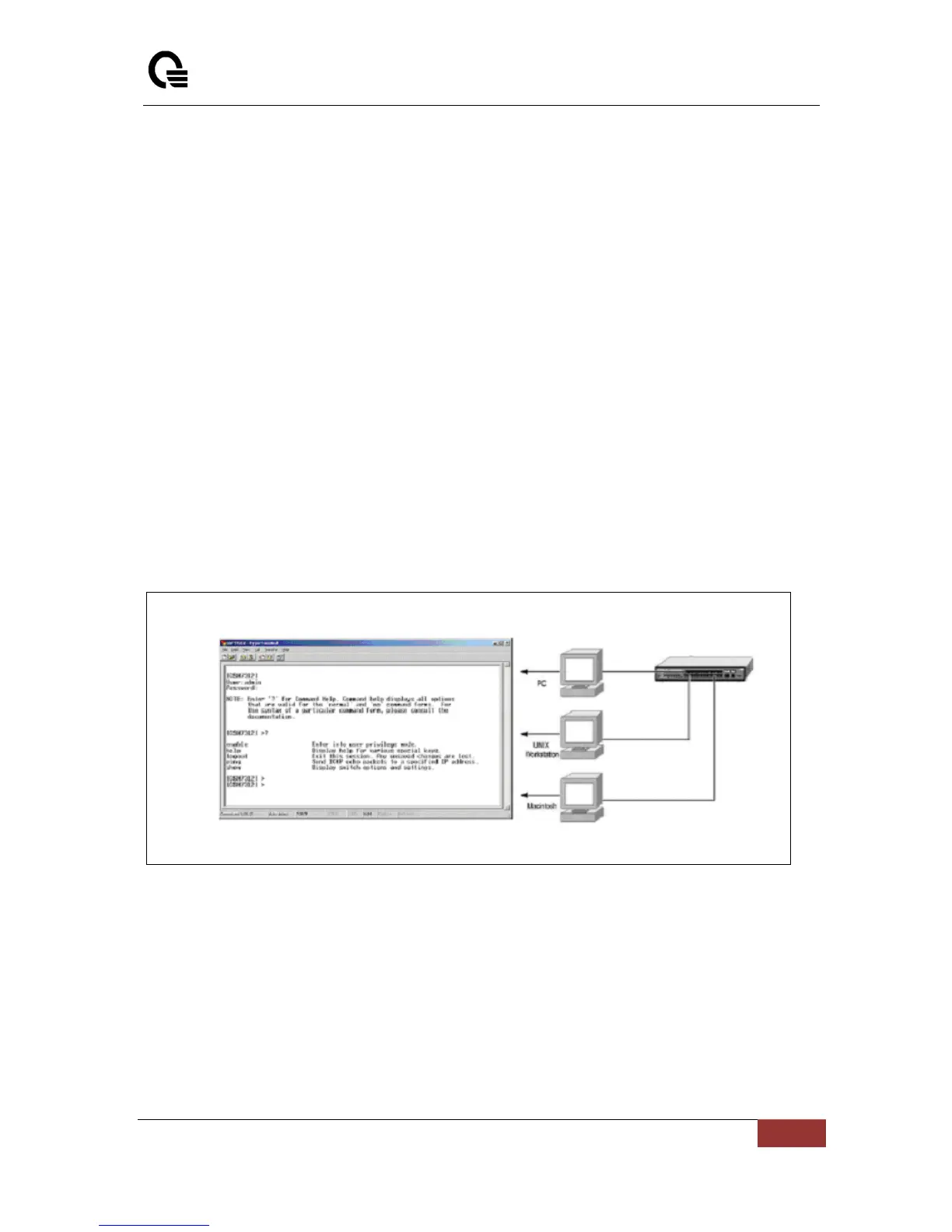
be connected to the Diagnostics port. This is an RS-232 port with a 9-socket D-shell connector and
DCE-type wiring. Make the connection as follows:
1. Obtain suitable cabling for the connection.You can use a null-modem RS-232 cable or an
ordinary RS-232 cable and a null-modem adapter. One end of the cable (or cable/adapter
combination) must have a 9-pin D-shell connector suitable for the Diagnostics port; the other end
must have a connector suitable for the console’s serial communications port.
2. Power down the devices, attach the cable (or cable/adapter combination) to the correct ports,
and restore power.
3. Set the console to use the following communication parameters for your terminal:
• The console port is set for the following configuration:
• Baud rate: 115,200
• Data width: 8 bits
• Parity: none
• Stop bits: 1
• Flow Control: none
A typical console connection is illustrated below:
Figure 3-1: Console Setting Environment



 To Next Page