Setup Unpacking
CubiScan 110-T 5
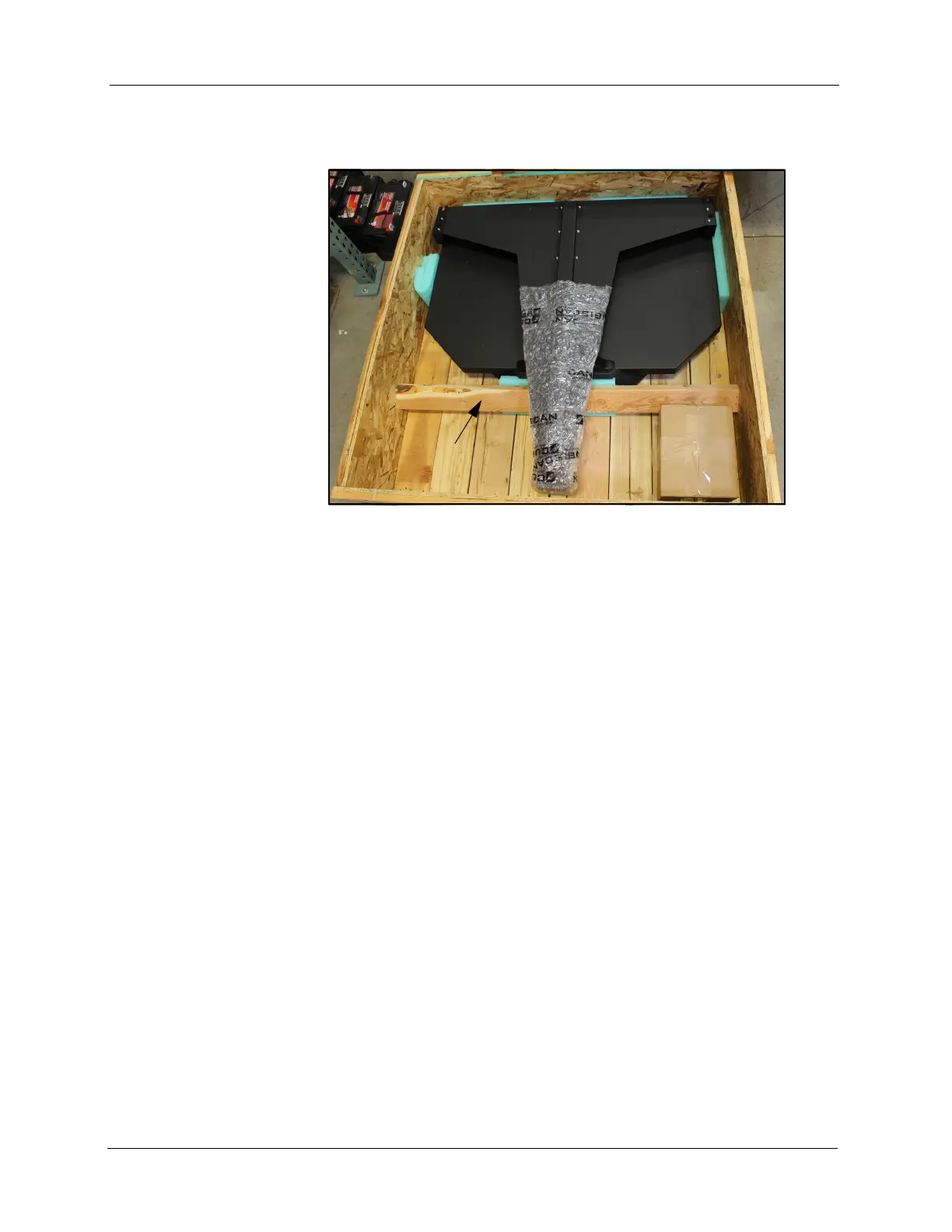
2. Remove the screws holding the wood packing bar in place, and remove
the wood bar from the crate.
3. Remove the packing material from around the CubiScan 110-T.
4. Carefully lift the CubiScan 110-T from the crate (this may require two
people).
Examine the container and the CubiScan 110-T carefully for any damage. If,
after unpacking, you discover any damage to the CubiScan 110-T, contact
the carrier immediately.
The CubiScan 11o-T is shipped in a single container with all components.
Refer to the list below to identify the components.
Fully assembled CubiScan 110-T
AC power cord
USB cable
Calibration cube
Qbit software CD (optional)
Operations and Technical Manual (in PDF form on the CD)
Accessories and tools packed with the CubiScan 110-T include the
following:
2.5 mm Allen wrench
4.0 mm Allen wrench
5.0 mm Allen wrench
6.0 mm Allen wrench
Figure 2
CubiScan 110-T in Crate



 To Next Page