Calibration Calibrating the Ultrasound Sensors
CubiScan 110-T 35
9. Tap [Next] to continue, and the following screen is displayed.
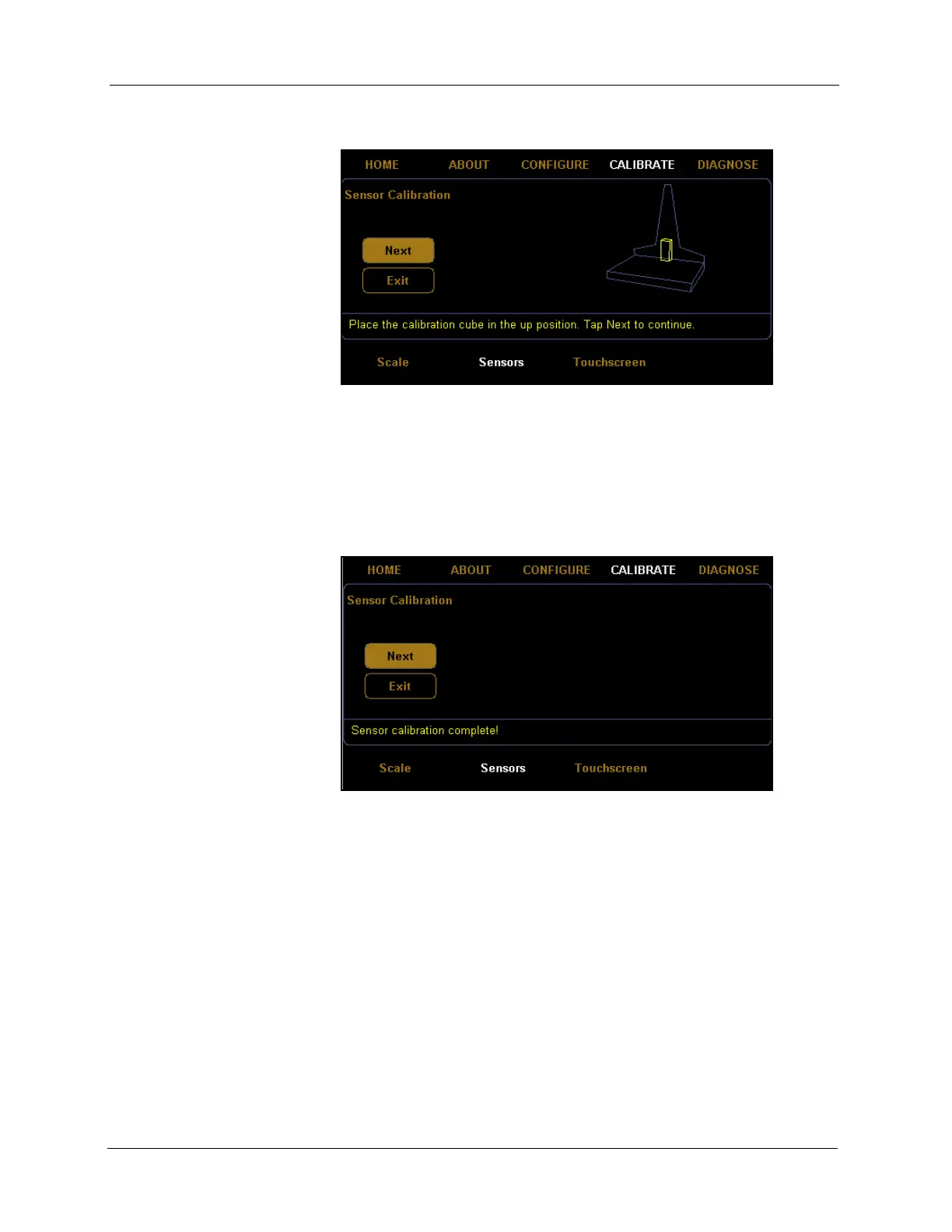
10. Place the calibration cube in the up position, as shown above.
11. Tap
[Next] to complete the sensor calibration. The following screen is
displayed.
12. You have now finished calibrating the sensors. Tap
HOME to return to
the home screen or if you would like to try calibrating the sensors again,
tap
[Next].
Figure 32
Fifth Sensor Calibration Screen
Figure 33
Sensor Calibration Complete



 To Next Page