Configuration System Configuration
CubiScan 110-T 25
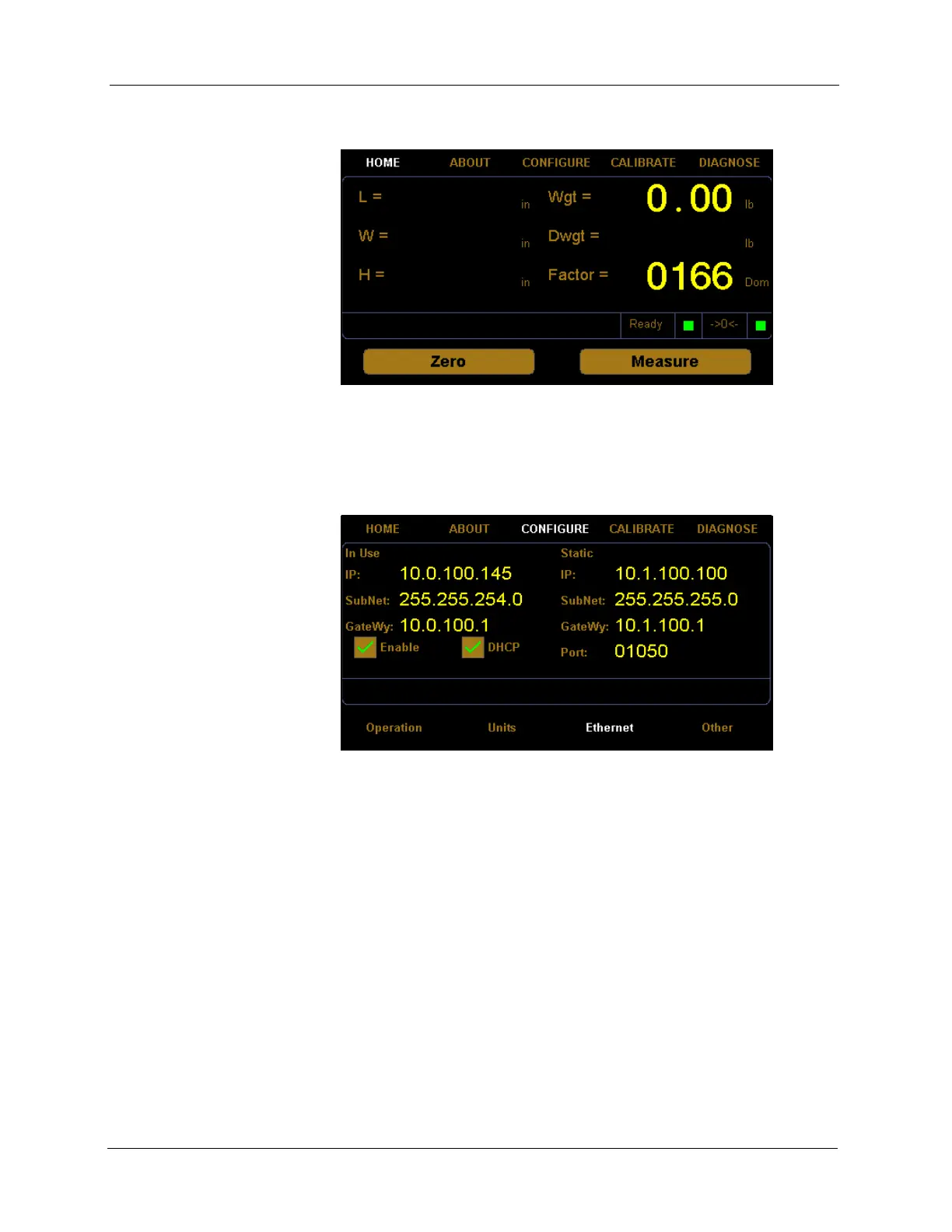
1. From the home screen, tap CONFIGURE.
2. The configuration menu is displayed at the bottom of the screen. Select
the
Ethernet option if it is not already selected.
In Use
This section describes the various settings and options of the Ethernet in
use.
IP This is the current IP address.
SubNet This is the current subnet mask.
GateWy This is the current gateway setting.
Enable Check this box to enable or disable the in use Ethernet.
DHCP Check this box to enable or disable the DHCP.
Figure 17
Home Screen
Figure 18
Configure Ethernet



 To Next Page