Calibration Calibrating the Touchscreen
CubiScan 110-T 36
Calibrating the Touchscreen
If you are having problems selecting functions on the touchscreen, you may
need to recalibrate it. You should recalibrate any time it becomes difficult
to select options on the screen.
Take the following steps to calibrate the touchscreen.
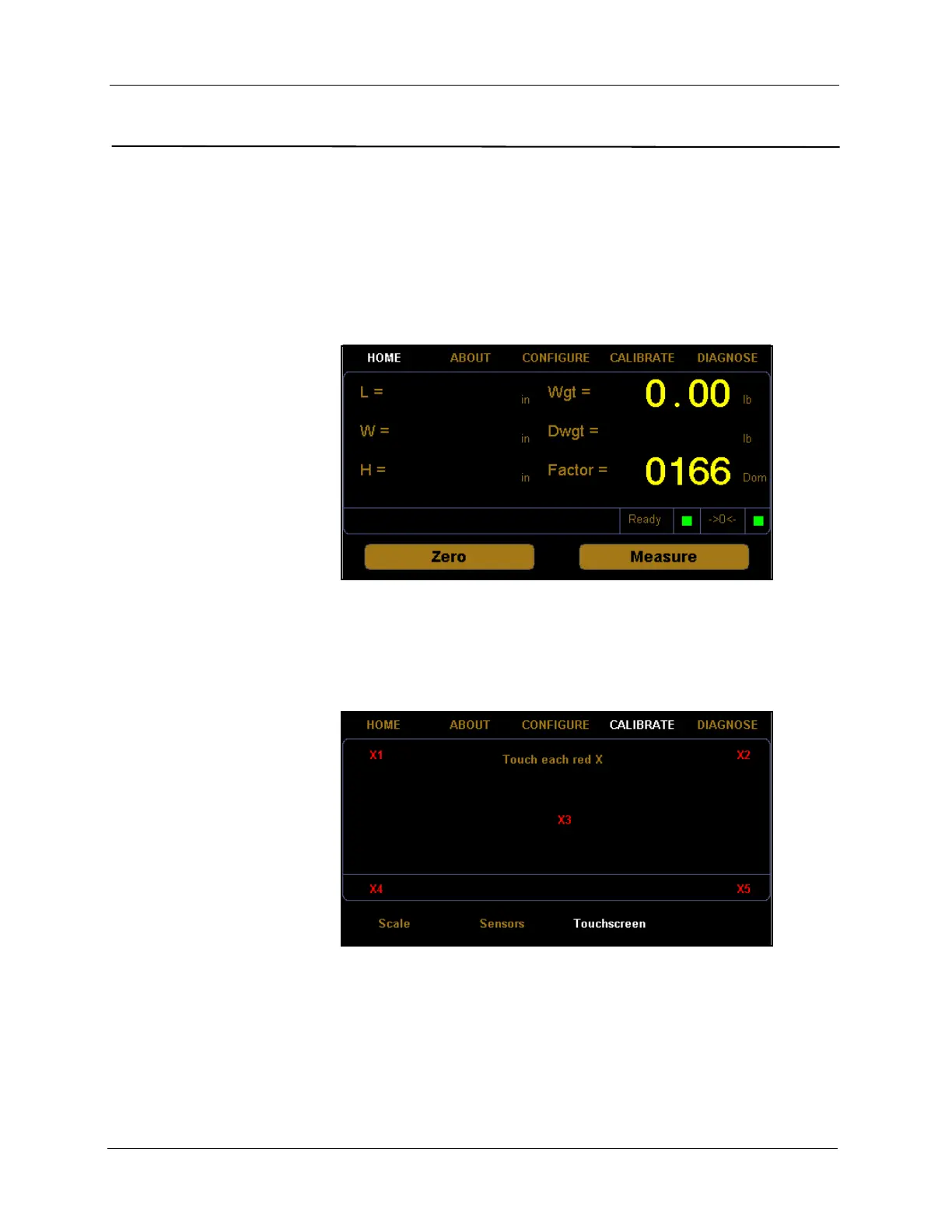
1. At the home screen, tap
CALIBRATE.
2. The calibration menu is displayed at the bottom of the screen. Select the
Touchscreen option if it is not already selected.
Figure 34
Home Screen
Figure 35
Touchscreen Calibration



 To Next Page