Troubleshooting About
CubiScan 110-T 46
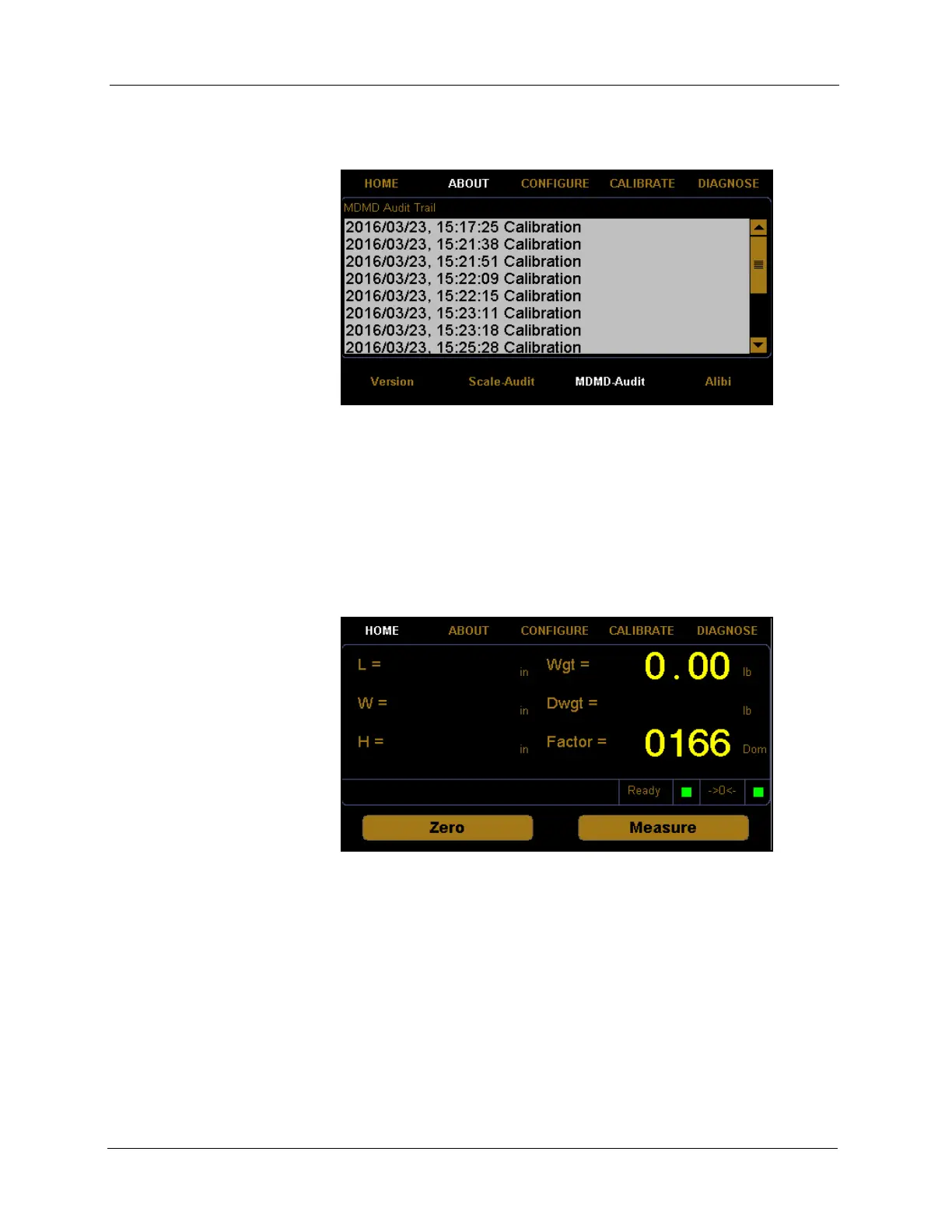
2. The about menu is displayed at the bottom of the screen. Select the
MDMD-Audit option if it is not already selected.
MDMD Audit Trail This field displays the sensor calibration history.
This section discusses the options available on the version menu. Complete
the following steps to access the version menu.
1. Tap
ABOUT at the home screen.
Figure 43
About MDMD-Audit
Figure 44
Home Screen



 To Next Page