Troubleshooting Diagnostics
CubiScan 110-T 49
LDW This field displays the dead weight count.
LWT This field displays the full weight count.
Motion This field displays the motion status of the scale.
0=No motion
1=Motion
Wgt This field displays the current weight.
COZ This field displays the center of zero.
AZM This field displays the auto zero tracker.
Zero This field displays whether there is weight on the scale or not.
0=Weight on scale
1=No weight on scale
Tare This field displays the zero adjustment count. This value should typically be
near zero.
3. Tap the
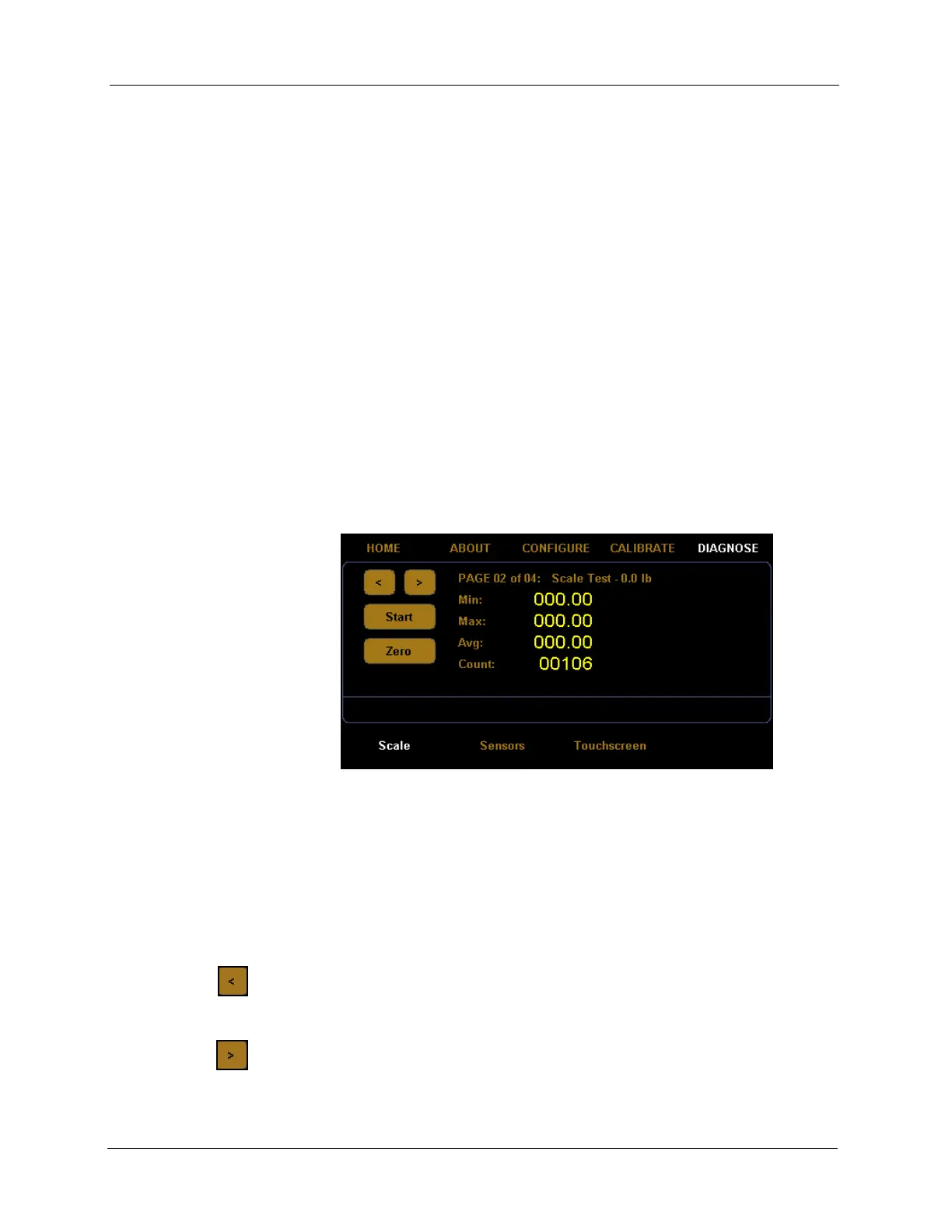
[>] button until you reach the first scale test screen.
Scale diagnostic screens two through four are for factory scale testing at
various weights (0, 25, and 50 lbs). To begin the test, place the appropriate
weight on the platform, and tap
[Start].
Tap the left arrow button
[<] to navigate left through the diagnostic scale
screens.
Tap the right arrow button
[>] to navigate right through the diagnostic scale
screens.
Figure 49
Second Scale Diagnostic Screen



 To Next Page