Setup Connecting to a Computer or Network
CubiScan 110-T 12
4. Insert the connector on the other end of the cable into the computer’s
network socket until it locks.
5. Refer to Appendix A “Communications Protocol” for information on the
TCP/IP command protocol and setup parameters. Contact Quantronix
if you need additional assistance.
For information on the Ethernet cable pin-outs, refer to Ethernet cable pin
assignments on page 60.
Serial Connection
Complete the following steps to connect the CubiScan 110-T to a computer
using a serial connection.
1. Place the computer in its permanent location, generally close to the
CubiScan. (Refer to “Placement” on page 8 for more information.)
2. Route the RS-232 serial communications cable through the opening in
the base so it cannot be crushed, bent, or pulled loose.
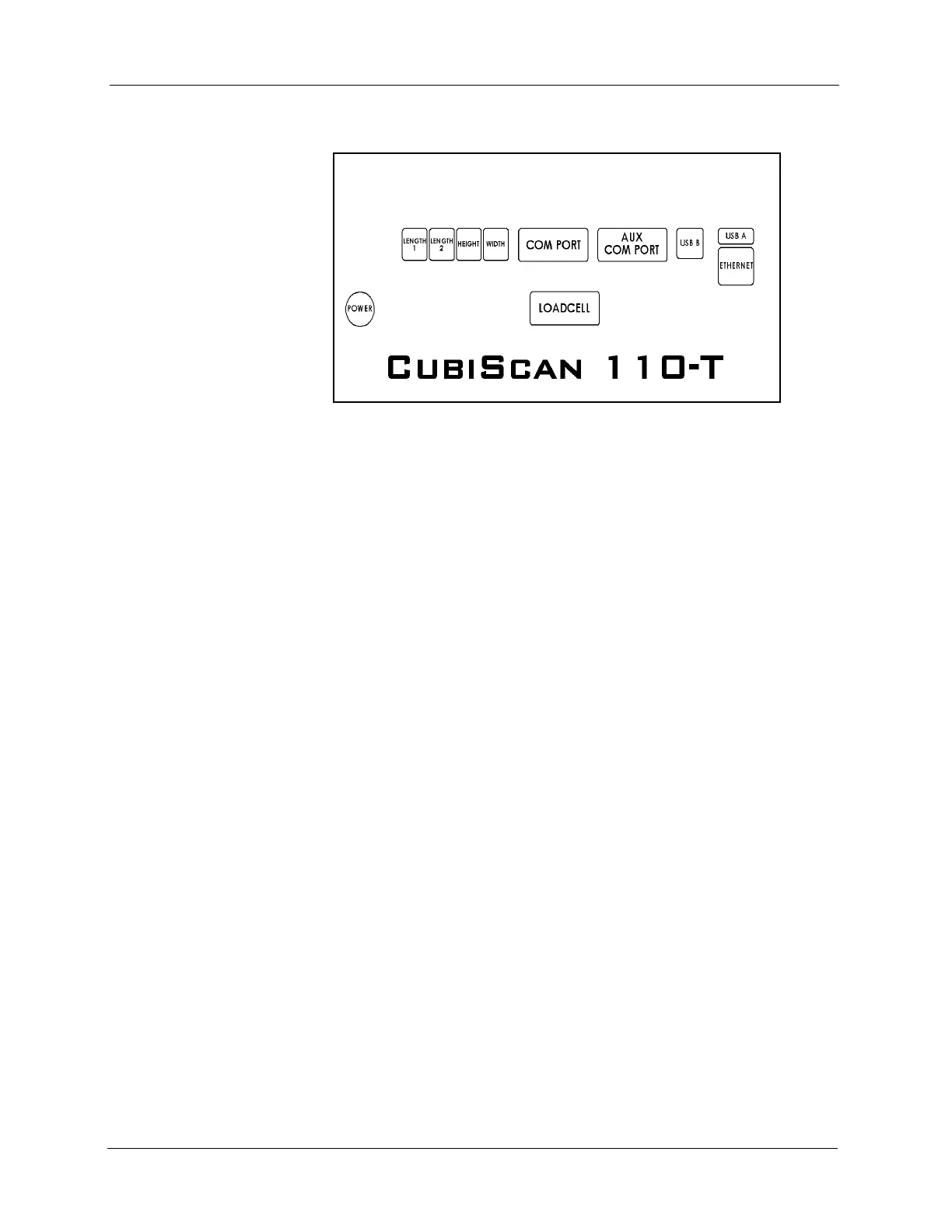
Figure 7
Back of Controller



 To Next Page