Setup Connecting to a Barcode Scanner (Optional)
CubiScan 110-T 14
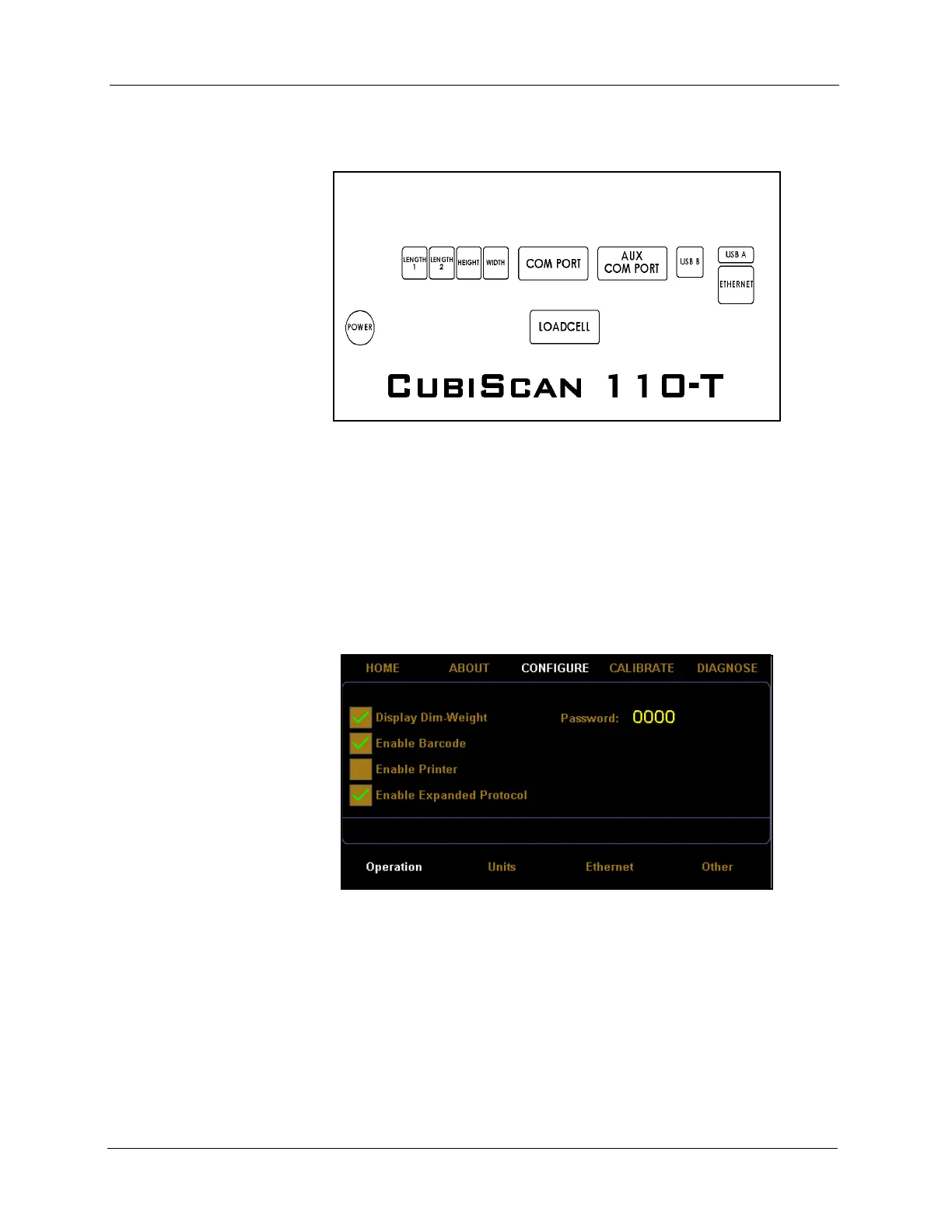
scanner connector on the back of the CubiScan controller, as shown
below.
3. Once the barcode scanner is connected to the CubiScan 110-T, you need
to turn the barcode feature on. On the CubiScan 110-T touchscreen, go
to
CONFIGURE > Operation.
4. Check the
Enable Barcode box, as shown below. Make sure that the
Enable Expanded Protocol box is also checked. This option must be
enabled for the barcode option to work properly.
Figure 9
Back of Controller
Figure 10
Barcode Enabled



 To Next Page