Troubleshooting Diagnostics
CubiScan 110-T 53
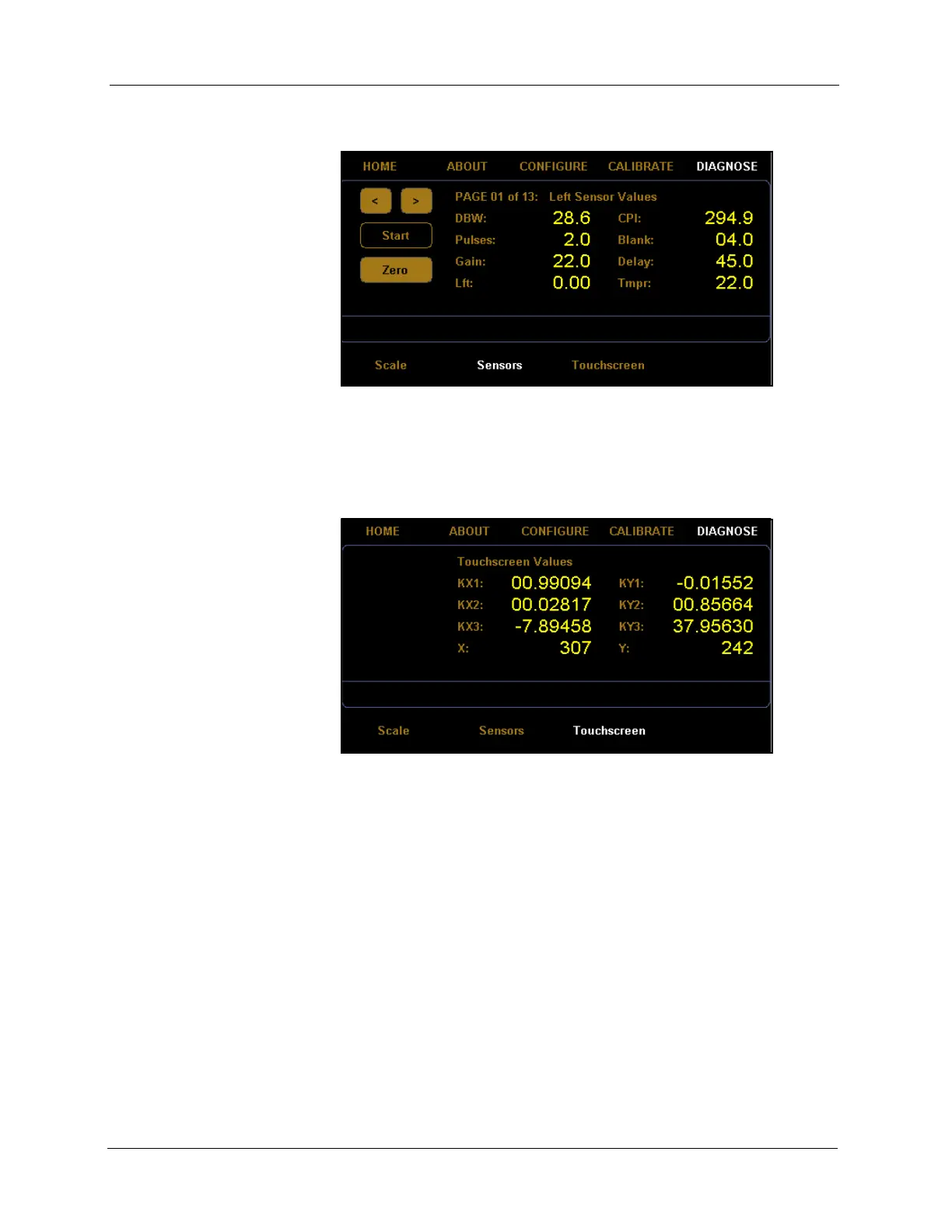
1. From the home screen, tap DIAGNOSE.
2. The diagnostic menu is displayed at the bottom of the screen. Select the
Touchscreen option if it is not already selected.
From this screen you can view the touchscreen calibration values.
Figure 53
First Sensor Diagnostic Screen
Figure 54
Touchscreen Diagnostics



 To Next Page